Five-party calling allows up to five people to participate in the same voice session. It is usually an ad hoc conference: participants are added while a call is in progress, without booking a conference room or organizing a scheduled meeting. The feature can be implemented by a SIP desk phone, an IP PBX conference bridge, or a hosted communications service.
A customer service agent is already speaking with a caller when the issue needs input from a technician, a supervisor, and an outside specialist. Instead of transferring the customer between separate calls, the agent can bring everyone into the same live conversation—provided the phone system supports the required conference function. The user-facing operation is simple, but the engineering implementation is not the same across these systems. Conference control, SIP signaling, audio mixing, endpoint limits, and PSTN call paths determine whether the fifth participant can join and what happens when the organizer leaves.
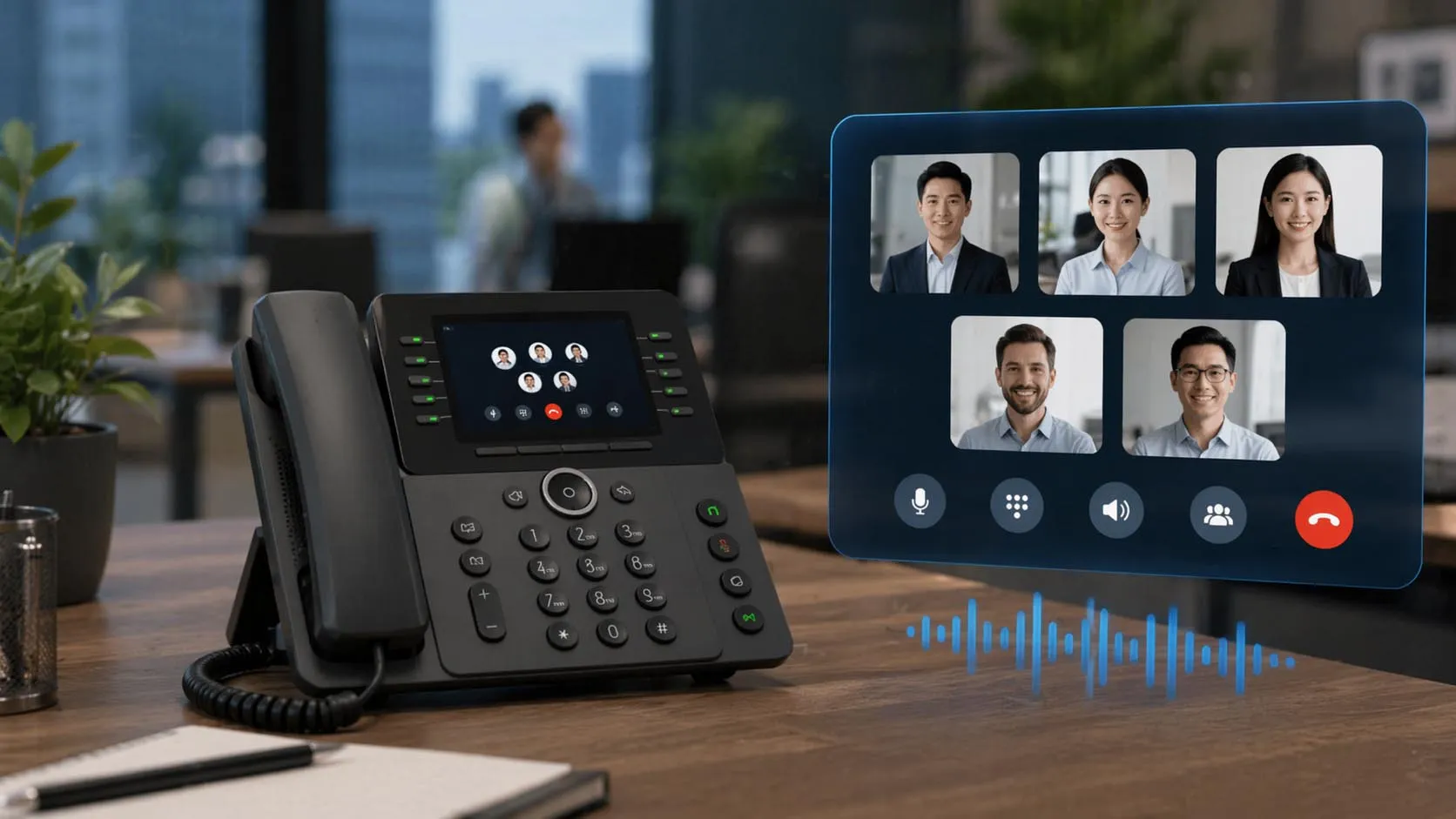
Five-party calling brings separate telephone participants into one interactive voice session.
What Counts as a Five-Party Call?
Five parties means a total of five participants, including the person who initiates the conference. The initiator can therefore speak with up to four other people. Some vendors describe conference capacity differently, so the supported number of total active participants—not merely the number of invitations or available call appearances—must be checked for each product. A five-party call is also different from placing several calls on hold. In a conference, connected participants can hear and speak to one another through a shared media arrangement. In separate held calls, each call remains isolated until the phone or call controller merges the participants.
Difference from Three-Way Calling
Three-way calling and five-party calling use the same basic idea: turn an existing conversation into a small multi-person discussion. The difference is the number of participant sessions and the work required to handle them. A five-party conference can involve more signaling state, media streams, codec processing, and network or trunk capacity than a three-way conversation.
This distinction is practical during procurement. A phone with a Conference key may support only three participants locally. A PBX with a conference feature may allow five or more participants but require configured media resources or an appropriate service license. You should not assume a capability merely from the button label.
Call Control, Audio Mixing, and Capacity
SIP Dialogs and Conference Control
In a SIP-based deployment, each telephone participant needs a valid call path into the conference. A call controller or conference focus maintains the signaling relationships and handles operations such as adding users, merging call legs, removing participants, and releasing the session.
SIP conferencing call control includes the conference focus, conference-aware user agents, and mechanisms used to join or invite participants. It is important to distinguish the signaling role from the media role: a SIP conference focus does not require all media mixing to occur on the same device that performs call control.
From the user's perspective, the operation may simply be Conference → Dial → Merge. Depending on the phone and PBX, the system may place the existing participant on hold during setup, create another outbound call leg, and update the conference after the additional person answers. The specific key sequence and signaling behavior vary by implementation.
Audio Mixing and Media Paths
After participants join, the conferencing function must provide intelligible mixed conversation. With a traditional audio mixing bridge, it receives incoming voice streams and prepares appropriate output audio for each participant, usually excluding that participant's own voice from the mix. Other media distribution arrangements are also possible depending on the platform architecture.
For VoIP connections, audio quality depends on codec compatibility, packet loss, jitter, latency, echo behavior, and media processing resources. When participants use different codecs or a combination of internal extensions and external PSTN access, transcoding or additional gateway processing may be required. These requirements should be verified, not assumed satisfied merely because SIP registration succeeded.
Permissions and Available Resources
Conference creation may be limited by account permissions, licensed feature sets, endpoint firmware, or media server capacity. If external telephone numbers are added, the deployment may also need outbound calling permissions and sufficient trunk or carrier capacity. Multiple simultaneous five-party calls must be evaluated separately from the maximum size of a single conference.
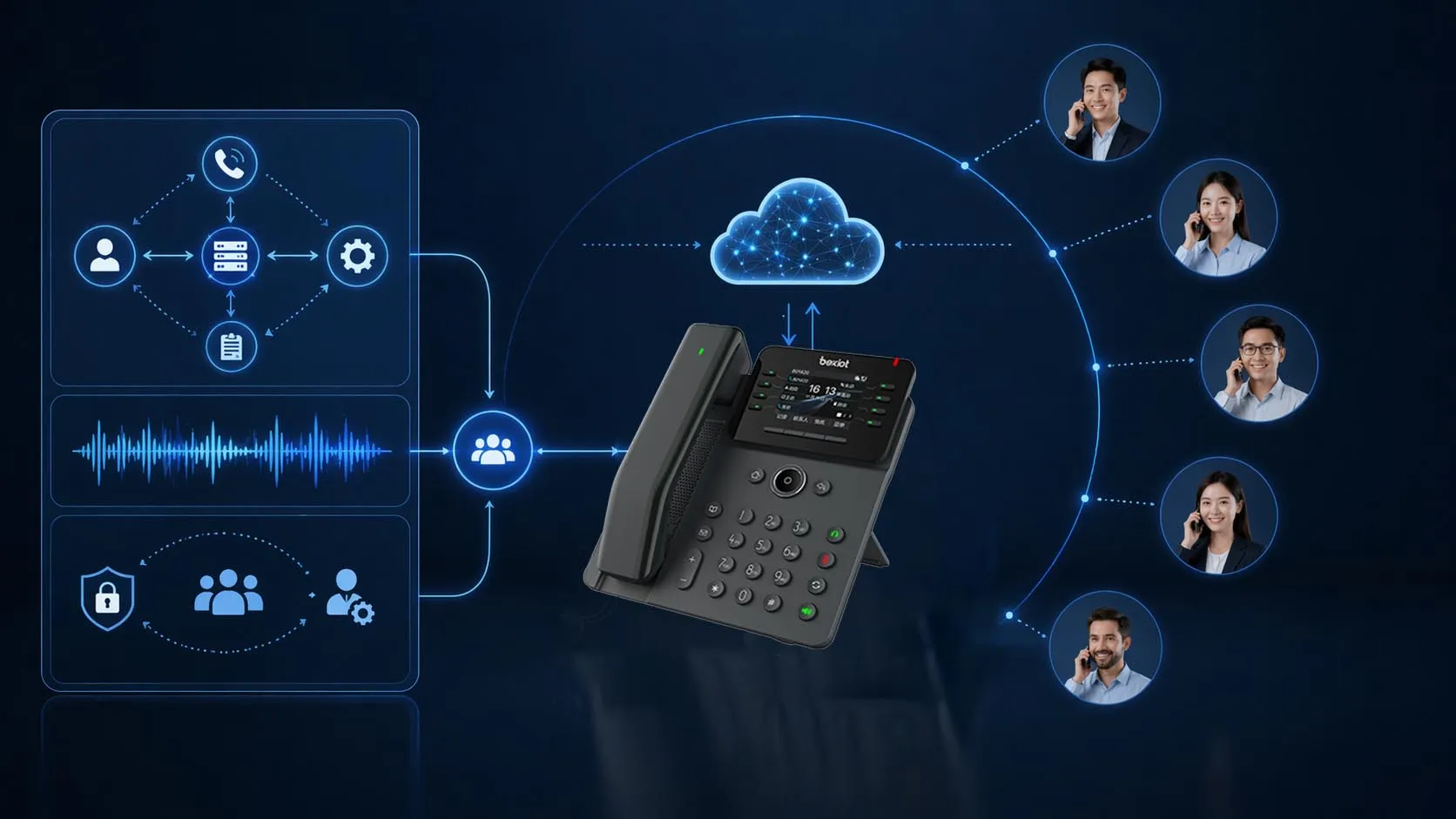
Signaling determines who belongs to the call; the media path and allocated conference resources determine how everyone hears one another.
Endpoint, PBX, and Cloud Conference Methods
There are three common implementation models. They can present similar controls to the user while placing the conference workload in different parts of the system.
| Method | Where the conference is handled | Best fit | Points to verify |
|---|
| Endpoint local conference | A supported desk phone or conference terminal manages the local conference and its audio processing. | Reception desks, small offices, and users who occasionally need to escalate a call quickly. | Maximum total participants, concurrent call support, firmware, codec behavior, and what happens when the phone disconnects. |
| PBX-hosted ad hoc conference | The IP PBX or a designated conference bridge handles conference media while the endpoint provides user controls. | Organizations needing consistent policy, shared conference resources, and managed SIP trunks. | Bridge allocation, software or DSP capacity, feature permissions, supported codecs, and concurrent conferences. |
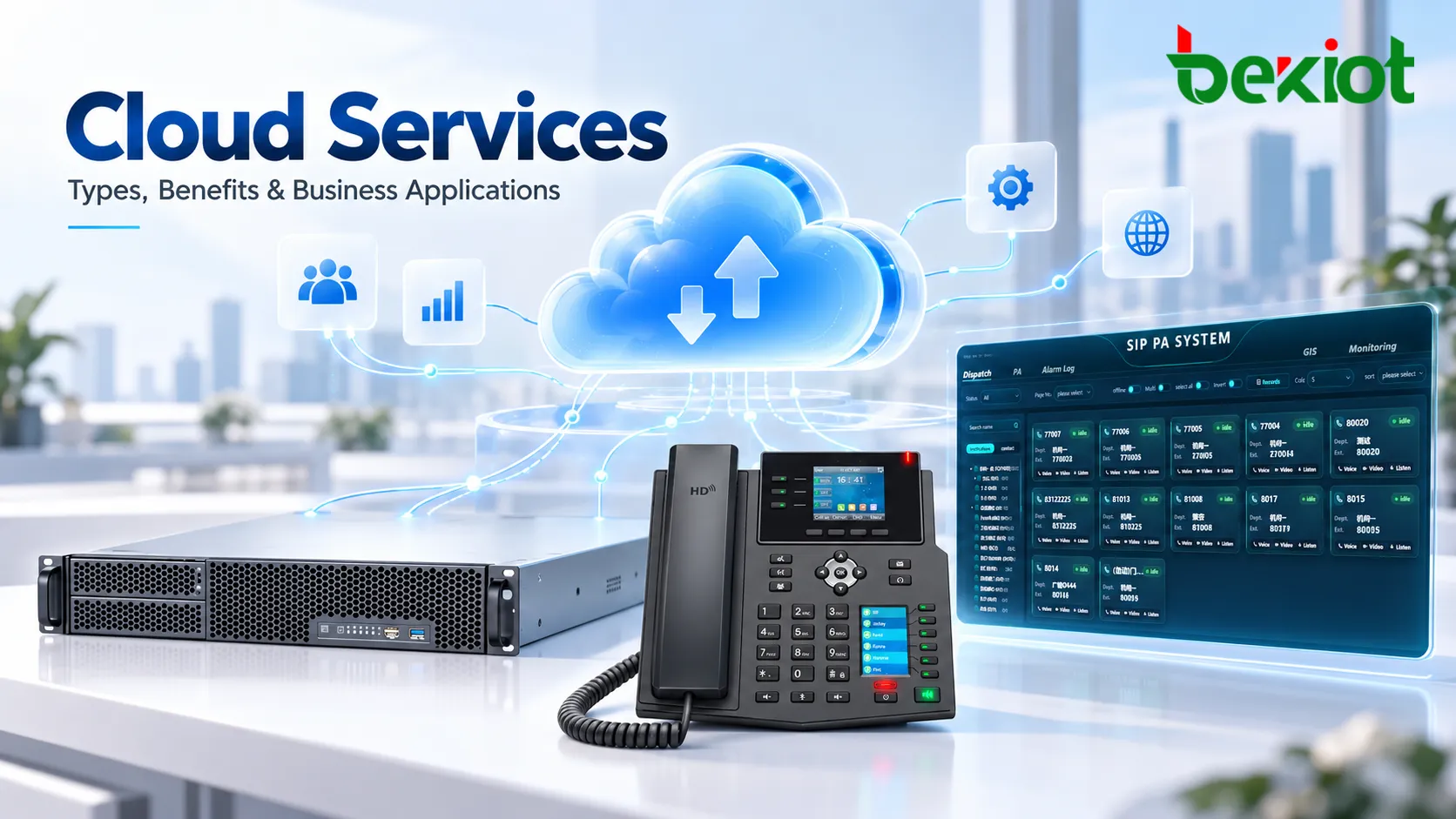
| Cloud-hosted conference | A service provider's conference resource handles the shared session for supported clients and access methods. | Distributed teams using cloud calling, soft clients, and supported external call paths. | Subscription entitlements, telephone dial-in/dial-out options, PSTN charges, regional coverage, and organizer controls. |
When a Local Phone Conference Is Best
A verified five-party-capable SIP phone is a straightforward choice for a small number of users. The advantage is operational simplicity: the user handles the conference on the phone. The limitation is that supported participant count and available media processing depend on the specific device and its configuration. Before rollout, local phone conferencing should be demonstrated with the intended PBX or provider.
When a PBX Conference Bridge Is Preferable
A PBX-managed approach is often more suitable when many users need repeatable conference controls, centrally managed permissions, and predictable media capacity. However, a PBX feature list alone does not confirm that the required conference bridge is active. Some systems use software-based bridges; others can use dedicated DSP resources or external conference servers. Resource allocation and supported participant counts must be checked on the deployed platform.
When a Cloud Audio Bridge Makes Sense
Hosted conferencing can reduce local media server requirements and support users across locations. Its workflow may differ from a desk phone's five-party conference. For example, a service that allows PSTN participants to dial into a scheduled meeting does not automatically support adding four external callers to any existing desk phone call. Confirm the exact ad hoc workflow, supported clients, and applicable license rather than treating all cloud meeting services as interchangeable.
How to Add Five Participants Step by Step
The following sequence describes a common ad hoc conference workflow, not the fixed key sequence for every phone or PBX. Refer to the operating instructions for the actual endpoint and communications platform.
Start a normal call. The initiating user establishes a stable two-party conversation with the first participant and confirms two-way audio.
Open the conference function. Select the supported Conference, Add Call, or equivalent control. Depending on the system, the current call or participant may be placed on hold while a further call is set up.
Dial the next participant. Choose an internal extension or an allowed external number. Wait for the person to answer before using the merge or conference command.
Merge the call legs. Confirm that the newly connected participant joins the existing conversation and can hear the other parties. Some systems merge automatically; others require a second confirmation.
Repeat until the limit is reached. Add the remaining participants one by one until the call contains five people in total, including the initiator. Where the interface provides a visible participant count, check it.
Verify conference behavior. Have several participants speak in turn. Test mute and permitted participant-removal actions, and determine whether the conference stays active when an ordinary participant—or the organizer—disconnects.
When calls are merged, the conference system may move media from the original endpoint to the PBX or hosted conference bridge. This internal change is not always visible to the user. If an added call is not merged, the initiator may simply have two separate calls, one active and one held.
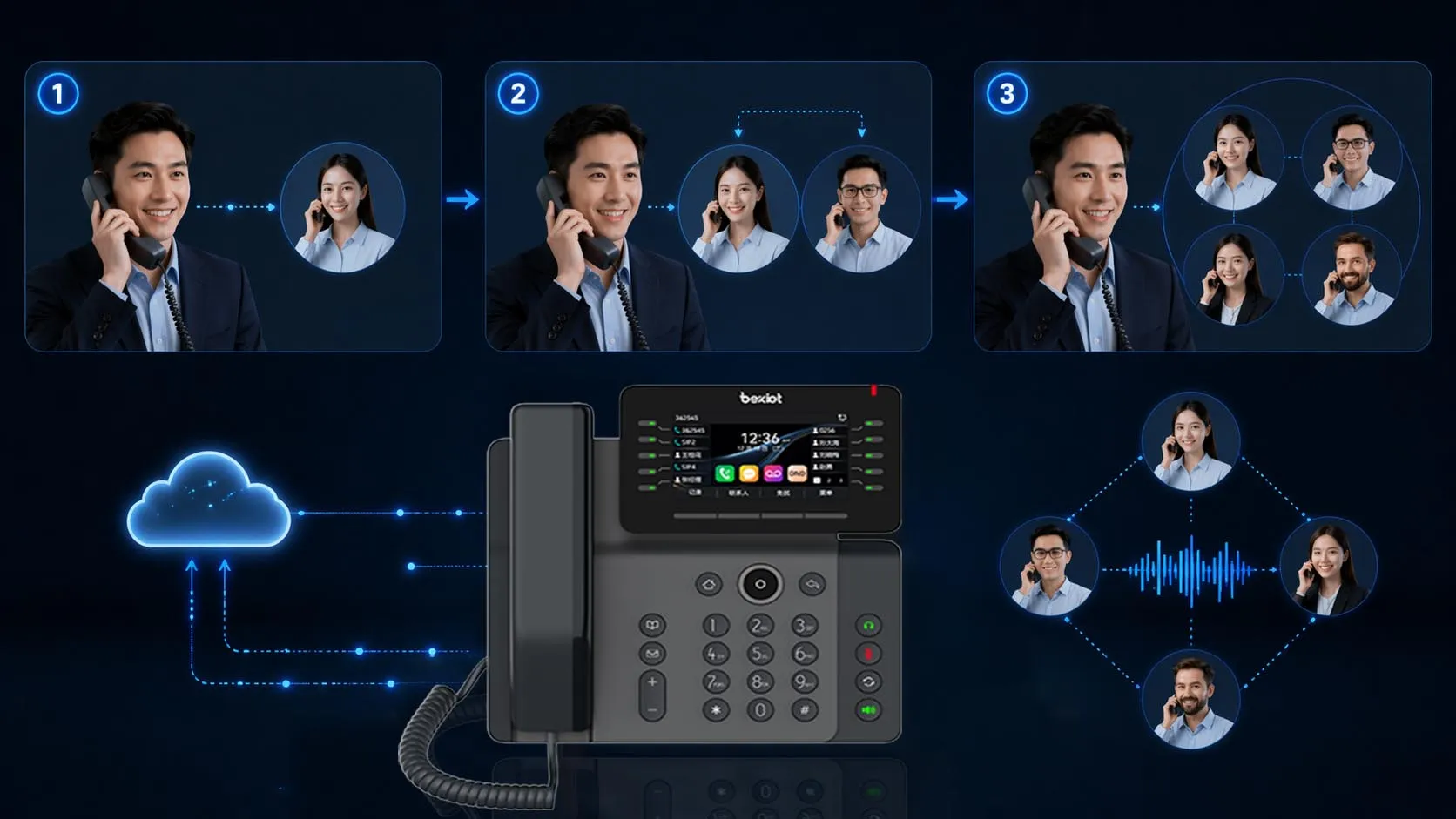
A typical five-party session starts with two connected people and expands through additional calls and conference merges.
Deployment Checks, Troubleshooting, and Use Cases
Pre-Deployment and Acceptance Checklist
Whether the conference is hosted by the endpoint, PBX, or cloud service, confirm the following before enabling the feature for a large user group.
Participant limit: Determine whether five means five total including the host, and verify that the fifth participant can join successfully.
Device and service compatibility: Check endpoint model, firmware, call server software, conference feature permissions, and any cloud subscription requirements.
Internal and external access: Test the intended mix of SIP extensions, mobile clients, and PSTN numbers; confirm dial-out permissions and available trunks.
Media quality: Check intelligibility and two-way audio using the codecs and network routes that real participants will use.
Concurrent conferences: Test the expected busy-hour number of simultaneous sessions against conference bridge, media server, and trunk resources.
Control and failure behavior: Confirm hold, merge, mute, disconnect, host departure, and behavior when an individual call leg is interrupted.
Recording and notification: If calls are recorded, confirm where mixing and recording occur, what is captured, and whether participants receive the notices required by applicable policy.
Acceptance records should distinguish between a call that connected and one in which all participants could hear one another. A successful SIP response or phone display does not, by itself, prove acceptable mixed audio. Record the observed result, involved endpoints, and any limitation found; do not extrapolate performance from a single uncongested test.
Common Problems and What to Check
| Observed problem | Likely area to investigate | Practical check |
|---|
| The fifth person cannot join | Participant limit, conference permission, call leg or media resource exhaustion | Check the configured conference cap, licenses, conference bridge availability, and live error or event logs. |
| The new call connects but is not in the conference | Incomplete merge operation or unsupported endpoint workflow | Reproduce the prescribed phone/PBX sequence and confirm conference state after each merge. |
| Some users hear one-way or missing audio | RTP routing, NAT, firewall rules, media anchoring, or codec negotiation | Compare media paths before and after the conference starts; inspect signaling and media diagnostics where available. |
| Speech breaks up with multiple active speakers | Jitter, packet loss, delay, transcoding, or media processing limits | Check network voice quality data and conference bridge resource usage under representative load. |
| Everyone disconnects when the organizer leaves | Controller-dependent local conference or configured host policy | Check documented conference ownership and test host departure on the intended platform. |
Where Five-Party Calling Is Most Useful
Customer support escalation is a natural fit: the agent keeps the customer connected while a technician, specialist, and supervisor join. Business decision calls allow an account owner to bring in the people needed to resolve an issue without repeatedly transferring the call. In service and dispatch operations, an operator may coordinate a small number of field contacts and supervisors, as long as the platform's call permissions and media design support the required interactive conversation.
For small teams, voice-only ad hoc conferencing may be faster than creating a scheduled online meeting. However, where communication is safety-critical, a five-party telephone conference should not be treated as a guaranteed replacement for a purpose-designed emergency communication system with independent continuity and operational requirements.
Choose the implementation around actual user behavior: local conferencing for limited, verified device-based use; PBX conferencing when controlled shared resources matter; or a cloud service when the supported workflow fits distributed users. The choice should be based on testing, not on whether a conference icon appears on a product screen.
Frequently Asked Questions
Does five-party calling include the conference organizer?
Usually yes: it means a total of five connected people, so the organizer can add up to four others. Vendor terminology may differ, so confirm whether the advertised limit counts the initiating endpoint or only invited participants.
Can an external mobile or landline number join a five-party call?
Yes, if the PBX, endpoint, or hosted service supports adding external numbers and the account has the necessary outbound dialing permissions. Even if internal conference calls are included in the service, external participation may consume carrier channels or incur call charges.
Can a five-party conference be recorded as one conversation?
Possibly, but only if a supported recording function captures the appropriate conference media. A recording feature that captures ordinary two-party calls may not record a locally mixed conference in the same way. Verify capture scope, storage, access permissions, and applicable recording-consent rules.
If one participant drops, will the other four stay connected?
That depends on which participant disconnects and where the conference is hosted. A server-based conference bridge may retain the remaining legs after a participant drops, while a controller-dependent local conference may end when its host disappears. Confirm this with a controlled test.
Is five-party calling the same as a five-party elevator intercom system?
No. A five-party elevator intercom refers to communication among defined elevator safety and maintenance locations, usually involving dedicated wiring, gateways, and control-room procedures. General five-party calling describes an ad hoc telephone conference limited to five participants. Both may involve SIP technology, but their operational requirements are different.