Small Business VoIP Phone System Selection Guide for Reliable Communication
A practical guide to choosing a small business VoIP phone system, covering cloud, on-premise and hybrid options, call quality, features, pricing, security, endpoints, support, and long-term scalability.
Becke Telcom
Choosing the right small business VoIP phone system is not only about finding the lowest monthly fee. A good system should help your company answer customer calls, manage internal communication, support remote work, follow up on sales opportunities, handle service requests, and grow without making daily operation more complicated.
For many small businesses, the phone system is still one of the most important tools for customer trust. Customers may call before placing an order, booking a service, requesting support, confirming delivery, or asking for urgent help. If calls are missed, routed poorly, or sound unclear, the business may lose both revenue and credibility.
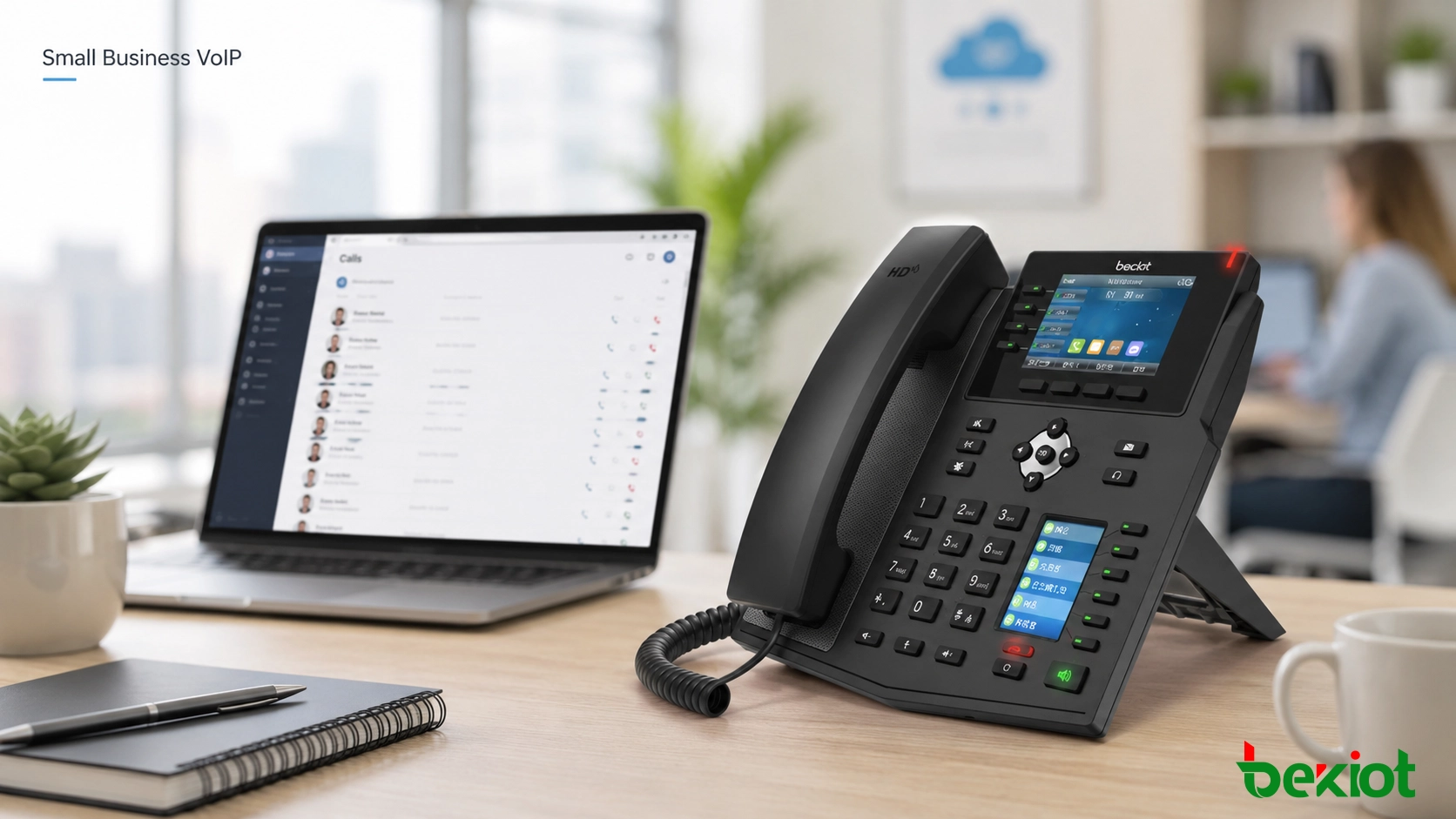
A small business VoIP phone system uses internet protocol technology to make and receive calls over an IP network instead of relying only on traditional phone lines. It can support desk phones, softphones, mobile apps, SIP trunks, voicemail, call routing, call recording, conference calls, and integration with business software. The right solution can make a small company look more professional while keeping communication easier to manage.
A small business VoIP phone system should match the company’s call volume, user roles, remote work needs, and long-term growth plan.
Start with Real Communication Needs
Before comparing providers, the first step is to understand how your business uses voice communication every day. Some companies only need basic incoming and outgoing calls. Others need call queues, auto attendant, voicemail, call recording, CRM integration, mobile extensions, or multi-location management.
Review who answers calls, who makes outbound calls, which departments need extensions, how many calls arrive during busy hours, and whether employees work from the office, home, warehouse, field, or different branches. A system that fits the real workflow will be easier for employees to use and easier for administrators to maintain.
It is also useful to separate must-have features from nice-to-have features. Must-have functions may include business phone numbers, extensions, voicemail, call forwarding, auto attendant, mobile app access, and stable external calling. Advanced functions may include analytics, call recording, CRM screen pop, IVR menus, call monitoring, video meetings, and multi-site routing.
Main Deployment Options
Cloud-Based VoIP
Cloud-based VoIP is often the easiest option for small businesses. The service provider hosts the phone system, and the business connects through IP phones, softphones, or mobile apps. This model usually requires less on-site hardware and can be deployed quickly.
Cloud VoIP is suitable for small offices, remote teams, professional service firms, retail stores, clinics, repair businesses, and companies that want simple management. The main points to check are monthly cost, internet reliability, support quality, call features, contract terms, and data security policies.
On-Premise IP PBX
An on-premise IP PBX is installed in the company’s own office, server room, or local network. It gives the business more control over call routing, internal extensions, recordings, local devices, SIP trunks, and system configuration.
This model may require higher upfront investment and more technical maintenance, but it can be suitable for companies with strict control requirements, local communication needs, special integrations, or environments where cloud dependency is not preferred.
Hybrid VoIP
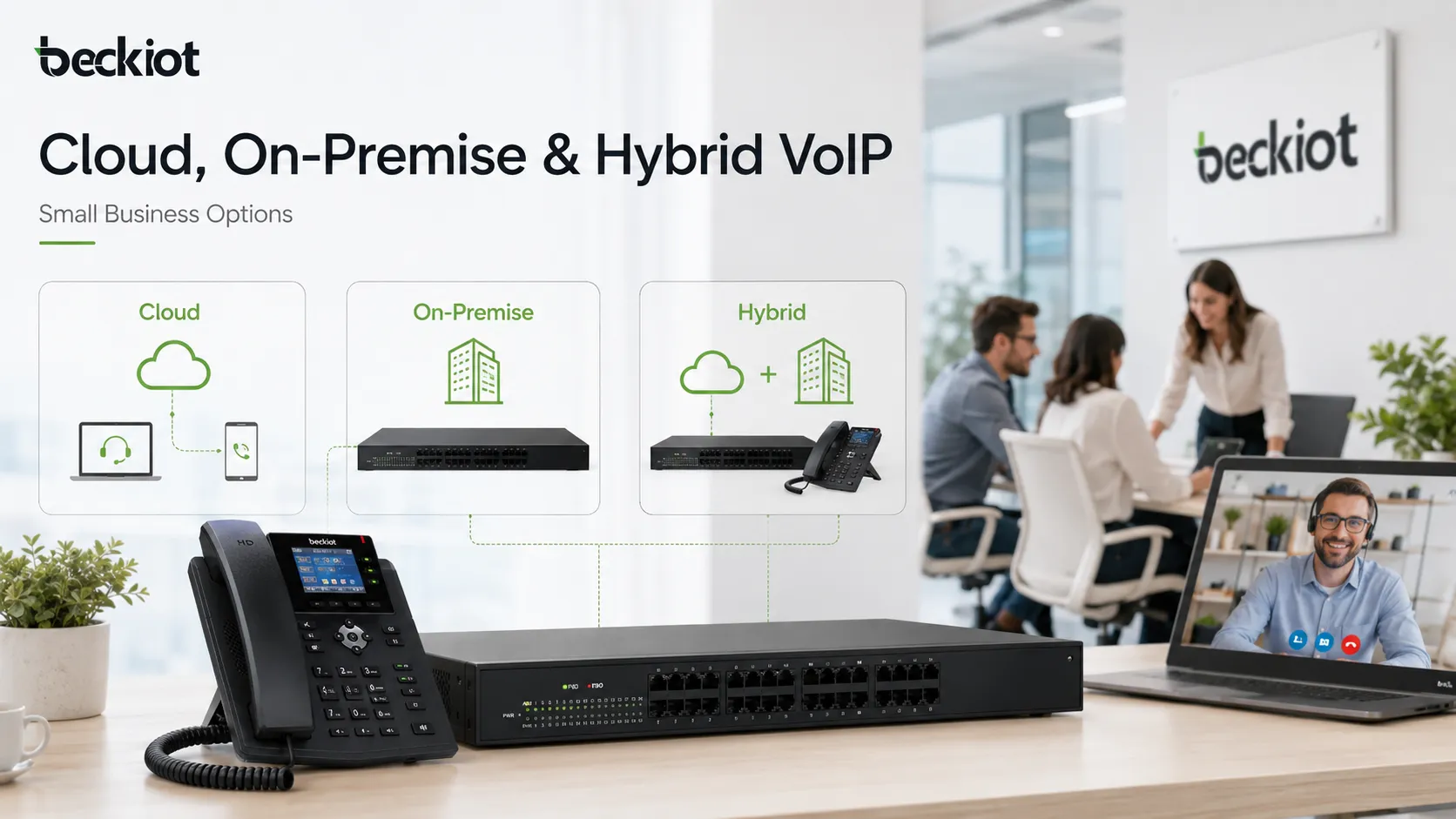
Hybrid VoIP combines cloud services, local equipment, SIP trunks, and existing phone infrastructure. It is useful when a small business wants to modernize gradually instead of replacing every phone, analog device, or legacy line at once.
For example, a company may keep analog fax machines, door phones, elevator phones, backup PSTN lines, or existing desk phones while adding VoIP for office extensions and external calls. Hybrid deployment can reduce migration risk and provide more flexibility during transition.
Small businesses can choose cloud VoIP, on-premise IP PBX, or hybrid VoIP according to budget, control, security, and existing infrastructure.
Call Quality Depends on the Network
VoIP call quality depends heavily on network performance. Before choosing a phone system, check upload bandwidth, router performance, Wi-Fi coverage, packet loss, latency, and jitter. A fast internet plan does not always guarantee clear voice if the network is unstable or poorly configured.
Small businesses should also consider what happens when multiple users are on calls while other applications use the same connection. Video meetings, cloud software, file transfers, surveillance cameras, and guest Wi-Fi can all compete with voice traffic.
Quality of Service settings can prioritize voice packets over less time-sensitive traffic. Managed switches, business-grade routers, voice VLANs, and proper firewall configuration can help reduce call drops, echo, delay, and unstable audio. A low-cost VoIP plan will not perform well on a weak network.
Features Worth Comparing
Auto Attendant and IVR
An auto attendant answers incoming calls automatically and routes callers to the correct department or extension. IVR allows callers to select options such as sales, support, billing, or emergency service through keypad input.
For small businesses, these functions can create a more professional caller experience without requiring a full-time receptionist. They also reduce missed calls and improve call distribution during busy hours.
Call Forwarding and Mobile Access
Call forwarding sends calls to mobile phones, remote workers, backup numbers, or other extensions. A mobile app allows employees to use the company phone number from a smartphone while keeping personal numbers private.
This is important for field staff, hybrid work, after-hours service, sales teams, technicians, and business owners who are often away from the office.
Voicemail and Voicemail-to-Email
Voicemail ensures that customers can leave messages when your team cannot answer. Voicemail-to-email sends recordings or notifications to an email inbox, making follow-up faster and easier.
This feature is especially useful for small teams that cannot answer every call in real time but still need to respond reliably.
Call Recording and Call Logs
Call recording can help with staff training, service quality review, order confirmation, and dispute resolution. Call logs help managers understand missed calls, call duration, customer response patterns, and team activity.
Before enabling recording, the business should check local privacy and consent requirements. Some regions require informing callers or obtaining consent before calls are recorded.
Call Queues and Ring Groups
Call queues place callers in line when all team members are busy. Ring groups allow multiple phones to ring together or in sequence. These features are useful for support teams, clinics, repair services, sales departments, and service desks.
Even a small business can benefit from these functions when incoming calls directly affect revenue, scheduling, or customer satisfaction.
Pricing Should Be Reviewed as a Total Cost
Many providers advertise a monthly price per user, but the real cost may include setup fees, number porting, desk phones, international calling, call recording storage, advanced features, support plans, taxes, compliance charges, and contract commitments.
When comparing prices, calculate the total cost for at least one year. Include hardware, software, installation, training, support, network upgrades, and any feature add-ons the business actually needs.
Contract flexibility also matters. Some providers offer month-to-month plans, while others require annual or multi-year agreements. A lower monthly price may come with less freedom. Small businesses should check cancellation terms, number ownership, upgrade options, user changes, and support response times before signing.
Security and Reliability Cannot Be Ignored
VoIP systems can be exposed to toll fraud, unauthorized registration, phishing, password attacks, and service disruption. A suitable system should support strong passwords, role-based administrator access, account lockout policies, secure provisioning, and clear permission controls.
Administrators should avoid default passwords, disable unused accounts, review call permissions, and monitor unusual call activity. These basic actions help protect both phone bills and customer communication.
For businesses with remote users, SIP trunks, or sensitive communication, security features such as TLS, SRTP, VPN access, firewall rules, and Session Border Controllers may be important. Every small business should ask how the provider protects SIP accounts, call traffic, admin portals, backups, and customer data.
Power and internet outages should also be considered. VoIP depends on routers, switches, phones, and internet service. Businesses that cannot afford missed calls should plan for UPS power, backup internet, mobile forwarding, failover routing, and emergency call handling.
Emergency Calling and Compliance
VoIP emergency calling may work differently from traditional phone service because the phone number is not always tied to a fixed physical line. Businesses should confirm how emergency address registration, location updates, and emergency routing are handled.
If employees use softphones or work remotely, emergency location management becomes more important. The provider should clearly explain how emergency calls are routed and what the business must configure.
Privacy and compliance should also be considered when the system records calls, stores voicemail, handles customer data, or connects with CRM software. Different regions and industries may have different requirements for recording notice, data retention, and access control.
Business Software Integration
For sales and support teams, CRM integration can improve productivity. Incoming calls can display customer records, call notes can be saved automatically, and follow-up tasks can be connected to customer history.
Helpdesk integration can also help support teams connect phone calls with tickets, service requests, and customer issues. This is useful when phone communication is part of a larger customer service workflow.
Some VoIP platforms also include messaging, video meetings, team chat, file sharing, and presence status. These tools can be useful for remote teams, but small businesses should avoid paying for collaboration features that duplicate tools they already use.
Choose Endpoints by User Role
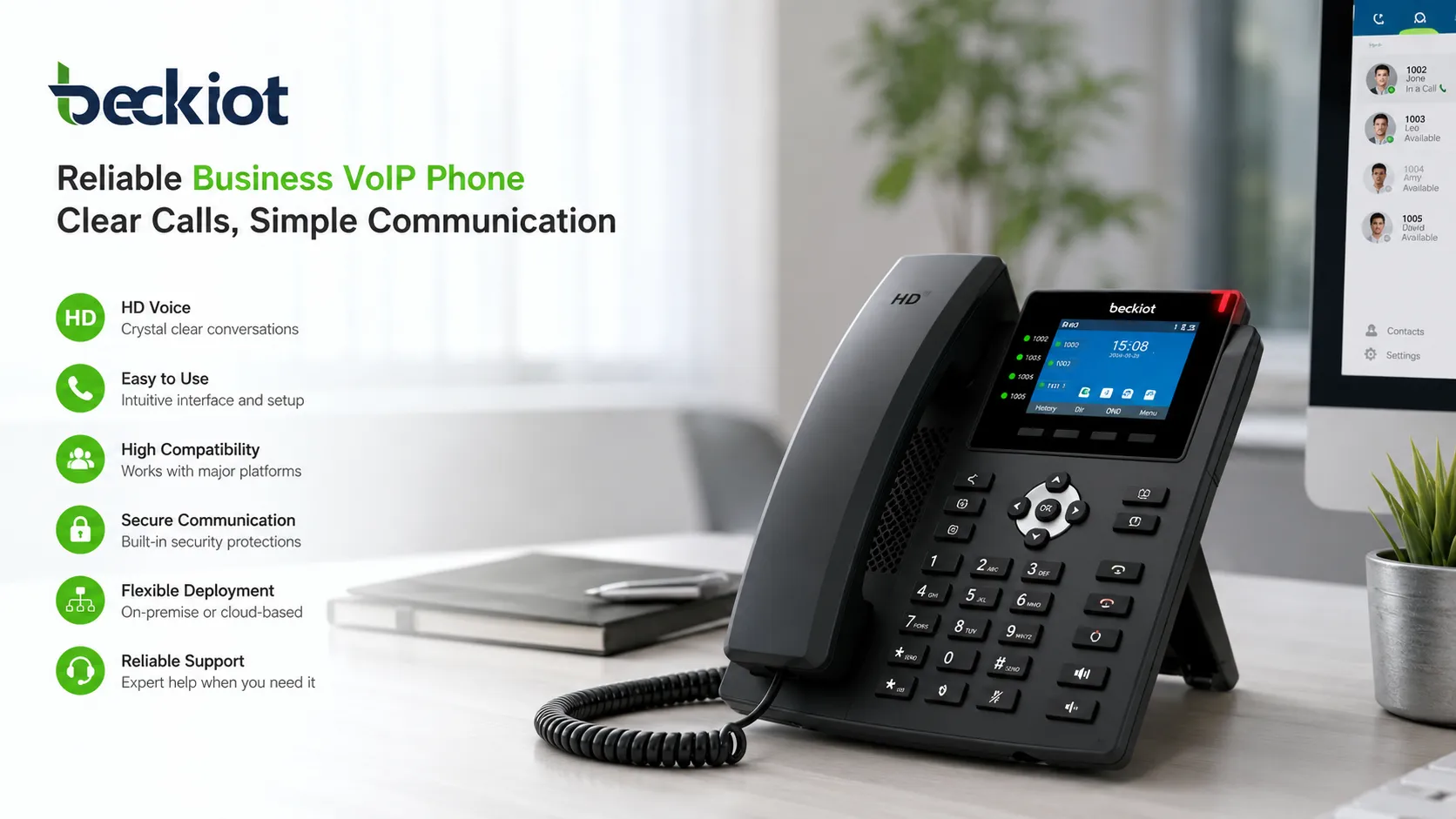
Some employees prefer physical desk phones because they are stable, familiar, and easy to use. Others may only need softphones or mobile apps. A good small business VoIP system should support different working styles instead of forcing every user into one device type.
Reception desks, managers, sales teams, support staff, warehouse supervisors, meeting rooms, and remote workers may all need different endpoints. Choosing devices according to user roles can reduce waste and improve adoption.
Some small businesses operate in warehouses, workshops, outdoor facilities, clinics, hotels, parking areas, or light industrial sites. In these environments, standard office phones may not be enough. Rugged SIP phones, paging speakers, intercoms, emergency phones, or waterproof telephones may be required.
For these special environments, companies can consider SIP-compatible industrial endpoints from suitable suppliers. Becke Telcom can be considered when a project needs rugged SIP telephones, waterproof communication terminals, emergency phones, paging endpoints, or field communication devices connected to a VoIP system.
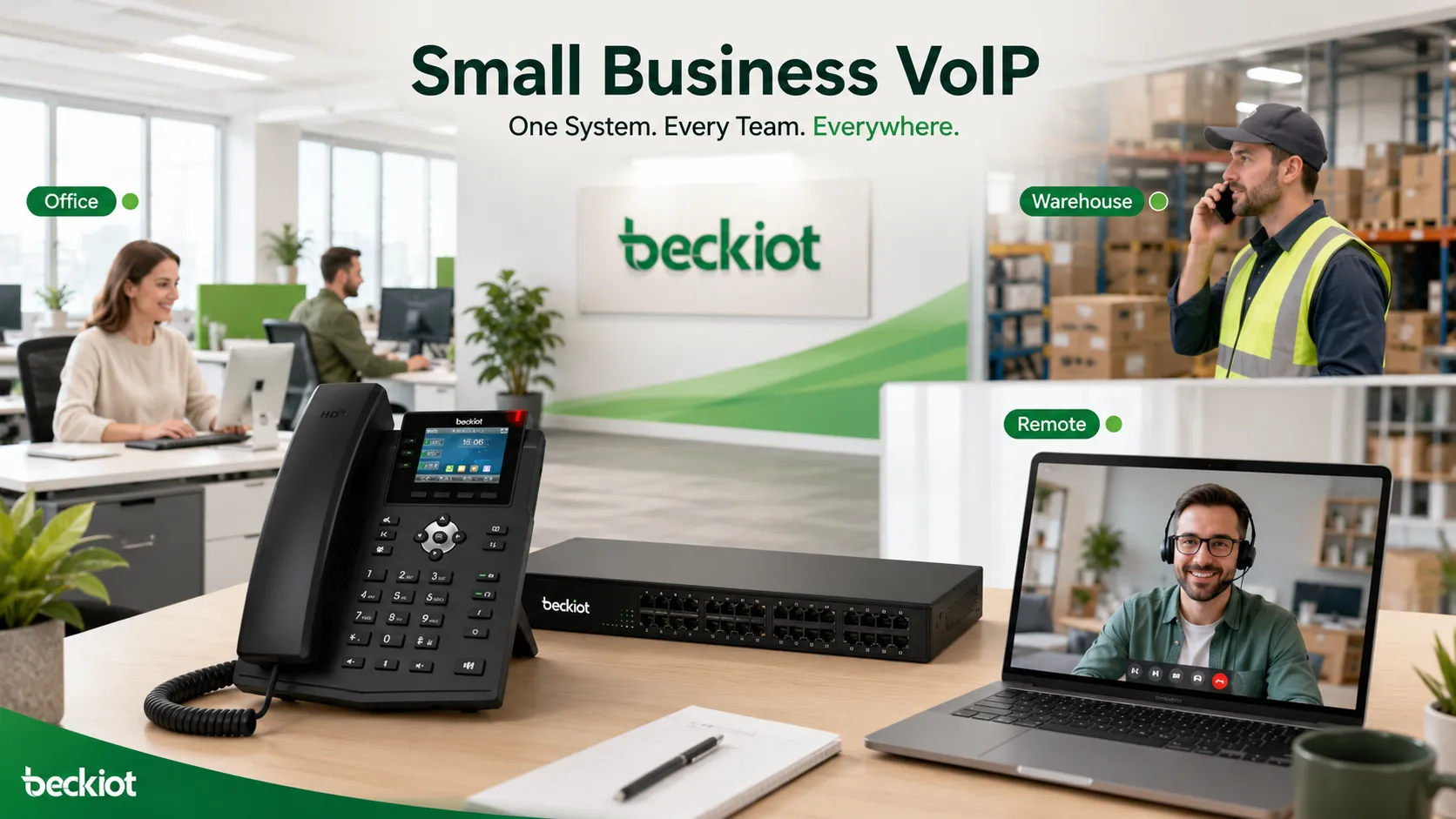
The best small business VoIP phone system should support office users, mobile employees, service teams, and operational areas through suitable endpoints.
Support Quality and Pilot Testing
Small businesses often do not have a dedicated telecom team, so provider support is very important. Check whether the provider offers phone support, live chat, email support, onboarding help, documentation, emergency support, and configuration assistance.
Support hours, response time, escalation process, and whether technical configuration is included should be reviewed before deployment. A good provider should not only sell the phone system but also help the business keep it stable.
Before moving the entire company to a new VoIP system, test the service with a small group of users. Check call quality, mobile app performance, voicemail, call routing, number porting, headset compatibility, admin management, and user training needs. A pilot test can reveal network issues and workflow problems before they affect the whole business.
Practical Selection Checklist
Selection Area
What to Check
Why It Matters
Business Needs
User count, call volume, departments, remote users, locations
Helps avoid choosing a system that is too small or too complex
Deployment Model
Cloud, on-premise, or hybrid VoIP
Affects cost, control, maintenance, and flexibility
Call Quality
Bandwidth, latency, jitter, packet loss, QoS
Determines whether calls are clear and reliable
Features
Auto attendant, voicemail, recording, queues, mobile app
Supports daily workflow and customer communication
Protects the system from misuse and unauthorized access
Pricing
User fees, hardware, setup, add-ons, support, contract terms
Shows the real long-term cost of the system
Scalability
New users, new branches, integrations, future upgrades
Allows the phone system to grow with the business
Common Mistakes to Avoid
Choosing Only the Cheapest Plan
The cheapest VoIP plan may not include the features, support, call quality, or reliability the business needs. A low monthly price can become expensive if it causes missed calls, poor customer experience, downtime, or difficult support.
Instead of comparing price alone, compare total value. The right system should save time, support customers better, and reduce communication problems.
Ignoring Number Porting
A business phone number may already appear on advertisements, search listings, customer records, packaging, vehicles, and websites. Before switching providers, confirm whether existing numbers can be ported, how long the process takes, and what happens during the transition.
Poor number porting planning can cause missed calls or business disruption.
Skipping Employee Training
Even a good VoIP system can fail if employees do not know how to use it. Basic training should cover call transfer, voicemail, mobile app use, conference calling, call forwarding, and emergency procedures.
Training helps users adopt the system faster and reduces support requests after deployment.
Conclusion
The best small business VoIP phone system is the one that matches the company’s real communication needs, not simply the one with the most features or the lowest advertised price. A good system should provide clear call quality, reliable service, easy management, useful features, strong security, flexible pricing, and room for future growth.
Before making a decision, review call volume, user roles, remote work needs, deployment preference, network readiness, required features, endpoint types, provider support, emergency calling, and total cost. A pilot test before full deployment can help avoid mistakes.
For many small businesses, VoIP can improve professionalism, customer response, internal collaboration, and long-term communication efficiency. With the right planning, it becomes more than a phone service; it becomes a practical communication platform that supports daily business growth.
FAQ
What is the best VoIP phone system for a small business?
The best system depends on business size, call volume, budget, remote work needs, required features, and support expectations. A small office may prefer cloud VoIP, while a business with special control or integration needs may choose on-premise or hybrid VoIP.
How much does a small business VoIP phone system cost?
The cost usually depends on the number of users, calling plan, phone hardware, setup fees, advanced features, support level, and contract terms. Businesses should compare total yearly cost instead of only the monthly user price.
Can I use my existing business phone number with VoIP?
In many cases, yes. This process is called number porting. Before switching, confirm that the provider supports porting your existing numbers and ask about timing, required documents, and possible service interruption.
Do small businesses need desk phones for VoIP?
Not always. Some teams can use softphones or mobile apps only. However, desk phones may still be useful for reception areas, managers, support teams, meeting rooms, warehouses, and employees who prefer dedicated phone hardware.
Is VoIP reliable enough for small businesses?
VoIP can be reliable when supported by a stable internet connection, suitable network equipment, QoS settings, proper configuration, and backup plans. Businesses that depend heavily on phone calls should also plan for internet or power outages.