Wi-Fi Phones and SIP Softphone Terminals for Mobile Enterprise Communication
A practical guide to choosing between dedicated Wi-Fi phones and Android SIP softphone terminals for enterprise mobility, campus communication, dispatch workflows, industrial sites, and SIP-based wireless voice systems.
Becke Telcom
Many IP PBX, softswitch, VoIP, and converged communication projects need mobile voice terminals that can work over Wi-Fi. The reason is simple: staff no longer stay at one desk all day. Security guards move through buildings, maintenance workers walk between equipment rooms, medical staff move between wards, warehouse teams work across different zones, and hotel or property service teams need to answer calls while they are on the move.
For these projects, there are two common ways to build wireless SIP voice access. One is to use a dedicated Wi-Fi phone. The other is to use an Android smart terminal with a SIP softphone application. Both can register to an IP PBX or SIP server and make calls through a wireless network, but they are not the same type of solution.
A dedicated Wi-Fi phone is closer to a mobile version of a desk IP phone. It focuses on calling, battery operation, simple handling, and SIP extension access. An Android smart terminal is closer to a mobile application platform. It can support SIP calling, video, messaging, positioning, work orders, field reporting, and customized business workflows. The right choice depends on whether the project only needs mobile voice or a broader mobile communication and dispatch process.
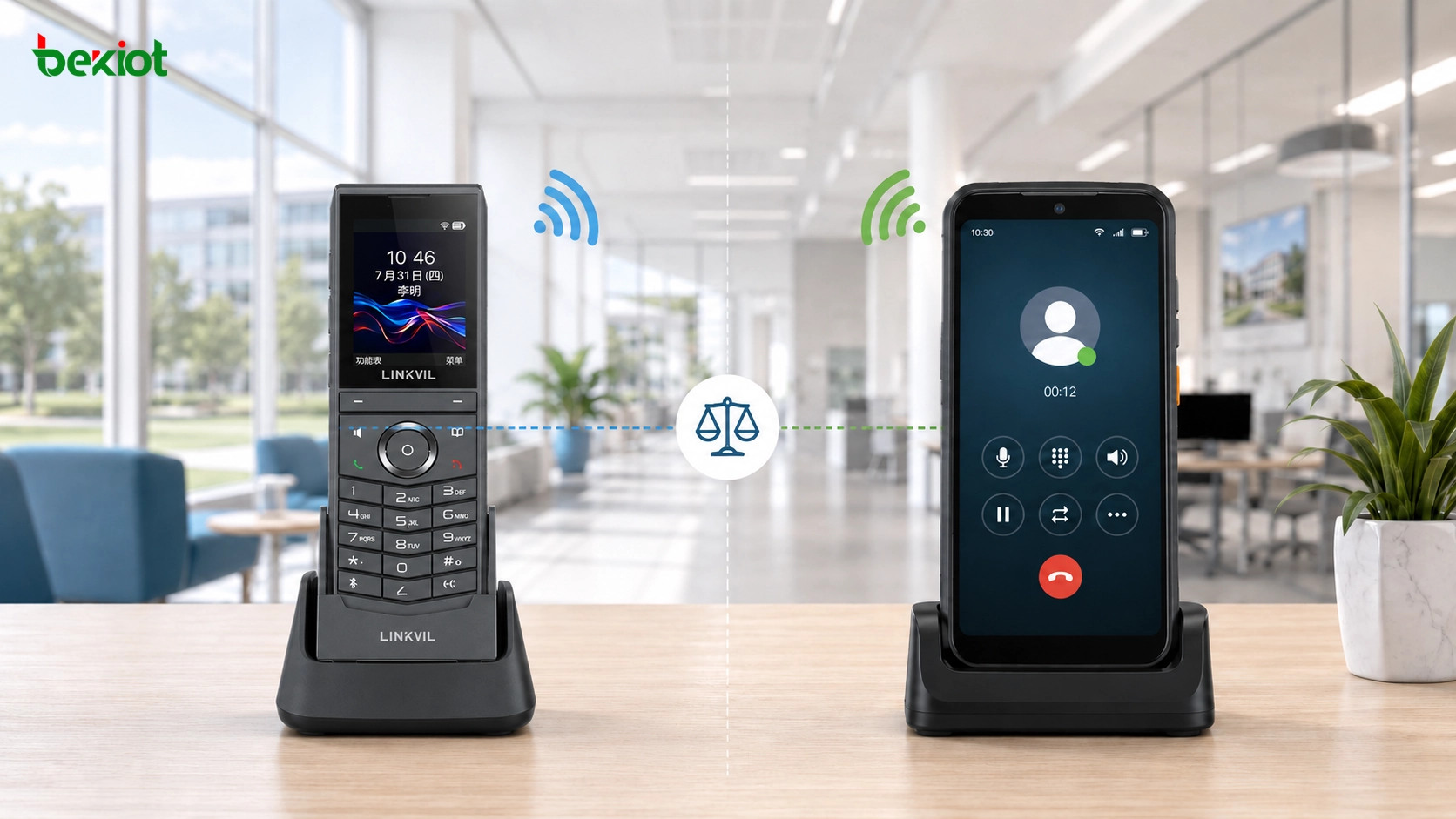
Dedicated Wi-Fi phones and Android smart terminals can both support SIP calling over Wi-Fi, but they differ in cost, flexibility, operation, and project scope.
Why Wireless Voice Terminals Are Needed
A desktop IP phone is reliable when the user works at a fixed position. It connects through Ethernet, registers to the communication platform, and supports internal extension calls, external calls, call transfer, and other standard telephony features. In many real environments, however, users need the same calling capability while moving inside a site.
Wi-Fi voice terminals solve this problem by using the existing wireless LAN as the access network. Once the terminal connects to the WLAN, it can register to the IP PBX, SIP server, softswitch, or converged communication platform as a normal SIP extension. Users can then call colleagues, receive calls from the control room, join internal communication groups, or access external lines according to the platform’s routing rules.
In some markets, DECT cordless systems are also used for enterprise wireless voice. DECT normally requires dedicated base stations and dedicated handsets. It can be reliable for voice, but it adds another wireless system. Wi-Fi-based terminals are attractive when the organization already has WLAN coverage and wants one network to support both voice and data services.
Dedicated Wi-Fi Phones for Simple Mobile Calling
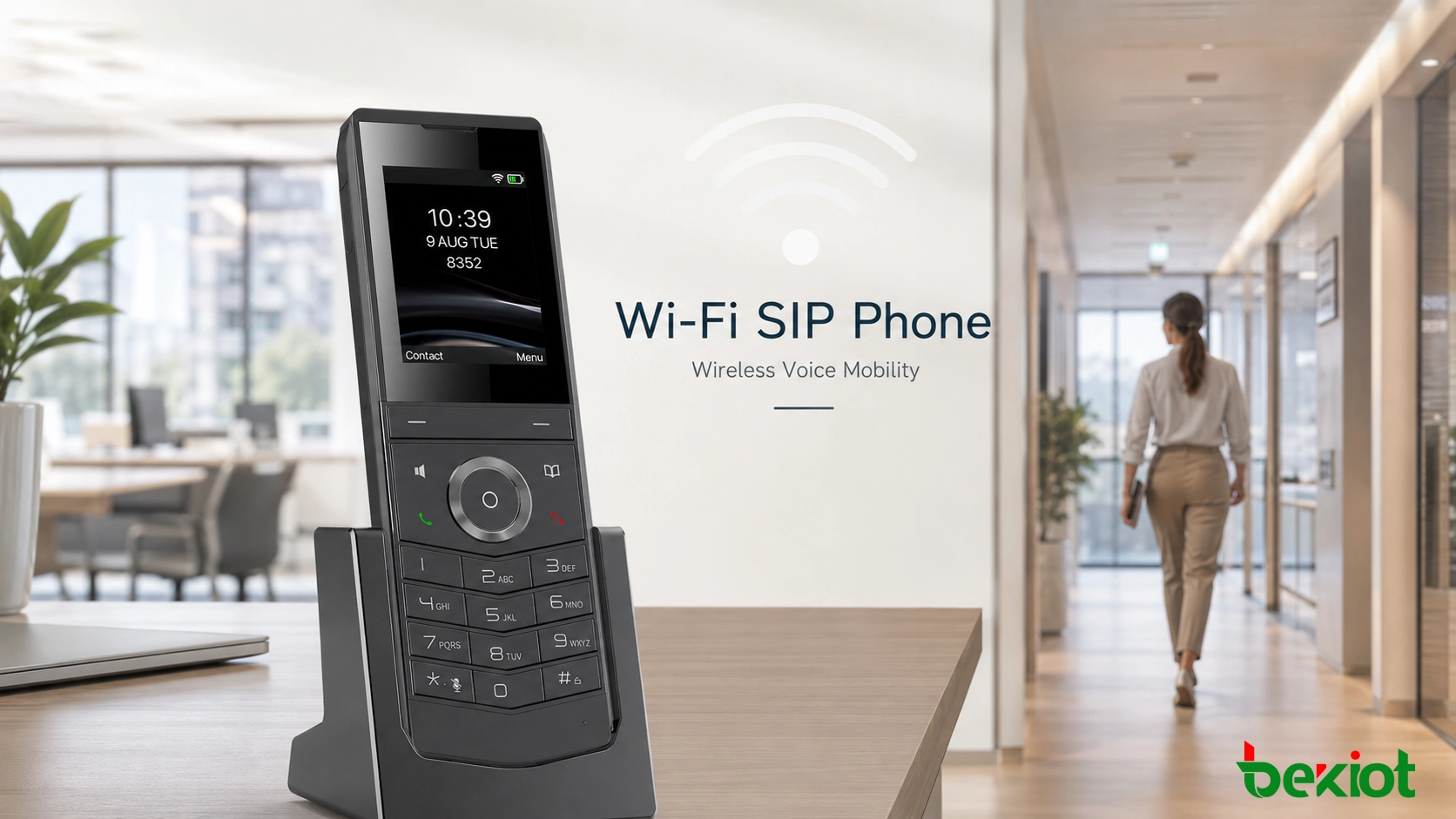
A dedicated Wi-Fi phone is designed specifically for voice communication. It usually has a compact handset body, battery power, Wi-Fi connectivity, speaker, microphone, keypad or simple screen, and built-in SIP account configuration. Users do not need to install a separate application or manage a smartphone operating system.
After the phone connects to Wi-Fi, it registers to the SIP platform as an extension. From the communication system’s point of view, the device behaves much like a standard SIP endpoint. It can make internal extension calls, answer incoming calls, join ring groups, use call transfer, and access external trunks if the IP PBX allows it.
The user experience is familiar. Staff can pick up the device, dial a number, answer a call, and hang up without opening an app or navigating complex menus. This makes dedicated Wi-Fi phones suitable for users who need reliable mobile voice but do not need a full smart terminal.
Why a Dedicated Device Often Works Better for Voice-Only Projects
The main advantage is simplicity. A dedicated Wi-Fi phone is built around calling. Its hardware, interface, and software are focused on voice communication. This reduces distractions and helps non-technical users adapt quickly.
In hotels, schools, hospitals, offices, warehouses, property management sites, logistics parks, and factory support teams, many users only need to call and answer while moving within Wi-Fi coverage. For this type of requirement, a dedicated Wi-Fi phone is usually easier to configure, easier to train, and easier to maintain than a smart terminal.
Cost is another advantage. If the project only needs SIP voice over Wi-Fi, a dedicated phone usually has a lower unit cost than a rugged Android terminal. It also avoids unnecessary functions such as cameras, large app stores, business software, complex permissions, and mobile device management. This can reduce both procurement cost and long-term support workload.
SIP Compatibility and Daily Management
A good Wi-Fi SIP phone should support standard SIP configuration items, including server address, account name, authentication ID, password, proxy, registration interval, codec settings, DTMF mode, NAT traversal options, and transport mode. These settings allow the device to work with many IP PBX systems, SIP servers, softswitch platforms, and converged communication systems.
Administrators can manage the device like another extension in the voice system. They can assign numbers, define call permissions, set ring groups, configure external call rules, and apply department-level dialing policies. This makes dedicated Wi-Fi phones suitable for projects where the goal is controlled mobile extension calling rather than a complex mobile app workflow.
For enterprise and industrial communication projects, Becke Telcom Wi-Fi voice terminals, SIP endpoints, IP PBX systems, gateways, and converged communication products can be planned together according to the site’s calling rules, user roles, and network environment.
Android SIP Softphone Terminals for Richer Workflows
The second implementation path is to use an Android smart terminal and install a SIP softphone application. The device may look like a smartphone, rugged handheld terminal, industrial PDA, or mobile service terminal. It can use Wi-Fi for local communication and may also support 4G or 5G for wider-area access.
In this model, the device is not only a phone. It becomes a mobile computing platform. With the right software, it can support SIP voice calls, SIP video calls, push notifications, messaging, GPS or indoor positioning, photo upload, QR code scanning, work orders, inspection forms, incident reporting, and connection with business systems.
The SIP calling function can be implemented through many softphone applications. Open-source and commercial SIP apps can register to an IP PBX or SIP server after account configuration. For basic voice and video communication, this method can be deployed quickly if the device, app, and platform are compatible.
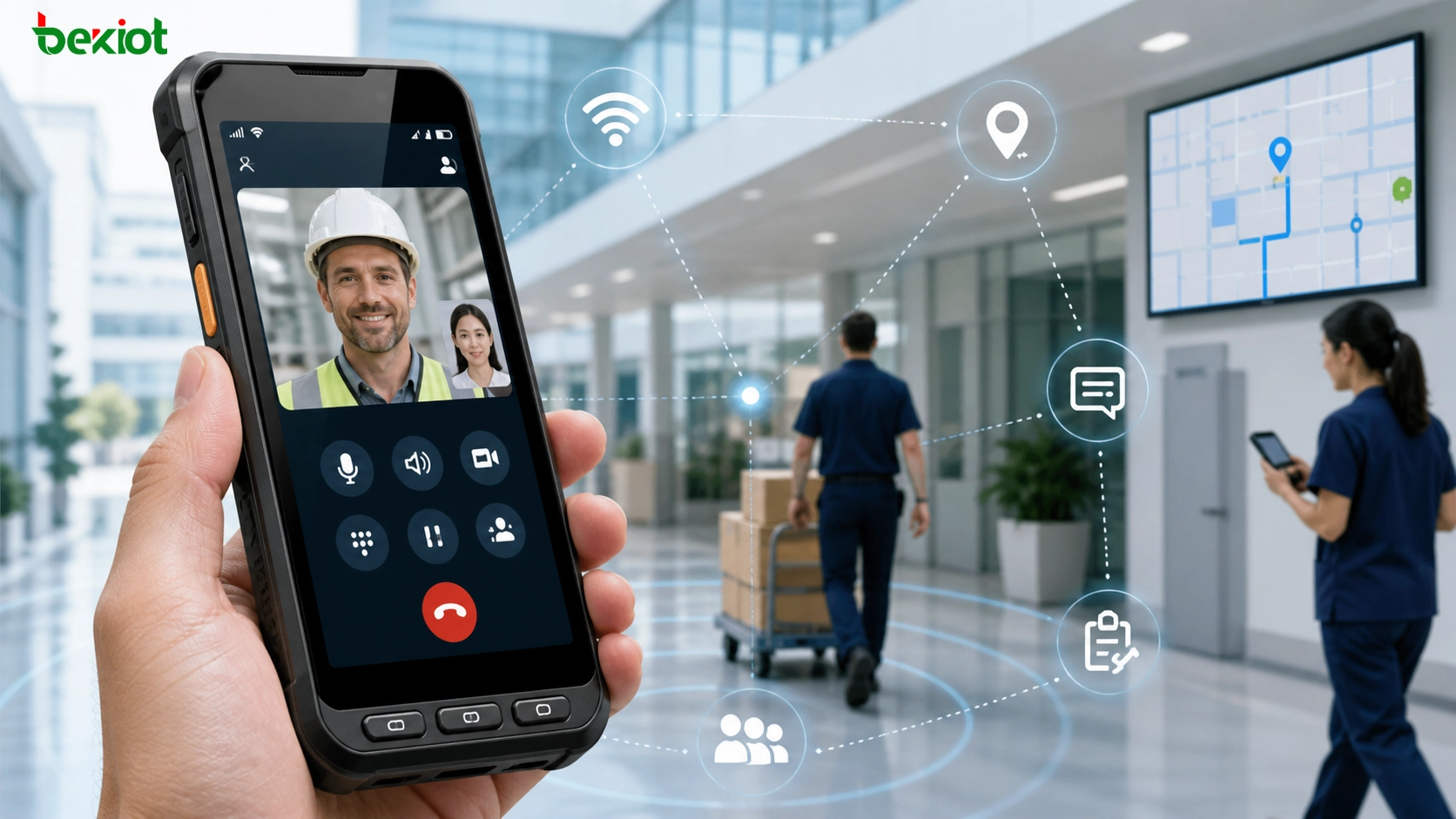
An Android smart terminal with a SIP softphone can support voice, video, positioning, messaging, and customized mobile communication workflows.
When the App-Based Model Makes Sense
A smart terminal becomes valuable when the project needs more than calling. For example, a maintenance worker may need to receive a work order, call the control room, take a photo, upload inspection results, and confirm task completion. A security guard may need voice communication, emergency alerts, location reporting, patrol records, and video verification. A transportation hub may need frontline staff to receive dispatch instructions, report incidents, and communicate with supervisors from one device.
In these cases, the SIP softphone is only one part of the system. The same terminal may also run a dispatch app, patrol app, maintenance app, GIS module, alarm platform, or customer service application. This level of customization is difficult to achieve with a dedicated Wi-Fi phone.
Smart terminals are also useful when video is required. If mobile users need to send现场 images, join video calls, verify an event, or use the device camera for reporting, an Android terminal provides much more flexibility than a voice-focused Wi-Fi handset.
Flexibility Comes with More Complexity
The smart-terminal path offers more functions, but it also brings more management work. The project team must consider the operating system, app compatibility, software updates, user permissions, battery use, device security, background process behavior, and mobile device management.
Calling reliability also depends on the app. The softphone must stay registered, keep the correct permissions, handle background operation, control audio routing, and receive notifications correctly. If the app is not optimized, users may experience missed calls, delayed ringing, unstable audio, or registration loss after system updates.
Hardware cost is usually higher as well. A smart terminal includes a larger screen, processor, memory, storage, camera, sensors, and operating system. These features are useful when the project needs them. If the only requirement is “make calls over Wi-Fi,” they may add cost without adding real value.
Comparing the Two Paths
Selection Item
Dedicated Wi-Fi Phone
Android Terminal with SIP App
Main purpose
Mobile SIP voice calling
Mobile communication plus apps and data workflows
User experience
Similar to a telephone
Similar to a smartphone or rugged PDA
Cost level
Usually lower for voice-only projects
Usually higher, but supports more functions
SIP management
Managed as a standard extension
Managed through both SIP account and app/device settings
Custom workflow
Limited
Stronger support for business apps and custom interfaces
Best fit
Campus, office, hotel, property, warehouse, basic mobile voice
Dispatch, security, inspection, maintenance, video, location, work orders
The dedicated Wi-Fi phone is best when the project needs predictable SIP voice communication at a reasonable cost. The Android softphone terminal is better when the project needs voice plus video, positioning, messaging, mobile forms, or customized platform integration.
Wi-Fi Network Quality Determines the Calling Experience
No matter which terminal is selected, Wi-Fi voice quality depends on the wireless network. A Wi-Fi phone cannot perform well if the WLAN has poor coverage, unstable roaming, high interference, packet loss, or uncontrolled latency.
Voice is more sensitive than ordinary data traffic. A network that works for web browsing may still fail during mobile SIP calls. Users may hear broken audio, delayed speech, one-way audio, call drops, or registration instability if the wireless design is weak.
Before deployment, the project team should check access point density, roaming performance, channel planning, signal strength, interference, VLAN design, QoS policy, DHCP behavior, SIP registration stability, and call handover between APs. Real walking tests are important. Users should test calls while moving through corridors, warehouses, stairways, offices, basements, equipment rooms, outdoor transition areas, and other normal working routes.
SIP Integration and Codec Planning
Both solutions depend on SIP integration when they connect to an IP PBX, softswitch, SIP server, or converged communication platform. The endpoint should be treated as a managed SIP device. Administrators need to plan extension numbers, account permissions, dial rules, external line access, call recording policy, emergency call routing, and department groups.
Codec selection also affects voice quality and bandwidth. G.711 is common and provides clear audio but uses more bandwidth. G.729 can reduce bandwidth demand but may require platform support. G.722 provides wideband voice when both ends support it. Opus can be flexible in some modern communication environments. The final choice should be based on endpoint support, platform compatibility, network quality, and expected audio clarity.
Security should also be included in the design. Strong SIP passwords, secure Wi-Fi authentication, network segmentation, role-based permissions, and device management are important. For smart terminals, additional measures may be needed, such as app permission control, remote wipe, device lock, application whitelist, and mobile device management.
Best-Fit Scenarios
In office buildings and campuses, dedicated Wi-Fi phones are suitable for mobile extension calling, facility maintenance, property service, front desk support, and logistics teams. They meet the basic requirement of making and receiving calls while moving within the site.
In transportation hubs, large venues, and public service facilities, the choice can be role-based. General staff who only need voice calls can use dedicated Wi-Fi phones. Supervisors, security teams, and emergency staff who need voice, video, location, task dispatch, and event reporting can use Android smart terminals.
In industrial and emergency communication projects, endpoint selection should follow the operating environment. Some users may only need rugged mobile voice. Others may need video dispatch, incident reporting, alarms, location, or application integration. A mixed deployment can often provide the best balance between cost and function.
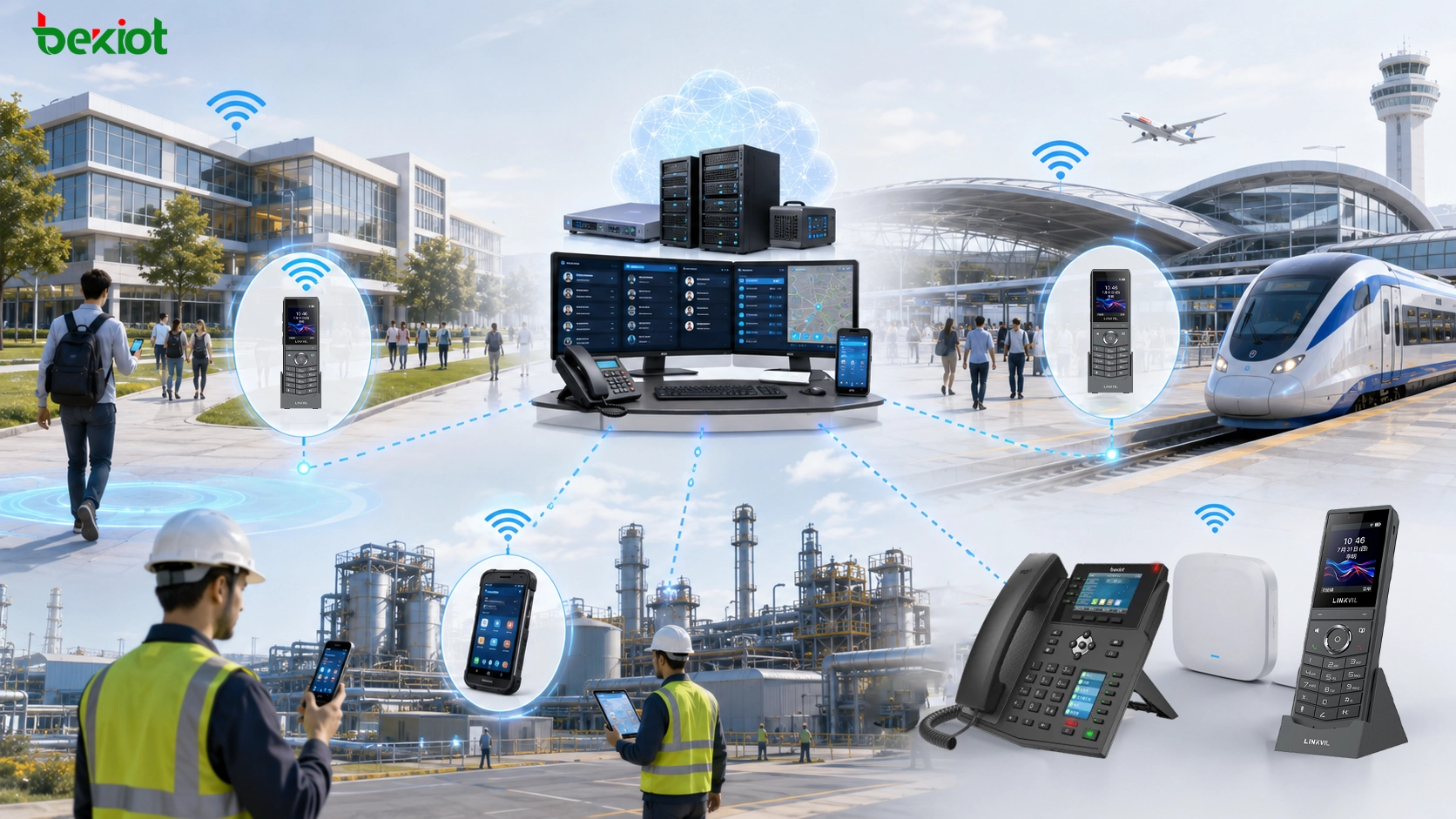
Different sites may combine dedicated Wi-Fi phones, smart terminals, SIP PBX dispatch systems, and emergency communication devices according to workflow needs.
Cost and Maintenance Over the Full Lifecycle
The lowest purchase price is not always the lowest project cost. Dedicated Wi-Fi phones usually have a lower unit cost and simpler daily operation. They are easier to replace, easier to configure, and easier to support when the project only needs voice.
Smart terminals cost more, but they may replace several separate tools if the project truly needs mobile apps, video communication, location, messaging, and workflow integration. In that case, the higher device cost may be justified by better process efficiency.
Maintenance should also be compared. Dedicated Wi-Fi phones mainly require SIP account configuration, firmware updates, battery management, and device replacement. Smart terminals require app updates, operating system management, permission control, security policies, battery health monitoring, and sometimes custom software maintenance. For large projects, these differences can affect long-term workload.
Recommended Deployment Strategy
A practical project should begin by separating users into groups. Some users only need mobile voice. Some need supervision and dispatch. Some need video. Some need business apps. Some need rugged devices. The terminal type should be selected according to these roles rather than applying one device to everyone.
If the requirement is mainly internal voice, extension calling, and simple external call access, dedicated Wi-Fi phones are usually the better starting point. They are easier to manage and easier for ordinary users to operate.
If the requirement includes video calls, mobile data, location, messaging, work orders, custom workflows, or 4G/5G fallback, Android smart terminals with SIP softphone apps are more suitable. In this case, the app and device management plan should be treated as core parts of the solution.
For larger campuses, transportation sites, industrial parks, and emergency communication projects, a mixed deployment is often the most practical option. Dedicated Wi-Fi phones can serve general mobile voice users, while smart terminals can serve supervisors, maintenance leaders, security teams, and dispatch-driven roles. Both types can register to the same SIP or converged communication platform if the system is planned correctly.
Common Mistakes to Avoid
One common mistake is choosing smart terminals only because they look more advanced. If the project only needs voice calling over Wi-Fi, the extra cost and software complexity may not bring enough value.
Another mistake is treating Wi-Fi voice as ordinary data access. Voice depends on stable roaming, low delay, low packet loss, and interference control. WLAN planning must be part of the communication design.
A third mistake is ignoring user habits. Users who expect a simple phone-like device may not want to operate multiple apps. Users who need location, video, and task processing may find a dedicated Wi-Fi phone too limited. Endpoint selection should follow real workflow, not just device appearance.
Summary
There are two practical ways to implement Wi-Fi phones in SIP communication projects. A dedicated Wi-Fi phone works like a mobile SIP extension with Wi-Fi access and battery power. It is suitable for simple voice calling, lower cost, easy management, and users who prefer a familiar phone experience.
An Android smart terminal with a SIP softphone app is more flexible. It can support voice, video, 4G/5G access, positioning, messaging, custom applications, and business workflows. It is better for projects that need more than basic calling, but it requires stronger software, security, and device management.
The best choice depends on the actual project. For campus communication, office mobility, hotel service, property management, and basic internal calling, dedicated Wi-Fi phones are often enough. For transportation hubs, venues, industrial sites, security patrols, and dispatch-driven mobile workflows, smart terminals or a mixed deployment can be more suitable. A successful solution combines the right endpoint, reliable Wi-Fi coverage, SIP platform compatibility, and a clear understanding of how users work.
FAQ
Can a Wi-Fi phone replace a desk IP phone?
It can replace a desk phone for users who need mobility within Wi-Fi coverage, but it may not be the best choice for fixed office users who need a larger screen, more keys, or wired network stability.
Does a SIP softphone need a public IP address?
Not usually. The SIP app registers to the SIP server through the network. NAT traversal, firewall rules, VPN, or SBC settings may be needed depending on whether the device is inside or outside the private network.
Which option is easier for non-technical users?
A dedicated Wi-Fi phone is usually easier because it behaves like a normal phone. Users do not need to open apps, manage permissions, or understand smartphone background behavior.
Can both device types be used together?
Yes. Many projects use dedicated Wi-Fi phones for general mobile voice users and smart terminals for supervisors, security staff, maintenance leaders, or users who need video, location, and workflow apps.
What should be tested before deployment?
Test SIP registration, call quality, roaming, battery life, codec compatibility, DTMF, call transfer, emergency calling, notification behavior, app stability, Wi-Fi coverage, and actual user movement paths.