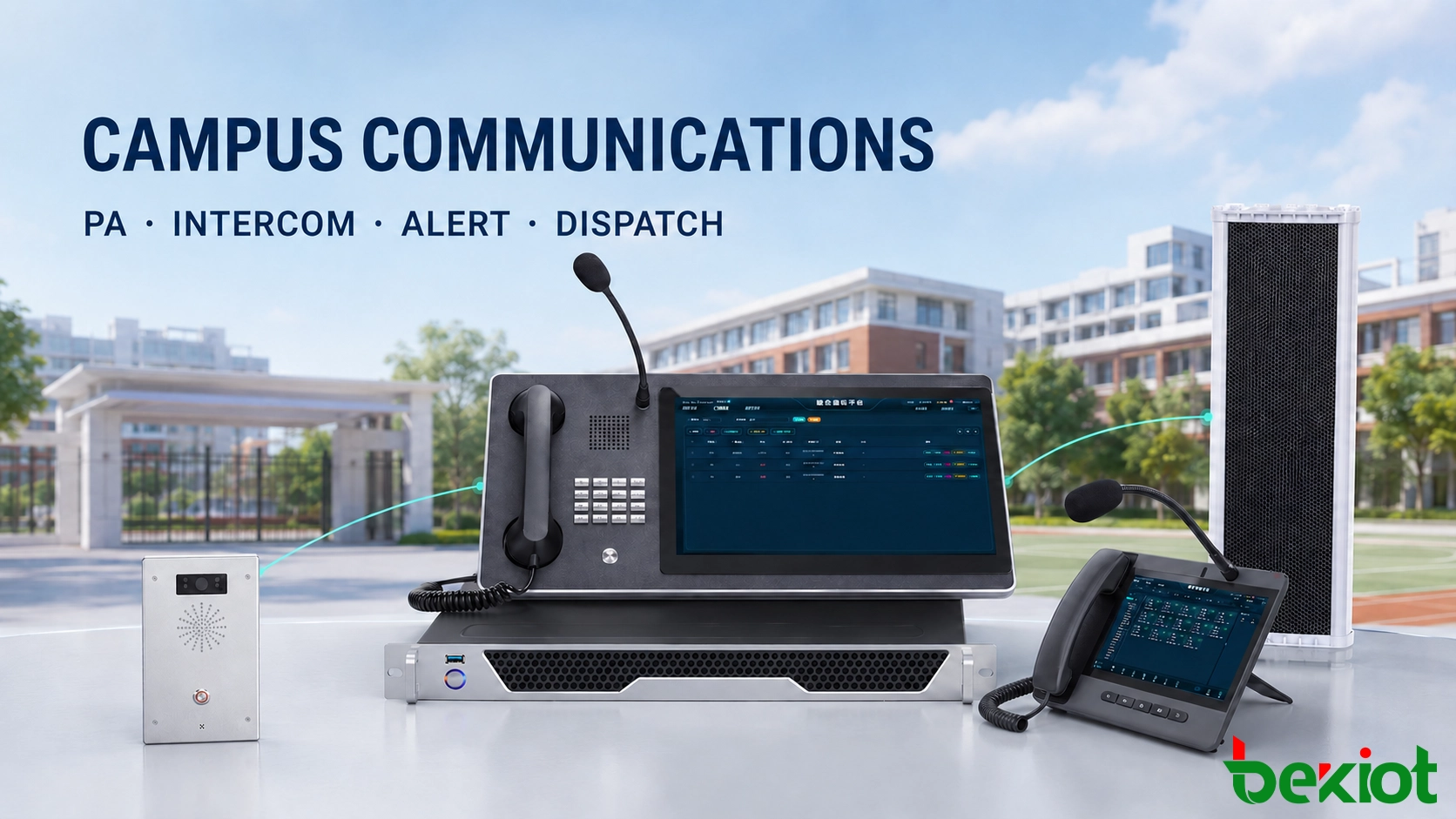
Learn how a campus unified communications system connects PA, telephony, intercom, anti-bullying alerts and emergency dispatch for faster response.
Becke Telcom
Campus PA, office telephony, intercom, and alarm systems are often installed at different times. Each system may work well for routine announcements, internal calls, or security alerts, yet the separation becomes a problem when the school must respond quickly. An alarm may reach the duty room without providing enough information about the scene. Staff can contact departments by telephone, but calling people one by one takes time. A school-wide PA system can reach everyone, but it may not provide the precise, zone-based notification required for a local incident.
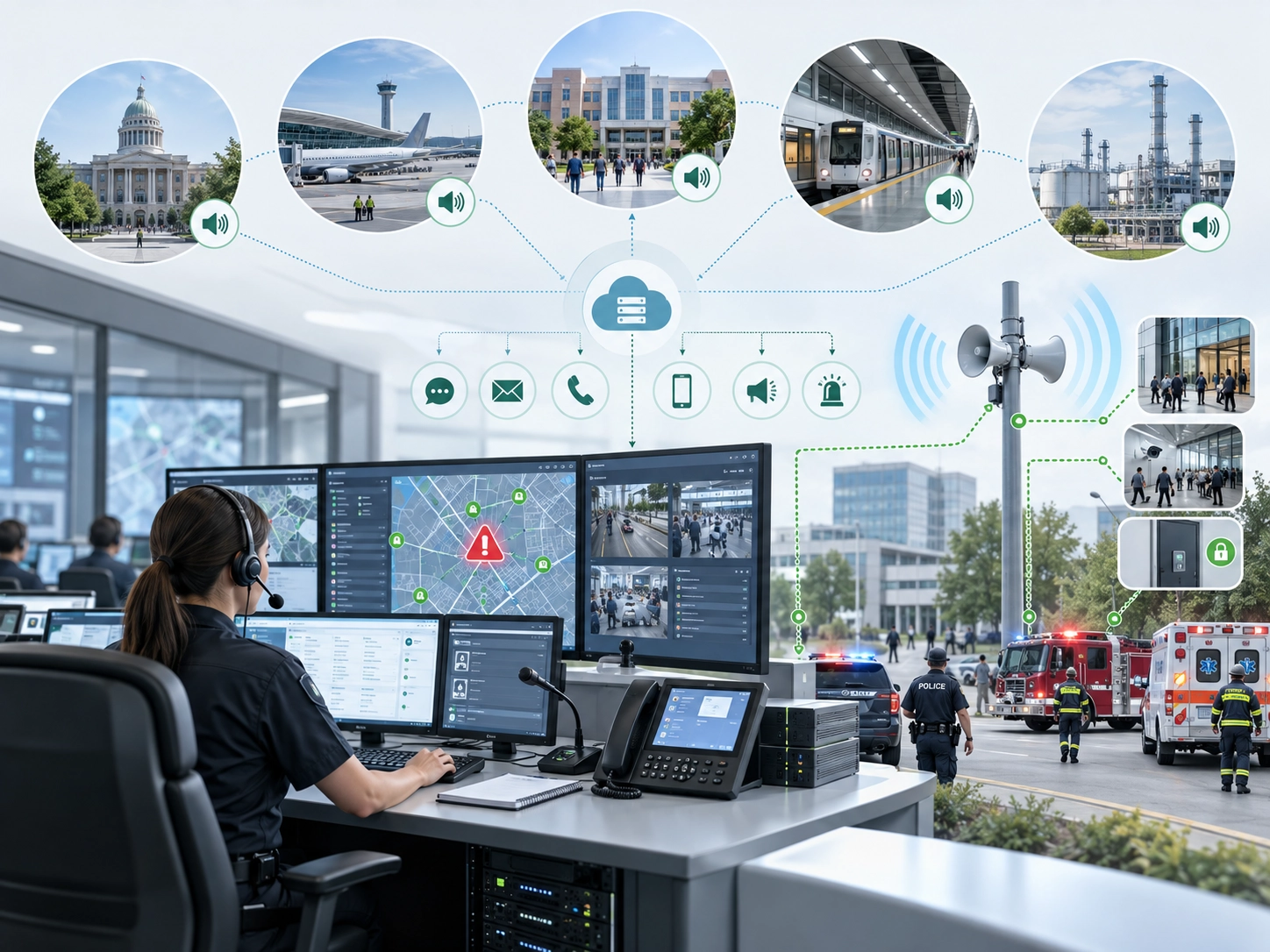
A campus unified communications system connects these resources through one operating platform. Duty personnel can receive a request for help, identify the location, speak with the person at the scene, contact security or medical staff, and issue a targeted announcement when necessary. Routine communications and emergency operations can share the same infrastructure while maintaining separate permissions, priorities, and event records.
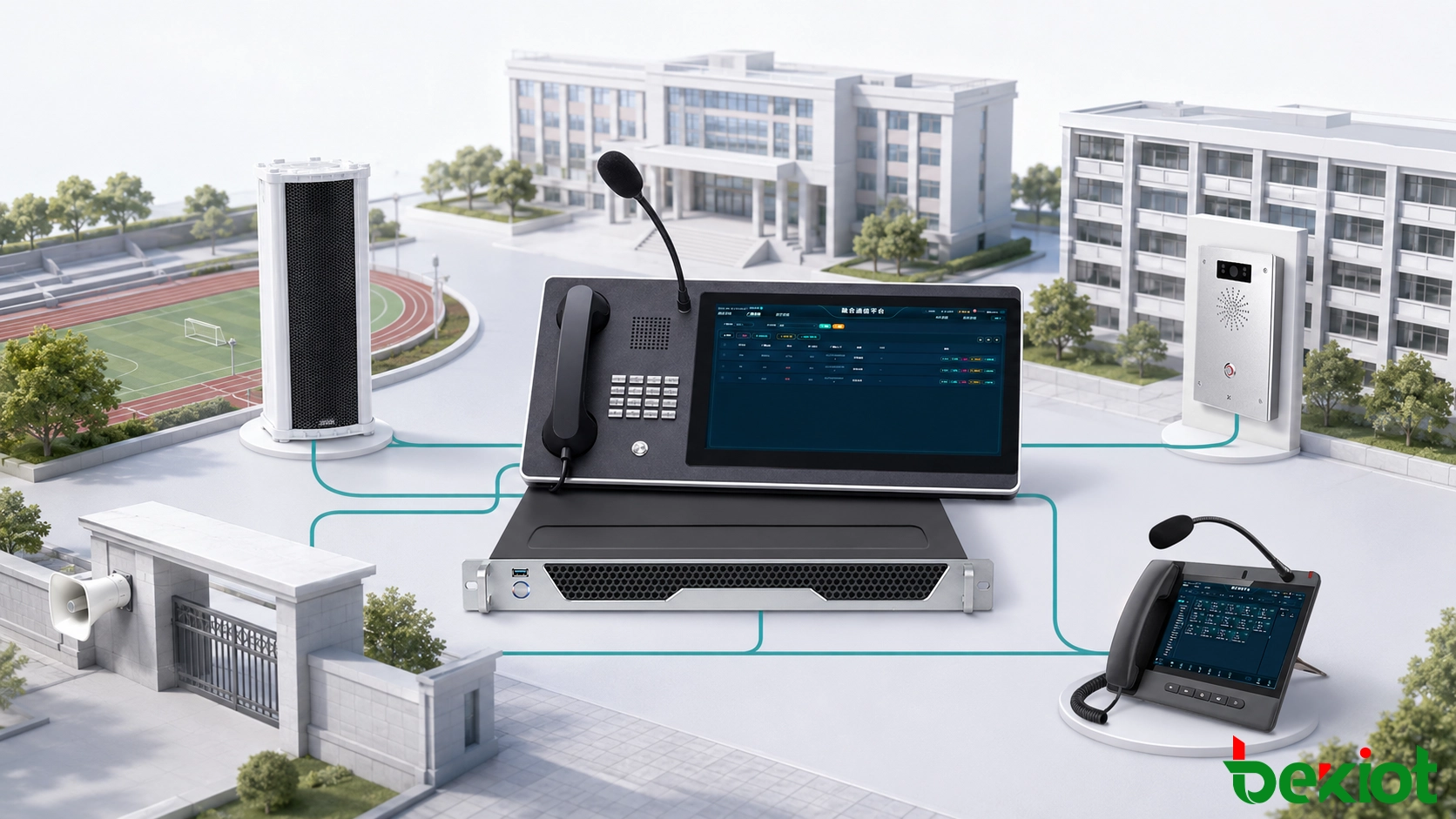
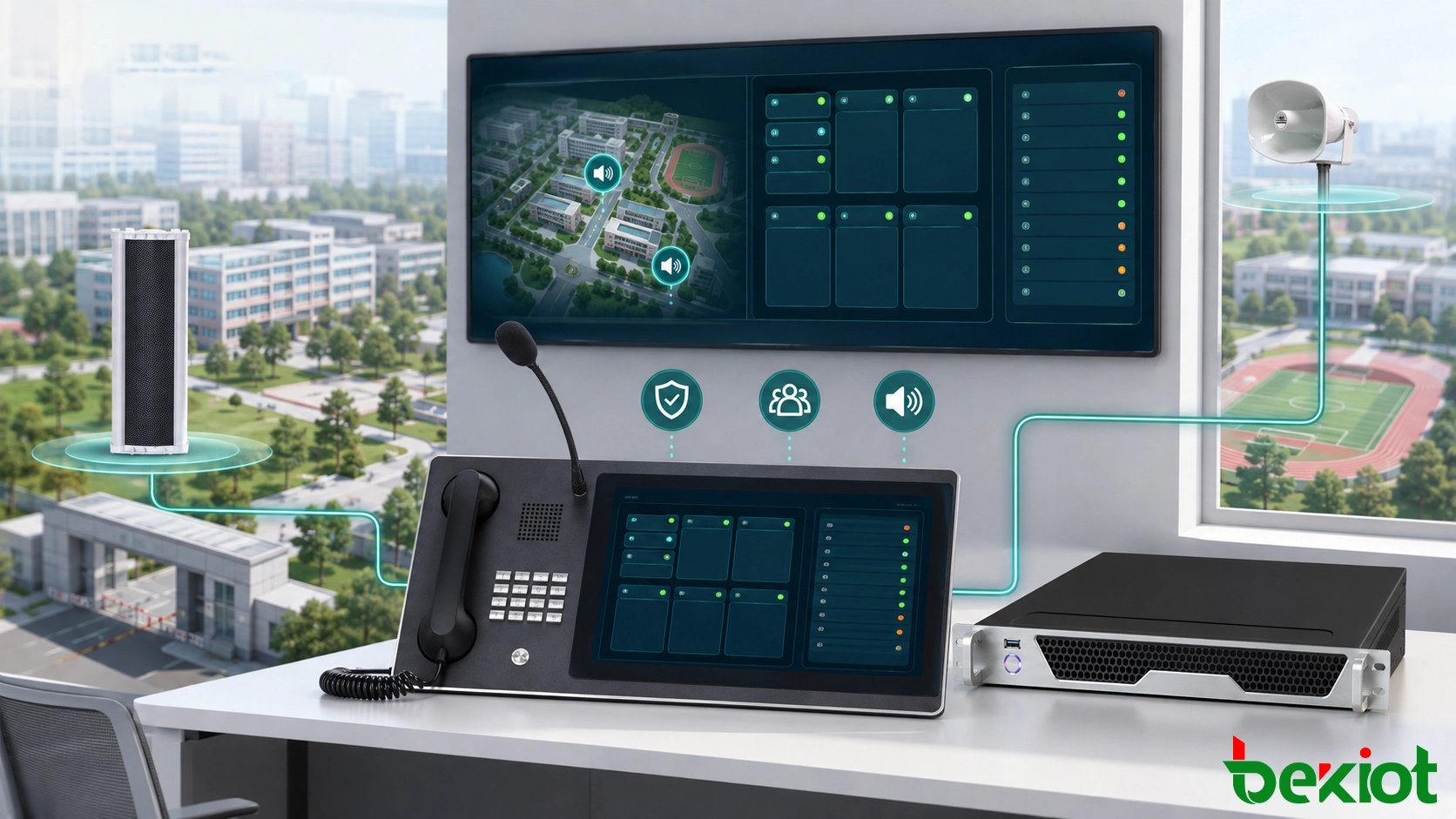
PA, telephony, intercom, and alarm resources are connected to one dispatch platform, with separate controls for routine and emergency operations.
Why separate communication systems slow down response
Having enough devices does not guarantee an effective response. The more important question is whether every system can support the school’s duty and escalation procedures from the first alert to the final event record. Common gaps include:
An alarm appears without an accurate building, floor, or installation-point description;
Duty staff receive an alert but cannot immediately speak with the person at the scene;
Security, dormitory staff, the school clinic, and administrators rely on manual message relays;
PA announcements, telephone calls, alarms, and operator actions are stored in separate records;
Staff are unsure who may start a zone announcement or escalate an incident to the entire campus.
A unified platform turns individual devices into a coordinated workflow. The school can assign contact groups, call sequences, and notification zones to specific locations. A dormitory help call may first reach the dormitory supervisor and duty room. A gate alarm can notify gate security and the security office. An incident in a teaching building can be handled by floor or building before a wider announcement is considered.
This structure reduces the number of decisions an operator must make under pressure. Instead of searching for numbers or switching between unrelated systems, the operator follows an agreed procedure linked to the alarm point and incident type.
Coordinating routine announcements and internal calls
Zone-based audio for teaching and campus operations
Teaching buildings, dormitories, sports grounds, dining areas, and entrance zones do not always need the same message. A networked campus PA system can organize speakers by campus, building, floor, or functional area. Bell schedules, school notices, activity information, and background audio can be delivered only to the relevant zones, reducing unnecessary disruption elsewhere.
Emergency audio is assigned a higher priority than routine programming. An authorized operator can interrupt scheduled content and send live or prerecorded instructions to one floor, one building, an outdoor area, or the entire campus. The platform should record the message source, selected zones, operator, and execution time so the action can be reviewed later.
Priority alone is not enough. Schools should also define what happens if two tasks compete for the same zone. A practical priority policy normally places emergency instructions above live paging, scheduled notices, and background audio. The rule should be configured before commissioning and verified during acceptance testing.
Telephony for offices and duty positions
School administrators, academic offices, security teams, gatehouses, dormitory supervisors, the clinic, and maintenance personnel can use internal extension numbers for direct communication. Positions that require continuous coverage can use ring groups, sequential calling, or no-answer forwarding. If the primary duty phone is not answered within the specified period, the call continues to a backup position rather than ending with one missed attempt.
Authorized phones may also initiate announcements to selected PA zones. Staff handling temporary events, maintenance work, or on-site coordination can send a message without entering the broadcast room. When several departments must discuss the same incident, the dispatcher can place office extensions, duty phones, and field intercoms into a temporary conference.
The objective is not to replace every telephone with a dispatch terminal. Office phones remain suitable for ordinary work, while the dispatch platform adds group communication, priority handling, and event coordination where they are needed.
Designing one-touch help and anti-bullying reporting
Direct contact with the duty center
One-touch intercom terminals are suitable for corridors, dormitory common areas, sports grounds, gymnasiums, underground spaces, parking areas, and school entrances. A student or staff member does not need to find a telephone number. Pressing the help button calls the designated duty position, while the dispatch screen displays the terminal name and registered location.
Two-way voice allows the operator to establish what is happening before choosing the next action. The operator can determine whether security personnel should attend, whether anyone is injured, and whether a teacher, dormitory supervisor, counselor, or clinic worker should be contacted. This is why location data must describe the campus, building, floor, and nearby area instead of showing only a device ID.
Terminal placement also matters. A device should be easy to locate and operate, but it should not create a new safety risk or be installed where normal campus noise makes conversation impossible. Outdoor units may require weather-resistant construction, while noisy locations may need careful microphone, speaker, and mounting selection.
Balancing rapid reporting with student privacy
Anti-bullying help points can be installed near stairwells, dormitory common areas, the edges of sports grounds, and other locations identified by the school’s safeguarding assessment. In places where an audible alarm could expose the person requesting help, the device may send a discreet notification only to authorized duty staff. If immediate intervention is required, the operator can speak through a nearby intercom or contact security personnel without broadcasting sensitive information across the campus.
Access to alarm details, call recordings, and incident notes should follow staff roles, and the school should define how long each type of record is retained. Technology provides a faster reporting path, but it does not replace teacher supervision, student communication, counseling, or established safeguarding procedures. The terminal must be part of a wider process that specifies who receives the report, who investigates it, and how follow-up actions are documented.
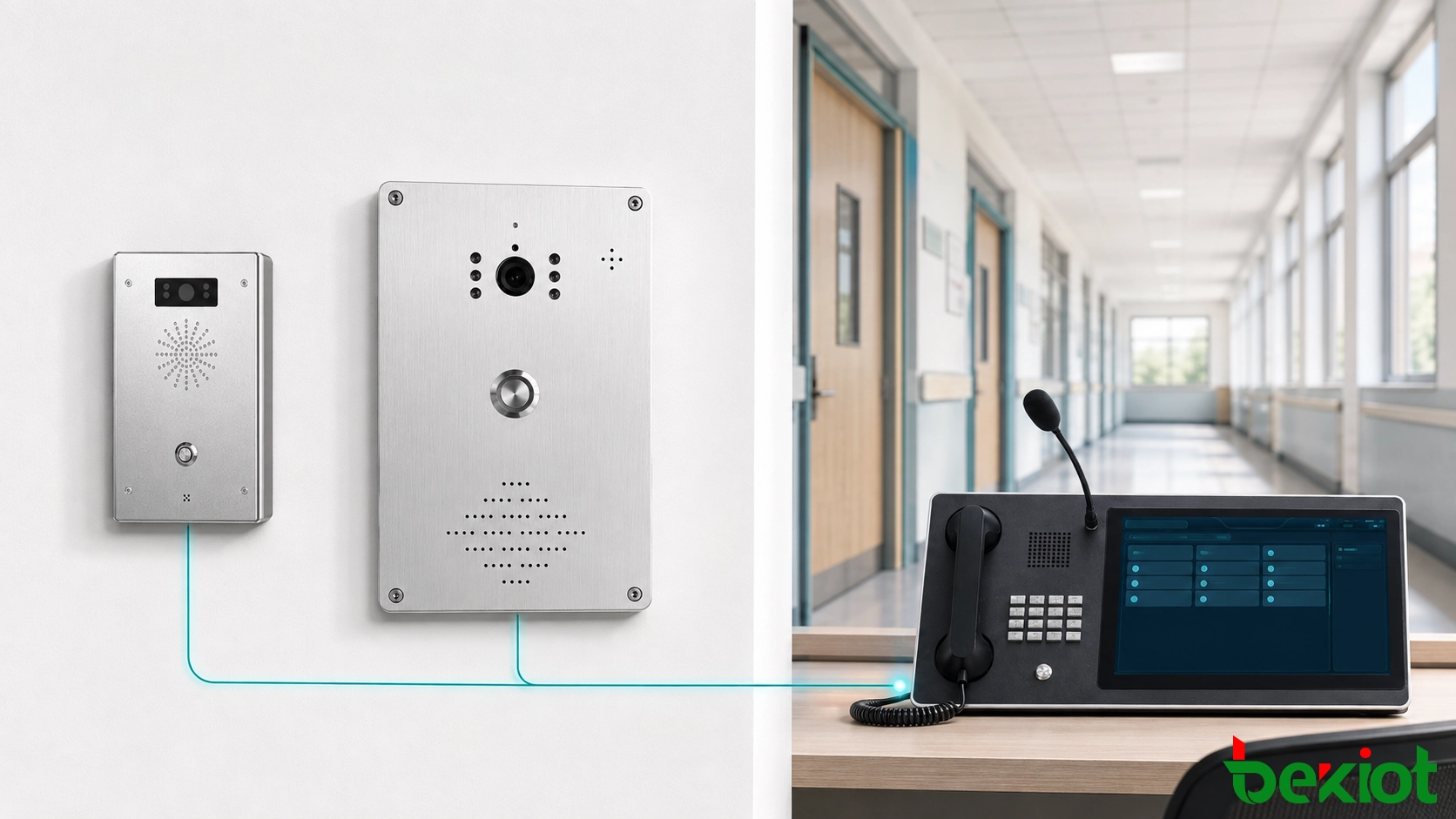
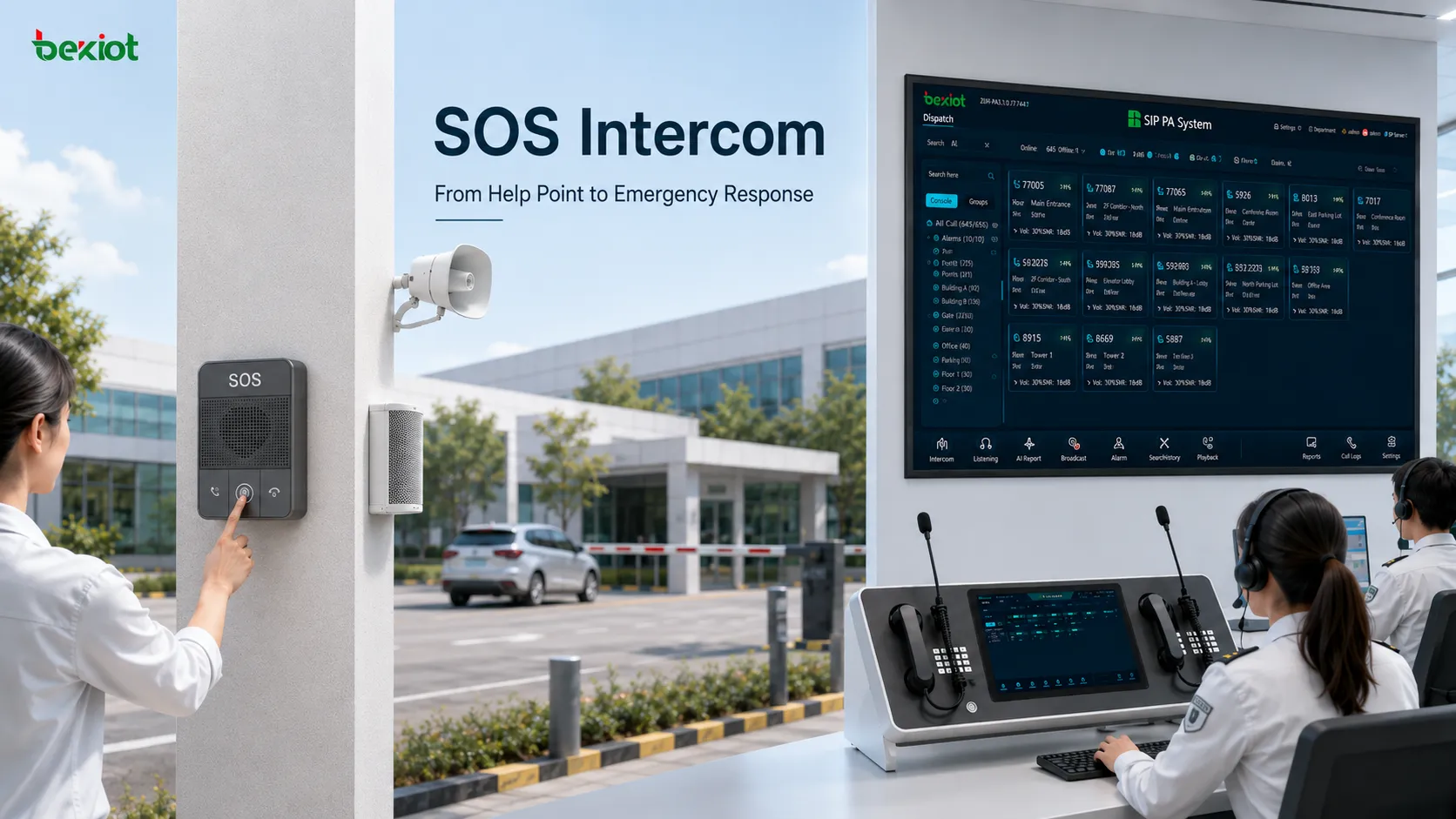
A one-touch help point identifies its installation location and lets duty staff speak with the person at the scene.
Building a clear workflow from alert to command
When a one-touch alarm is activated, the dispatch platform should guide the operator through a predefined sequence. A practical response workflow can be organized into six steps:
Display the alarm-point name, location, and activation time;
Notify the on-duty operator and open a voice path to the scene;
Call security, dormitory staff, medical personnel, or school management according to the incident type;
Use the nearest intercom for live instructions when on-site intervention is required;
Start a floor, building, outdoor-zone, or campus-wide announcement according to the affected area;
Store the alarm, calls, announcements, acknowledgements, and operator actions in the event record.
From one interface, a dispatcher may handle individual calls, group calls, transfers, monitoring, telephone conferences, and emergency paging. The school must still establish the operational rules behind those functions: who answers the first alert, where an unanswered call is forwarded, who may activate a campus-wide announcement, and who closes the event after adding the outcome.
Not every alert should produce a school-wide response. A routine equipment fault may require only the maintenance team. A dormitory request for help may involve the dormitory supervisor and security office. A threat affecting a larger area can be escalated by an authorized person to emergency broadcasting. This graded approach helps the school respond proportionately while avoiding unnecessary disruption.
A visual dispatch console can make this process easier by grouping devices and contacts by location or responsibility. Operators should see meaningful names, current availability, and active communication status. A screen crowded with technical identifiers may be accurate from an engineering perspective but is less useful during a real incident.
The dispatcher confirms the alert, contacts response personnel, and starts local talkback or zone paging according to the incident scope.
Matching devices to the way each area is managed
Device quantities should follow the school’s actual operating procedures rather than a fixed template. Planning normally starts with the primary and backup duty centers, followed by high-priority locations. Building layouts, student movement, acoustic conditions, existing cabling, network coverage, and after-hours staffing all affect the final design.
Campus area
Suggested equipment
Main purpose
Teaching buildings
Zone PA speakers and one-touch intercoms
Teaching notices and on-site assistance
Student dormitories
Intercom terminals, help buttons, and duty phones
Dormitory assistance and night-duty communication
Sports grounds and gymnasiums
Outdoor column speakers, horn speakers, and help terminals
Event announcements and evacuation instructions
School gates and parking areas
Intercom terminals and duty phones
Visitor communication and abnormal-event reporting
Security office
Visual dispatch console and recording service
Alarm handling, communication, and coordinated dispatch
School clinic
Campus telephone and dispatch extension
Medical assistance and urgent contact
Typical system components
A campus solution may include a unified communications and dispatch platform, PA server, IP column or horn speakers, one-touch intercoms, anti-bullying help buttons, a visual dispatch console, campus IP phones, call recording, integration gateways, network switches, and backup power. The exact combination depends on campus size, management responsibilities, and the condition of existing systems.
Gateways are particularly useful when the school already has serviceable amplifiers, analog speaker circuits, telephones, or other communication equipment. Where compatible interfaces are available, existing assets can be connected in stages. This reduces disruption and allows the school to prioritize high-risk areas before expanding to the rest of the campus.
What to verify before the system goes live
The project should begin with the school’s real communication procedures, not with a device list. Planners should document routine announcements, student assistance, night-duty coverage, department escalation, and emergency command. The equipment design can then support those procedures instead of forcing staff to adapt to an unfamiliar technical structure.
Before formal handover, the following checks should be completed:
Confirm that every help terminal name matches its actual installation location;
Test two-way speech in both quiet and noisy conditions;
Verify no-answer forwarding, departmental notification, and multi-party calls;
Check PA coverage in each zone and confirm emergency-task priority;
Test the permissions assigned to operators, administrators, and ordinary users;
Simulate network interruption, device restart, and backup-power operation;
Confirm that calls, alarms, announcements, and operator actions can be retrieved by authorized personnel;
Provide duty staff with operating instructions and run scenario-based training.
Acceptance should not stop when every device shows an online status. At least one end-to-end scenario should be performed: a person at the scene activates a help point, the operator answers and confirms the location, response personnel are contacted, a selected PA zone receives an instruction, the event is closed, and the complete record is checked.
Routine testing is also required after handover. Schools can schedule periodic checks for help buttons, duty call routing, speaker zones, recording, backup power, and account permissions. Device changes and room renaming should be reflected in the dispatch interface so location information remains reliable.
The purpose of campus unified communications is to make information easier to receive, decisions easier to coordinate, and instructions easier to deliver. PA, telephony, intercom, and alarms create real operational value only when they support a clear duty and response process. A well-planned system helps the school manage everyday communications while providing a controlled path for student assistance, safeguarding reports, and urgent campus coordination.
Becke Telecom can plan campus PA, one-touch intercom, anti-bullying help, campus telephony, and emergency dispatch functions around a school’s existing network, installed communication equipment, building layout, and duty procedures, while reserving interfaces for future expansion.