Why Businesses Are Moving to IP PBX Systems for Modern Communication
A practical guide explaining why businesses are moving to IP PBX systems, covering cost control, remote work, scalability, centralized management, SIP integration, and future-ready business communication.
Becke Telcom
Business communication has changed far beyond the desk phone on an office table. Many companies now operate across headquarters, branch offices, warehouses, retail locations, service centers, home offices, and mobile teams. In this environment, a phone system must do more than connect calls. It must help people stay reachable, support changing workflows, and keep communication manageable as the organization grows.
Traditional PBX systems were built for a more fixed office structure. They can still handle basic calling, but many businesses find them difficult to expand, costly to maintain, and limited when remote work, multi-site communication, softphones, SIP trunks, or centralized administration become necessary.
An IP PBX system uses an IP network to manage voice communication, extensions, call routing, voicemail, conferencing, and related business telephony functions. For many organizations, moving to IP PBX is not just a technical upgrade. It is a practical way to make communication more flexible, more scalable, and easier to control.
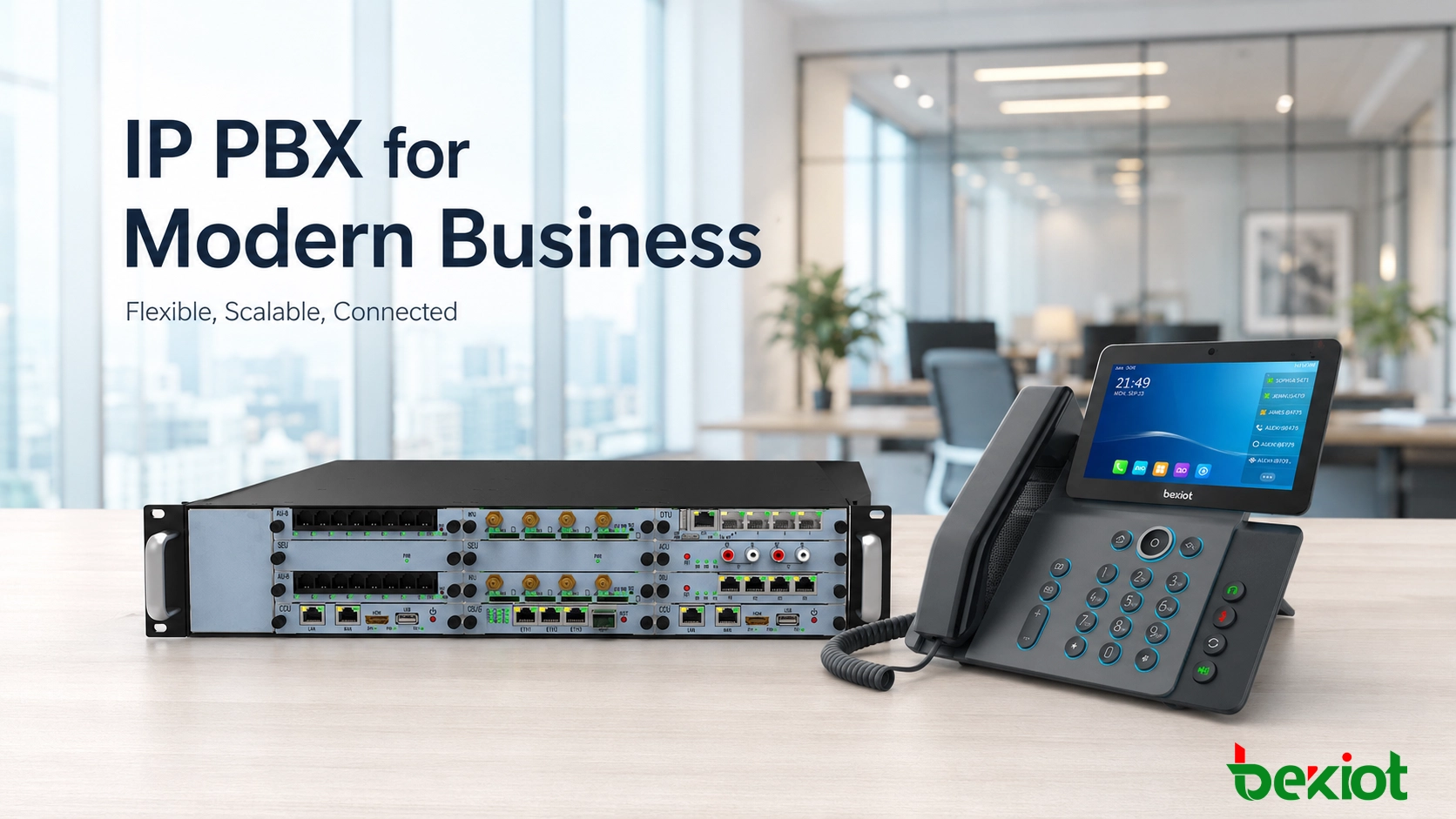
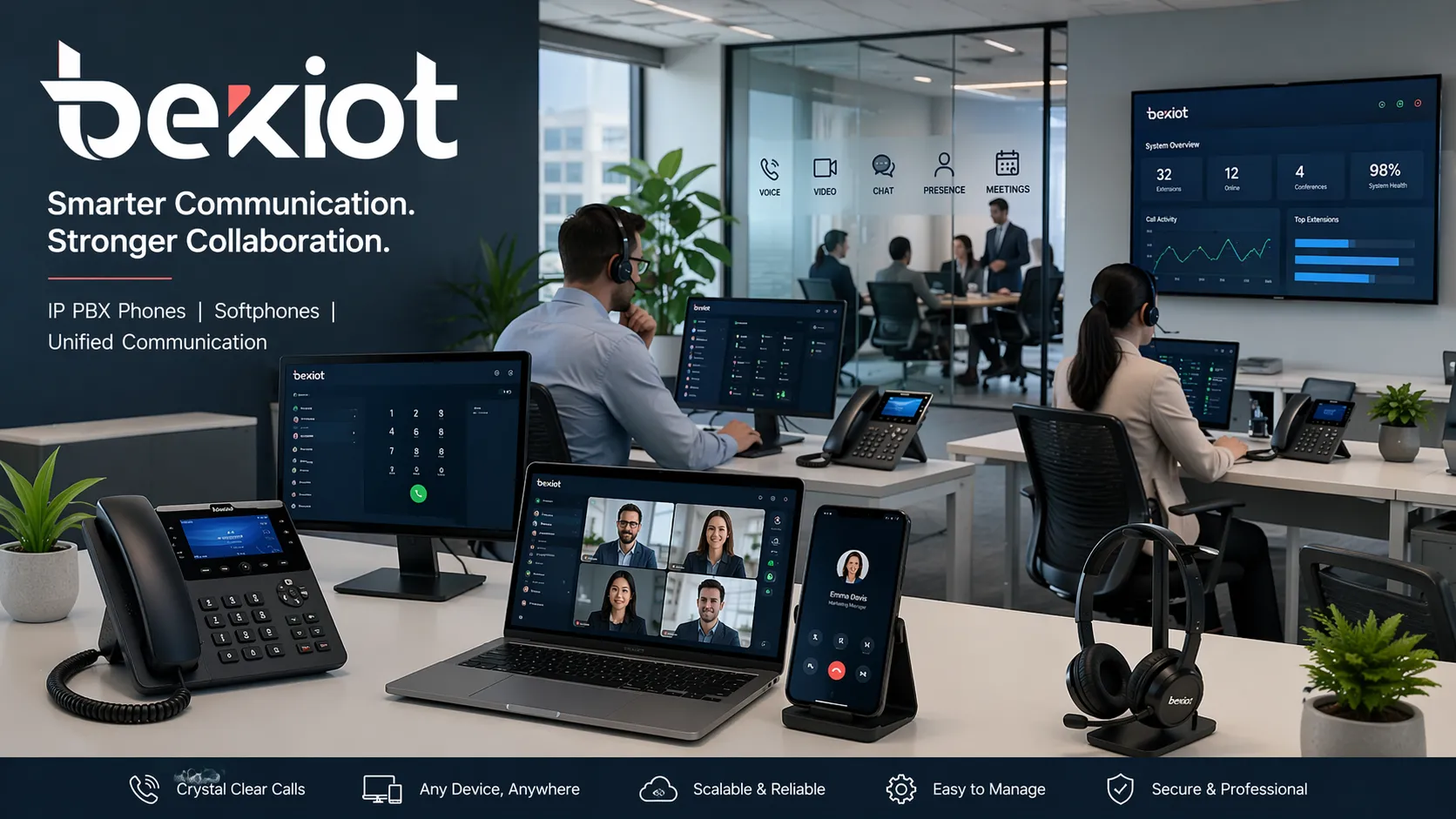
IP PBX supports desk phones, soft clients, branch users, and distributed business communication workflows.
Why Traditional PBX Systems Are Becoming Less Practical
Traditional PBX systems were designed for companies with stable office layouts, fixed extensions, and mostly on-site users. That model still works in some small and simple environments, but it does not fit many modern businesses well.
Today, companies often need to connect departments across different buildings, support remote employees, add branch offices, manage mobile users, and integrate communication with customer service or business software. Legacy PBX platforms can become restrictive because they often depend on dedicated hardware, fixed cabling, and vendor-specific expansion modules.
Even small changes can become inconvenient. Adding a new user, moving an extension, changing a call route, or connecting a new location may require manual configuration, extra hardware, or physical rewiring. Over time, that slows down IT teams and increases operating cost.
Another limitation is that older PBX systems are usually voice-centered rather than workflow-centered. Modern companies expect features such as voicemail-to-email, call recording, remote extensions, softphone access, auto attendants, conference calling, CRM integration, and centralized management. When a traditional system cannot keep pace, IP PBX becomes a logical next step.
Main Reasons Companies Choose IP PBX
Lower communication and maintenance costs
Cost control is one of the first reasons businesses consider IP PBX. By using SIP trunks and IP-based communication, companies can reduce dependence on traditional phone lines and simplify external calling. This is especially useful for businesses with multiple offices, frequent long-distance calls, or regular inter-branch communication.
The savings are not limited to call charges. IP PBX systems can also reduce the cost of routine changes. When users move desks, change departments, or work from a different location, administrators can often update the system through software instead of rewiring phone lines or replacing hardware modules.
Better support for remote and hybrid work
Remote and hybrid work have made flexible telephony much more important. Employees may need to answer business calls from a laptop, smartphone, SIP desk phone, or softphone client while working from home, traveling, or supporting customers from another site.
IP PBX supports this model more naturally than many legacy systems. Users can keep the same extension identity and business calling features even when they are not physically in the main office. This helps companies maintain a professional communication structure without relying only on personal mobile numbers.
Modern business telephony is no longer defined by where the phone sits. It is defined by how reliably people can stay connected wherever they work.
Easier scalability as the business grows
Business growth often creates pressure on the phone system. A company may hire more staff, open new branches, add a customer service team, create new departments, or expand into new regions. If the communication system is difficult to scale, it can become a bottleneck.
IP PBX systems are generally easier to expand because they are based on network architecture. New users, endpoints, and locations can be added more efficiently than in many traditional PBX environments. This makes IP PBX suitable for companies that want a communication platform that can grow with them.
More flexible deployment options
Different businesses have different deployment preferences. Some want an on-premises IP PBX for local control and internal management. Others prefer cloud-hosted services. Some need a hybrid structure that combines local equipment with remote connectivity.
IP PBX gives companies more flexibility in deployment and device selection. A business can use SIP desk phones for office staff, softphones for remote users, conference phones for meeting rooms, mobile clients for field teams, and video phones where face-to-face communication is useful.
Centralized administration
Managing communication across several offices becomes difficult when each site uses its own separate system. IP PBX helps bring users, extensions, call routing, voicemail, permissions, recordings, and trunk settings into one management environment.
With centralized administration, IT teams can handle changes more quickly and apply consistent communication policies across the organization. This improves daily efficiency and reduces dependence on scattered manual maintenance.
How IP PBX Supports Modern Business Operations
Unified voice across different locations
One of the strongest advantages of IP PBX is that it allows users in different locations to work under the same communication structure. A headquarters employee, branch office user, warehouse supervisor, service desk agent, and remote manager can all be part of the same extension plan.
This makes internal calling, call transfer, ring groups, and shared call handling easier to manage. It also helps the company present a more professional and unified image to customers, even when teams are distributed.
Integration with business applications
Communication becomes more valuable when it connects with daily business workflows. Many companies want phone systems to integrate with CRM software, help desk platforms, ERP systems, security systems, intercom terminals, or collaboration tools.
IP PBX is usually better suited to these integrations because it is built around IP networking and software-based communication. Calls can become part of customer service records, support processes, sales workflows, or internal coordination instead of remaining isolated voice events.
Support for voice, video, and collaboration features
Businesses increasingly expect communication systems to support more than basic calling. Depending on the deployment, IP PBX can support voicemail, conferencing, auto attendants, call queues, remote extensions, call recording, presence, video calls, and integration with other SIP endpoints.
Not every company needs every feature immediately. The advantage is that IP PBX provides a stronger foundation for adopting these capabilities when the business is ready.
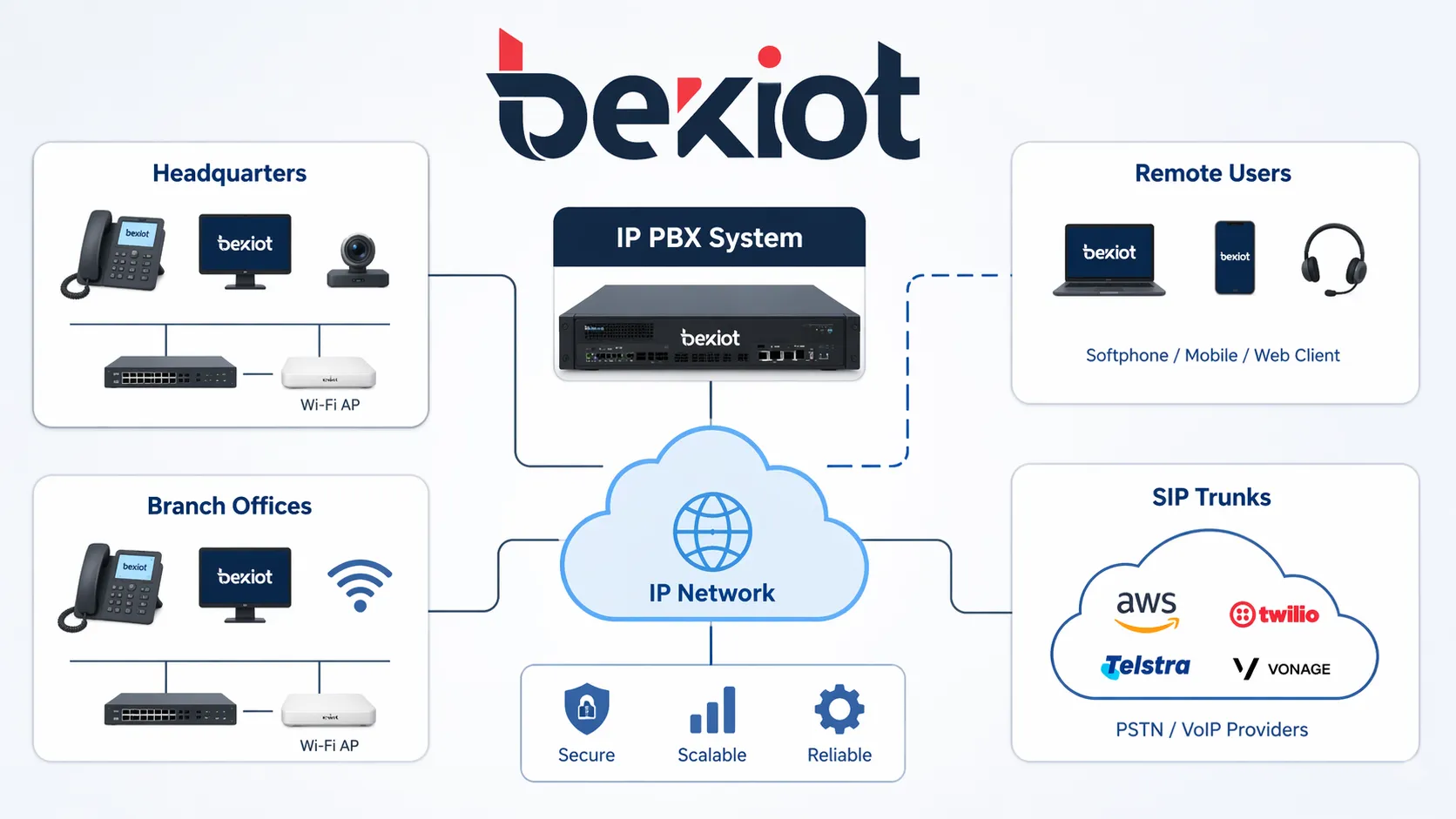
IP PBX makes it easier to connect headquarters, branches, remote users, and SIP trunks through one communication architecture.
Which Businesses Benefit Most from IP PBX?
Small and medium-sized businesses
Small and medium-sized businesses often choose IP PBX because they need professional call handling without the complexity of traditional enterprise telephony. Features such as auto attendants, voicemail, extension management, ring groups, and mobile access can help smaller teams operate more professionally.
At the same time, IP PBX gives these businesses room to grow. They can start with a manageable system and add users, devices, trunks, and features as their needs change.
Multi-site companies
Companies with multiple locations benefit strongly from IP PBX because they need consistent internal dialing, easier inter-office communication, and centralized management. Without a unified platform, each site can become a separate communication island.
IP PBX helps connect sites into one structure. Staff can reach each other through extensions, calls can be routed between locations, and administrators can manage communication policies more consistently.
Customer service and sales teams
Teams that handle high call volumes need more than basic ringing. They may require call queues, call recording, supervisor visibility, ring groups, routing rules, voicemail handling, and integration with customer data.
For customer service and sales departments, communication quality directly affects response speed, customer experience, and revenue opportunities. IP PBX can give these teams a more organized and measurable call handling environment.
Industrial, education, healthcare, and campus environments
Factories, schools, hospitals, office parks, and large campuses often need communication beyond normal office calling. They may need paging, intercom, emergency communication, access control integration, broadcast linkage, or communication across dispersed buildings.
Because IP PBX can work with SIP devices and broader IP communication systems, it is a strong fit for these more complex environments. It can become part of a larger communication architecture rather than only a phone system.
Benefits Beyond Lower Phone Bills
Cost reduction is important, but most businesses do not move to IP PBX only to reduce monthly phone expenses. They upgrade because communication affects daily productivity, customer response, employee collaboration, and long-term flexibility.
A modern IP PBX can help reduce missed calls, improve internal coordination, support mobile teams, and create more professional caller experiences. It can also make it easier to introduce future tools such as unified communication platforms, call analytics, video endpoints, SIP intercoms, paging systems, and integrated collaboration services.
For many organizations, moving to IP PBX is less about replacing old hardware and more about building a communication platform for the next stage of business growth.
What to Check Before Moving to IP PBX
Network readiness
IP PBX depends on network quality. Before migration, businesses should review LAN performance, switch capacity, bandwidth, cabling, VLAN design, and QoS strategy. A strong network foundation helps ensure stable voice quality and reliable endpoint registration.
Power planning is also important. If SIP phones use PoE, the network switch capacity should be reviewed. For important sites, backup power and redundancy should be considered to keep communication available during outages.
Security and access control
When voice communication moves onto IP infrastructure, security becomes more important. Businesses should review password policies, device provisioning, firewall rules, SIP access, remote extension controls, network segmentation, and encryption options where required.
A good IP PBX deployment should balance flexibility with disciplined administration. Remote access should be useful, but it should not create unnecessary security risk.
Compatibility and integration goals
Not every IP PBX migration starts from a clean slate. A business may want to retain existing phone numbers, connect analog devices, use SIP trunks, keep some legacy phones, or integrate with CRM, intercom, paging, or security systems.
The migration plan should define what needs to be preserved, what should be replaced, and which integrations are expected in the future. This prevents unnecessary redesign after the system is already installed.
User experience and training
A successful upgrade is not only about servers and phones. Users need a system that matches how they actually work. Receptionists, sales teams, warehouse staff, managers, remote workers, and support agents may all require different device types and call features.
Role-based planning, simple user training, and clear call procedures help the business get real value from the IP PBX system.
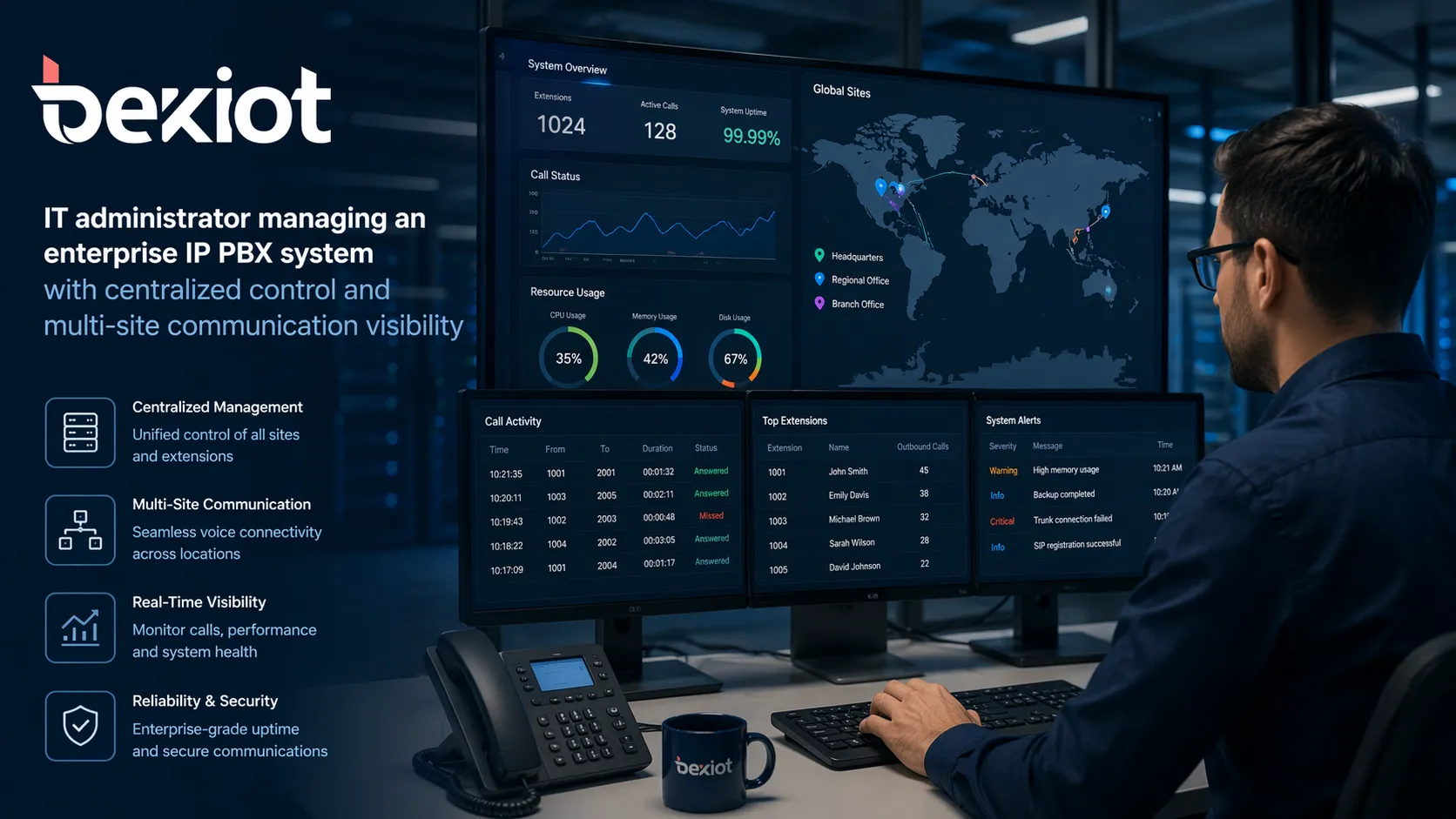
Centralized management is one of the strongest operational advantages of an IP PBX deployment.
Practical Selection Checklist
Selection Point
What to Confirm
User and Extension Plan
Current users, expected growth, departments, branches, remote workers, and extension numbering rules
Network Readiness
LAN quality, VLAN design, QoS, bandwidth, switch capacity, PoE, and backup power
External Calling
SIP trunks, analog line gateways, number retention, caller ID rules, and failover needs
Endpoint Types
SIP desk phones, softphones, mobile clients, conference phones, video phones, and analog adapters
Business Features
IVR, ring groups, queues, voicemail, call recording, conferencing, and remote extensions
Integration Needs
CRM, help desk, intercom, paging, access control, security systems, and collaboration tools
Security
Authentication, firewall rules, remote access control, encryption options, and user permissions
Solution Planning with Becke Telcom
Becke Telcom supports IP-based communication solution planning for businesses, campuses, industrial facilities, schools, hospitals, commercial buildings, and multi-site organizations. Depending on the project, the solution can include IP PBX platforms, SIP phones, VoIP gateways, paging systems, intercom terminals, dispatch consoles, and emergency communication endpoints.
For companies replacing legacy PBX systems or building new voice infrastructure, Becke Telcom can help evaluate extension planning, endpoint selection, SIP trunk access, analog gateway requirements, paging or intercom integration, and long-term expansion needs.
The goal is to build a communication system that is practical for daily use, easier to manage, and ready for future business growth.
Conclusion
Businesses are moving to IP PBX systems because communication requirements have changed. Companies need lower operating costs, stronger support for remote work, flexible deployment, centralized management, and better integration with business workflows.
Traditional PBX systems may still work in simple environments, but many organizations now need a more adaptable platform. IP PBX helps connect users across offices, branches, remote locations, and mobile devices while providing a stronger foundation for future communication tools.
For businesses planning a communication upgrade, IP PBX is not just a technology trend. It is a practical response to the way modern organizations work, serve customers, and grow.
FAQ
Why are businesses replacing traditional PBX with IP PBX?
Businesses are replacing traditional PBX systems because IP PBX offers better flexibility, easier scalability, lower operating costs, stronger support for remote work, and better integration with modern software and SIP-based communication tools.
Is IP PBX only suitable for large enterprises?
No. IP PBX can be used by small businesses, medium-sized companies, and large enterprises. Smaller organizations often choose it for professional call handling and growth flexibility, while larger companies value centralized control and multi-site connectivity.
Can IP PBX reduce communication costs?
In many cases, yes. IP PBX can reduce dependence on traditional phone lines, simplify inter-office calling, support SIP trunks, and lower the cost of user moves, adds, and changes over time.
Does IP PBX support remote employees?
Yes. IP PBX can support remote and hybrid work through softphones, mobile clients, remote extensions, SIP phones, and network-based access, depending on the deployment and security design.
What should a company check before upgrading to IP PBX?
A company should review network readiness, user count, growth plans, SIP trunk requirements, endpoint types, security policies, integration needs, remote access requirements, and user workflow expectations before moving to IP PBX.
Can IP PBX work with paging or intercom systems?
Yes. Many IP PBX systems can work with SIP paging devices, intercom terminals, VoIP gateways, emergency phones, and dispatch platforms, making them suitable for broader business and facility communication projects.