What Is a Paging Phone System and Why Do Modern Facilities Need One?
A practical guide to paging phone systems, explaining how telephony, SIP paging, speakers, intercoms, zone announcements, emergency alerts, and centralized control work together for modern facilities.
Becke Telcom
Fast voice communication still has a place in modern organizations. Email, chat, and workflow tools are useful for daily collaboration, but they are not always effective when a message must reach people immediately. In offices, factories, schools, hospitals, parking facilities, warehouses, transport hubs, and industrial sites, a paging phone system gives authorized users a direct way to make live announcements, send zone-based instructions, and trigger urgent voice alerts.
A paging phone system connects telephony and public announcement functions into one communication environment. Instead of treating phones, speakers, intercoms, gateways, and operator consoles as separate systems, it allows them to work together through SIP, IP PBX, paging servers, or centralized management platforms.
The result is a more practical communication layer. Staff can page one department, one floor, one warehouse zone, one parking area, or an entire site. In an emergency, the same system can help deliver clear instructions faster than text-only notifications or manual phone calls.
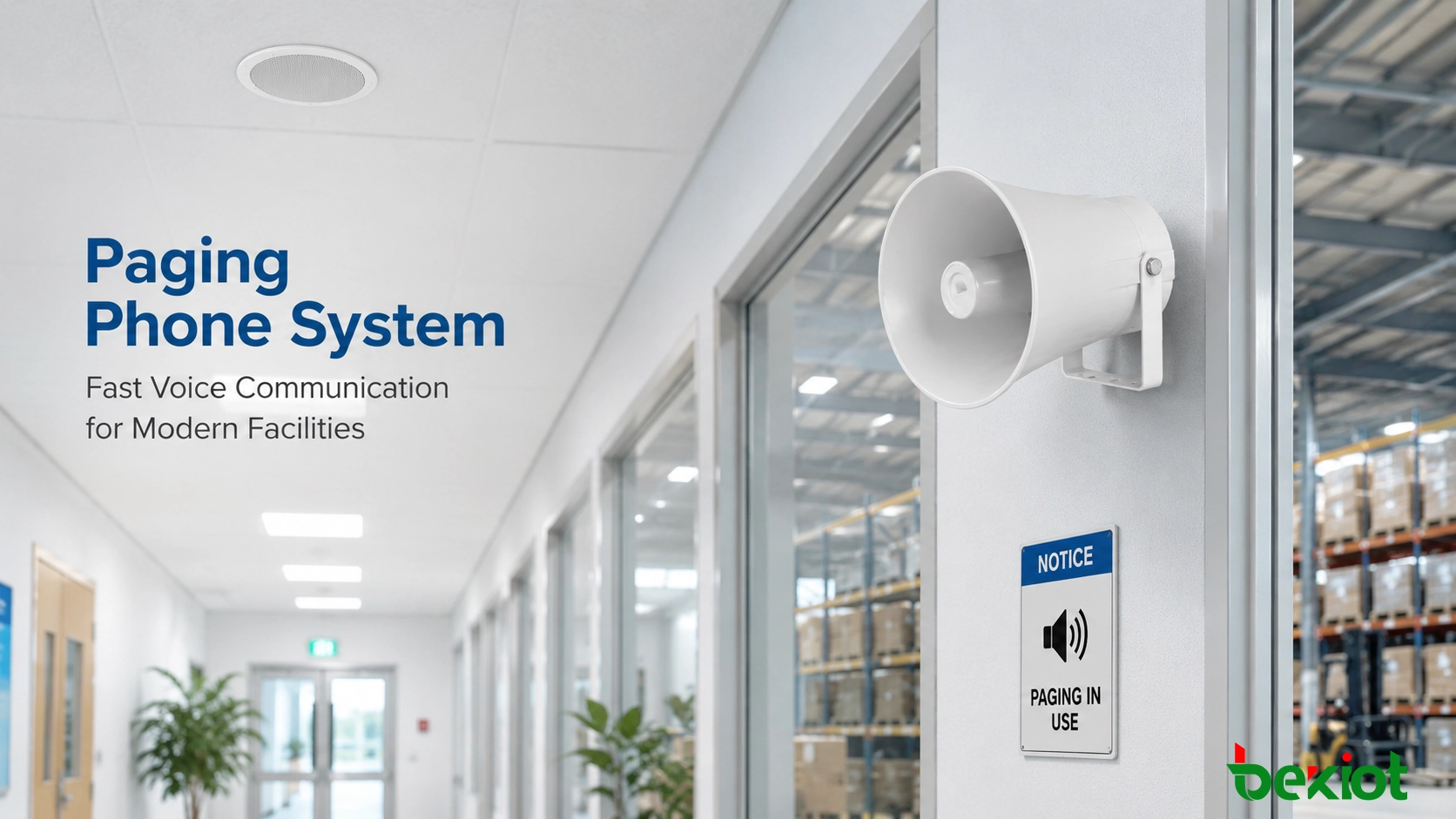
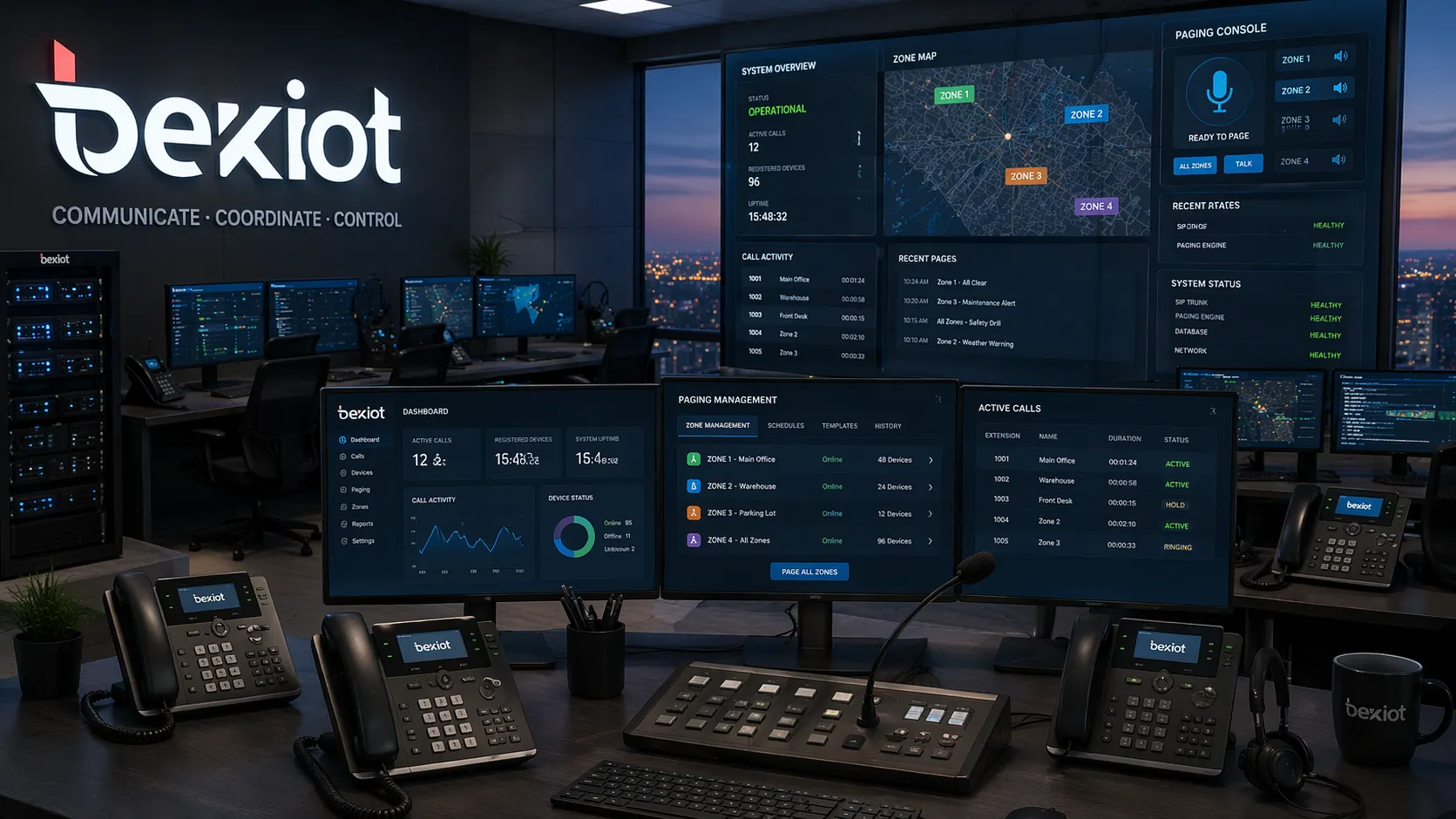
A modern paging phone system can connect SIP phones, paging speakers, intercom devices, dispatch screens, and zone-based announcement tools into one managed platform.
How the System Works
A paging phone system allows a user to broadcast spoken messages through connected phones, IP speakers, amplifiers, horn speakers, intercom endpoints, or paging adapters. Unlike a basic business phone system that focuses mainly on person-to-person calling, this type of system supports one-to-many communication.
In older buildings, paging was often handled by analog overhead speakers connected to a PBX or local PA amplifier. That model can still work for simple announcements, but it is usually limited when a facility needs flexible zones, remote management, emergency priority, or integration with other systems.
Modern paging phone systems usually use SIP and IP networking. A user can make a page from a desk phone, SIP phone, paging microphone, softphone, dispatch console, or authorized control interface. The system then routes the voice message to selected endpoints according to permissions, zones, priorities, and call rules.
A paging phone system is no longer just a tool for overhead announcements. In many facilities, it is part of daily coordination, site safety, and emergency readiness.
Main Components
SIP phones and paging endpoints
SIP phones and paging telephones are often used to initiate announcements. A receptionist may page a lobby, a warehouse supervisor may call a loading zone, and a facility manager may send a building-wide notice from an authorized phone.
Paging endpoints may include ceiling speakers, wall speakers, horn speakers, IP speakers, analog speakers connected through gateways, or intercom devices that support both broadcast and response.
IP PBX or paging server
The IP PBX or paging server handles the logic behind the system. It manages device registration, paging codes, user permissions, audio routing, call groups, priority behavior, and integration with other SIP-based devices.
This control layer is important because different users should not always have the same paging rights. A front desk may only need lobby paging, while a control room may need access to emergency all-call functions.
Speakers, amplifiers, and gateways
Speakers deliver the message to people in the field. In quiet indoor areas, ceiling or wall speakers may be enough. In noisy or outdoor environments, horn speakers are usually more suitable. Where legacy PA infrastructure already exists, paging gateways can connect analog amplifiers and speaker lines to a SIP-based system.
This hybrid approach is useful when a facility wants to modernize the control layer without replacing every existing speaker and cable at once.
Intercoms, call boxes, and operator consoles
Many systems also include intercom stations, help points, emergency call boxes, and dispatch consoles. These devices allow two-way communication, event handling, and operator control. In larger sites, a visual console can show zones, devices, alarms, and call status so operators can respond more quickly.
When paging, intercom, and dispatch work together, the system becomes more useful than a one-way broadcast tool. It can support public announcements, staff coordination, visitor assistance, and emergency response from the same communication framework.
How Paging Requests Are Routed
When an authorized user dials a paging code, presses a configured key, or selects a zone from a console, the system checks the request and sends the voice stream to the correct destination. The destination may be one speaker, a group of phones, a floor, a building, a warehouse zone, a parking area, or every endpoint on the site.
This process allows communication to be both fast and controlled. A routine message can stay local, while an urgent alert can override normal audio and reach a wider area. In a multi-site deployment, the same platform can also manage paging across branch offices, campuses, remote buildings, or industrial zones.
Some systems support scheduled announcements, pre-recorded messages, event-triggered paging, and role-based access. For example, a shift change message may play automatically at a fixed time, while a security alert may be triggered by an operator or connected alarm system.
Emergency Alerts and Priority Control
Emergency communication is one of the strongest reasons to use a paging phone system. During a fire event, security incident, medical emergency, severe weather warning, hazardous material leak, or evacuation, people need clear instructions immediately.
A siren or flashing light can attract attention, but it may not explain what people should do next. A voice announcement can provide direction: evacuate through a specific exit, avoid a certain zone, shelter in place, wait for further instructions, or contact emergency personnel.
A well-designed system gives emergency messages priority over routine paging, background audio, or scheduled announcements. It may support live operator override, pre-recorded evacuation messages, lockdown notices, hazard warnings, event logs, and integration with alarms, panic buttons, fire panels, access control, CCTV, or industrial monitoring systems.
This kind of workflow reduces delay between detection and response. An operator can receive an alarm, check the location, speak to the affected zone, and escalate the announcement if necessary.
Important Features to Look For
Live paging and zone announcements
Live paging allows authorized users to make immediate announcements from phones, consoles, or paging microphones. Zone paging adds precision by sending messages only to selected areas instead of broadcasting everything site-wide.
This is useful in offices, schools, warehouses, hospitals, factories, and parking facilities where different spaces have different communication needs.
Two-way communication support
A modern system should not be limited to one-way audio. When connected with SIP intercoms, call boxes, emergency phones, or help points, it can support two-way communication between field users and an operator.
This is valuable in parking areas, campuses, industrial sites, transport facilities, gates, entrances, and service zones where people may need both announcements and direct assistance.
Centralized management
Centralized management helps administrators configure users, paging groups, zones, schedules, endpoint settings, and access permissions. In larger deployments, monitoring tools can also show device status, call activity, and event records.
This reduces maintenance effort and makes the system easier to manage across multiple buildings or facilities.
SIP and IP PBX integration
SIP compatibility allows the paging phone system to work with IP PBX platforms, SIP phones, paging gateways, intercom terminals, softphones, and dispatch software. This makes the system easier to expand and prevents paging from becoming an isolated audio island.
For organizations that already use SIP telephony, this integration can make paging feel like a natural extension of the existing communication environment.
Priority and permission control
Not every user should be able to page every zone. A strong system should support role-based permissions, emergency priority, all-call override, and different access levels for reception, security, facility management, and control room operators.
This helps avoid misuse, reduces unnecessary disturbance, and ensures critical messages can be delivered when needed.
The real strength of a paging phone system is unification. Phones, speakers, intercoms, alerts, and operator tools work better when they are managed as one communication system.
Benefits for Daily Business Communication
A paging phone system improves communication speed. Staff do not need to wait for email replies, search for mobile numbers, or walk across the site when an immediate announcement is required. A live page can reach a team or zone within seconds.
It also improves consistency. Instead of relying on separate tools for phones, announcements, help points, and emergency messages, the organization can use a more unified structure. This makes procedures easier to follow and helps reduce confusion during busy operations.
Scalability is another advantage. As the organization grows, new phones, speakers, zones, buildings, and remote areas can often be added through the same IP-based framework. This is more manageable than maintaining separate systems for telephony, paging, and PA broadcasting.
There is also a practical human factor. Voice instructions are easier to notice when people are walking, driving, carrying equipment, wearing gloves, or working in noisy areas. In these moments, a clear spoken message can be more useful than a text notification.
Common Application Scenarios
Offices and commercial buildings
Offices use paging phone systems for visitor announcements, reception support, facility notices, after-hours communication, emergency alerts, and buildingwide instructions. In multi-floor buildings, zoning allows messages to reach only the affected floor, lobby, parking level, or service area.
This keeps routine announcements professional while preserving the ability to send urgent all-call messages when needed.
Factories and warehouses
Industrial and logistics environments often need fast voice coordination across large spaces. A paging phone system can support production announcements, loading dock instructions, shift changes, equipment alerts, maintenance calls, safety reminders, and emergency response.
Horn speakers, rugged intercoms, industrial phones, and dispatch tools may be used together in these environments. Zones can be created for production lines, warehouses, loading bays, utility rooms, outdoor yards, and restricted areas.
Schools and campuses
Schools and campuses can use paging for class-change messages, administrative announcements, security instructions, weather alerts, event coordination, and emergency notifications.
A campus may need to page one classroom building, one dormitory area, one sports field, or the full site. Centralized zone control makes these workflows easier to operate.
Hospitals and healthcare facilities
Healthcare environments require controlled communication across departments, public areas, staff zones, waiting rooms, entrances, and service spaces. A paging phone system can help coordinate staff, guide visitors, and issue emergency instructions.
Because hospitals have different acoustic and privacy needs, zone-based paging is especially important. Not every announcement should reach every ward or department.
Parking facilities and transport hubs
Parking structures, railway stations, bus terminals, airports, and transit facilities benefit from a combination of paging and two-way communication. Operators can broadcast instructions while call boxes, help points, or intercoms allow visitors and passengers to request assistance.
Integration with CCTV, barriers, access control, and dispatch software can improve incident handling and reduce response time.
Industrial and critical sites
Utility tunnels, refineries, ports, power sites, manufacturing plants, and other critical environments may require a more robust system. Paging may need to work with alarms, emergency phones, explosion-proof devices, radio gateways, and control room dispatch platforms.
In these sites, the paging phone system is not only a convenience tool. It becomes part of operational safety and incident response.
Paging Phone System vs. Traditional PA System
A traditional PA system is usually designed for one-way broadcasting. It can be effective for simple announcements, especially in smaller buildings or stable environments where only basic voice output is needed.
A paging phone system adds telephony logic, SIP integration, user permissions, zone control, intercom support, centralized management, and emergency priority. This makes it more suitable for organizations that need voice communication to support operations, security, and response workflows.
The two approaches do not always have to compete. Many facilities keep existing analog PA equipment and connect it to newer SIP-based systems through paging gateways or hybrid designs. This allows gradual modernization while protecting useful infrastructure.
Item
Traditional PA System
Paging Phone System
Main Purpose
Basic one-way audio broadcast
Telephony-based paging, zone announcements, and emergency alerts
Control Method
Amplifier, microphone, or local PA controller
SIP phone, IP PBX, paging server, console, or management platform
Zone Flexibility
Often hardware-defined
Can be software-defined and easier to adjust
Two-Way Communication
Usually limited
Can integrate with intercoms, call boxes, and emergency phones
Best Fit
Simple local announcements
Integrated business communication and emergency response
How to Choose the Right System
Check SIP and network compatibility
A suitable system should work with the organization’s IP PBX, SIP phones, paging gateways, intercom devices, and network environment. SIP compatibility is especially important when the business wants flexible integration and future expansion.
Network planning should also be reviewed. Switch capacity, VLAN design, QoS, cabling distance, backup power, and remote access may all affect system performance.
Define zones before choosing devices
The system design should begin with real communication areas. A building may need lobby, office, corridor, parking, warehouse, and outdoor zones. A factory may need production, loading, utility, safety, and control room zones.
Clear zoning prevents over-broadcasting and helps operators send messages with better accuracy.
Review reliability requirements
For routine offices, a standard design may be enough. For hospitals, factories, transport facilities, and critical industrial sites, reliability requirements are higher. The system may need priority override, redundant control paths, event logging, backup power, rugged endpoints, or emergency workflow integration.
A good system should be evaluated under real operating conditions, not only by feature lists.
Plan for future expansion
Communication needs often grow. New buildings, departments, branches, speakers, intercoms, call boxes, or emergency endpoints may be added later. Choosing a scalable system from the beginning can avoid costly redesign.
It is also wise to consider future integrations with CCTV, access control, alarm systems, dispatch software, and mass notification platforms.
Becke Telcom Paging Phone System Solutions
Becke Telcom supports paging phone system projects through a unified communication approach. The solution can combine SIP phones, IP PBX platforms, paging gateways, IP speakers, SIP intercoms, emergency call points, industrial phones, and dispatch consoles into one coordinated architecture.
This approach is useful for offices, campuses, hospitals, warehouses, parking facilities, transport hubs, factories, and industrial sites where voice communication must support both routine operations and emergency response.
A commercial building may focus on reception paging and visitor guidance. A warehouse may need stronger broadcast coverage and quick staff coordination. A critical site may need paging, emergency phones, alarms, and command-room dispatch. The best solution is shaped around the workflow rather than forced into one fixed template.
A strong paging phone system should support daily communication first, then scale naturally into emergency alerting, multi-zone coordination, and broader operational integration.
Conclusion
A paging phone system helps organizations deliver fast announcements, manage zone-based communication, and support emergency alerts through a unified voice platform. By connecting phones, speakers, intercoms, gateways, and control tools, it provides more flexibility than a basic PA system and more reach than ordinary phone calling.
The right system should match the site environment, zone structure, SIP requirements, reliability expectations, and future integration plans. Whether the deployment is in an office, warehouse, campus, hospital, parking facility, transport hub, or industrial site, the goal is the same: deliver clear voice communication when people need it.
For organizations planning long-term communication improvement, a modern paging phone system can strengthen daily operations while improving readiness for urgent events.
FAQ
What is a paging phone system used for?
A paging phone system is used to send live voice announcements, zone-based messages, and emergency alerts through phones, speakers, intercoms, gateways, or paging endpoints across a facility.
Can a paging phone system work with SIP phones and IP PBX platforms?
Yes. Many modern systems support SIP integration, allowing them to work with SIP phones, IP PBX platforms, paging servers, gateways, IP speakers, and intercom devices.
How is it different from a traditional PA system?
A traditional PA system mainly supports one-way broadcast. A paging phone system adds telephony integration, zone control, user permissions, centralized management, two-way communication options, and emergency priority workflows.
Can it support emergency alerts?
Yes. A properly designed system can support live emergency paging, pre-recorded evacuation messages, lockdown instructions, priority override, alarm-triggered broadcasts, and integration with security or dispatch platforms.
Which sites benefit most from paging phone systems?
They are useful in offices, commercial buildings, factories, warehouses, schools, campuses, hospitals, parking facilities, transport hubs, industrial plants, and critical infrastructure sites.
How should a business choose the right paging phone system?
Start by reviewing SIP compatibility, network readiness, paging zones, speaker types, two-way communication needs, emergency requirements, integration options, and future expansion plans.