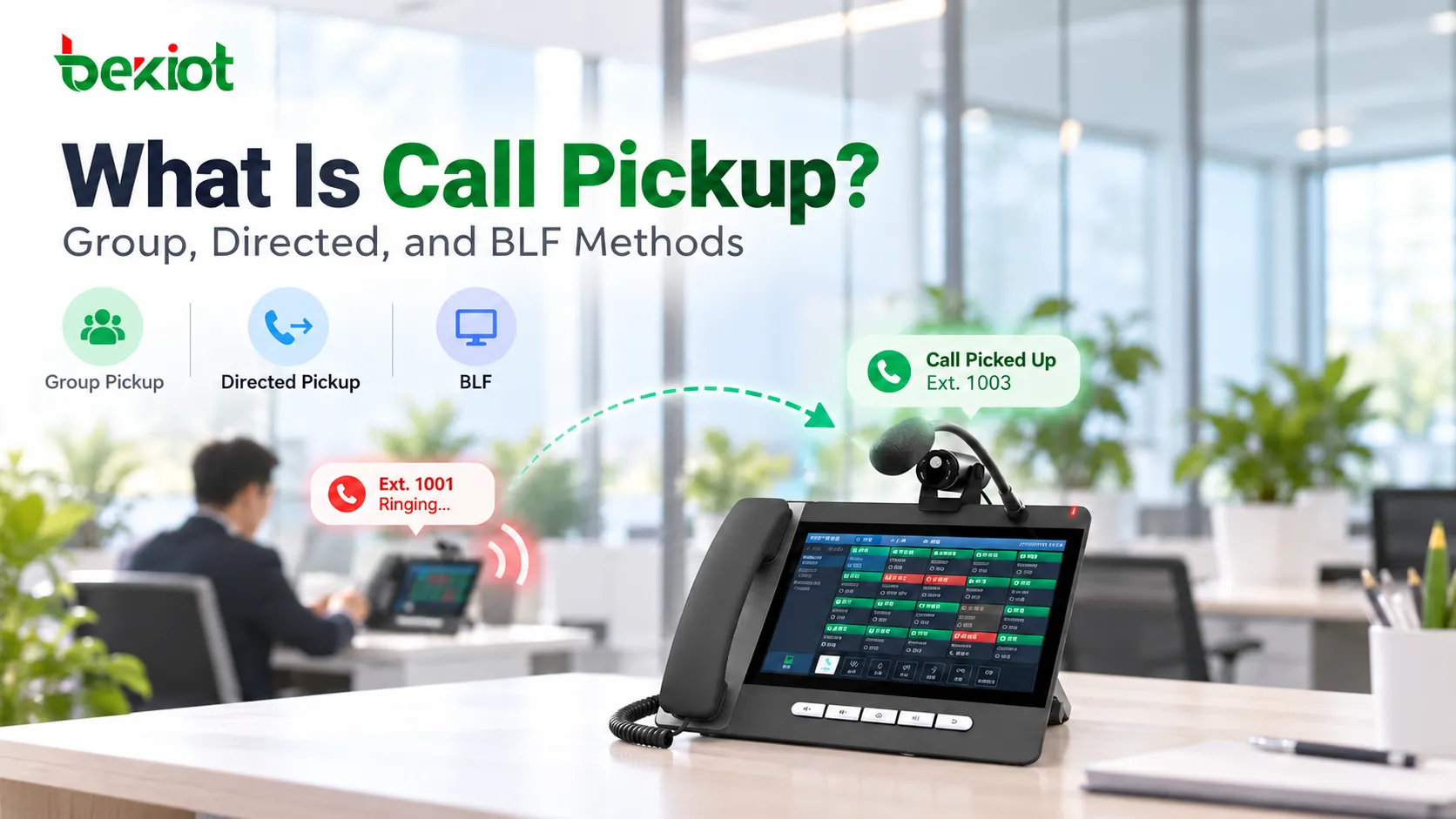
At a reception desk, one employee is speaking with a visitor when a nearby extension starts ringing. The caller needs an answer, but the person assigned to that phone is away. With call pickup, an authorized colleague can take the ringing call from another extension without walking across the office or waiting for an automatic forwarding rule.
Call pickup is a familiar function in PBX, IP PBX, SIP, and hosted business telephone systems. Its operation depends on more than the buttons on a phone: the call controller must identify an eligible ringing call, check the answering user's permissions, and connect the caller to the correct destination. Group pickup, directed pickup, and BLF-assisted pickup make this possible through different user workflows. Knowing how each method behaves is important when configuring shared call coverage across offices, service desks, and operational teams.
What Call Pickup Does in a Business Phone System
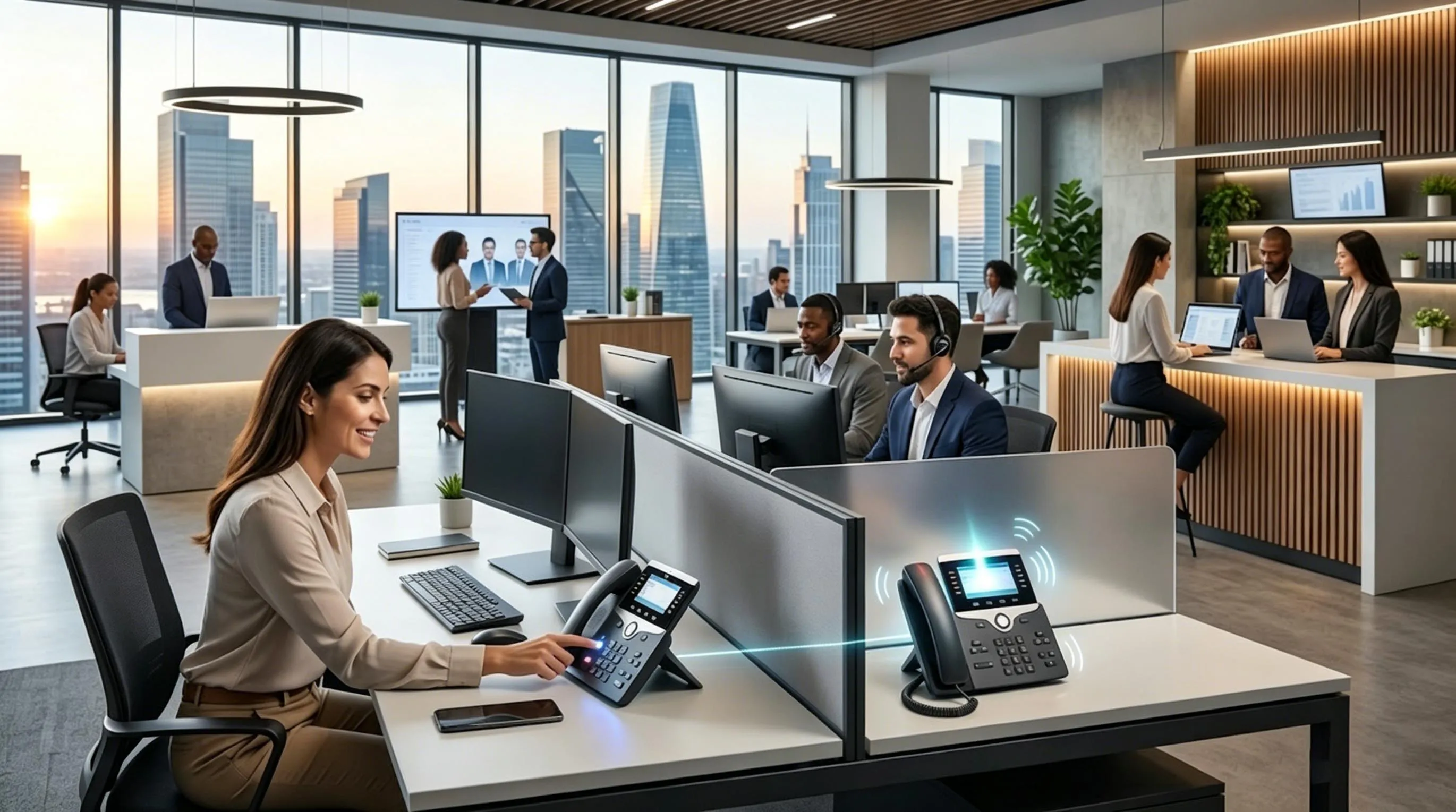
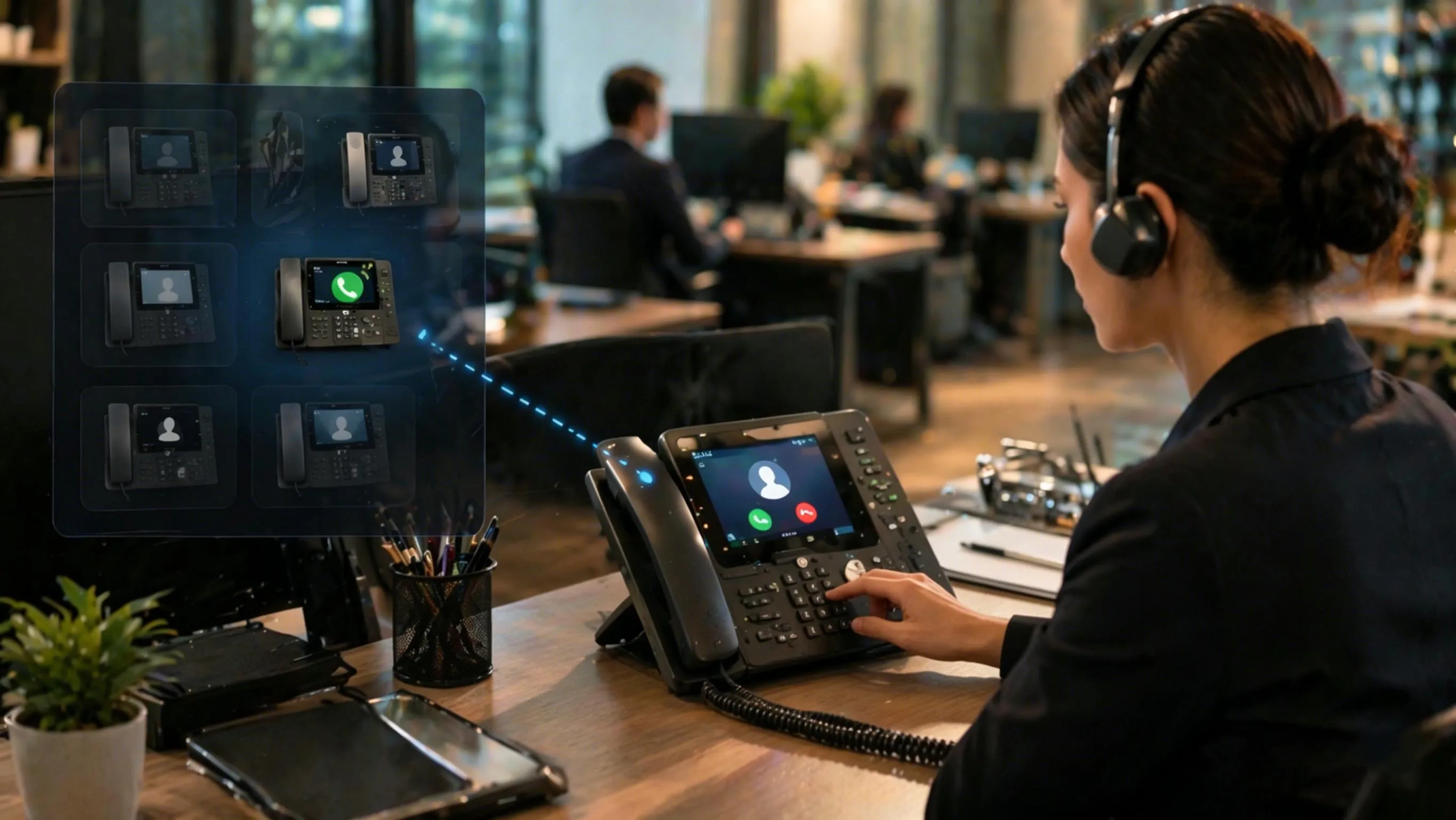
A call first reaches its intended extension and enters the ringing state. Before that user answers, another phone with the required authorization invokes pickup. The PBX or cloud call controller then connects the waiting caller to the answering user. From the caller's perspective, the dialed number has not changed; a different member of the team has answered.
This differs from configuring a common hunt group or queue. Call pickup can preserve individually assigned extensions while providing backup coverage when a colleague is temporarily unavailable. It is best suited to situations where the answering person knows which calls they are responsible for, rather than to indiscriminate pickup across unrelated departments.
Call Pickup Compared with Transfer, Forwarding, and Park
| Function | When it acts | What happens |
|---|
| Call pickup | While an eligible destination is ringing | Another authorized user answers the still-unanswered call. |
| Call transfer | After a call is answered | An active conversation is sent to another destination. |
| Call forwarding | According to a preset condition or rule | The system redirects a call, often on busy or no answer. |
| Call park | After a call is answered | An active call is held in a shared location for later retrieval. |
The distinction matters during training. A pickup key cannot ordinarily retrieve a call that has already moved to voicemail or been answered and parked. Similarly, a transfer key will not substitute for answering somebody else's ringing extension unless the platform provides a specifically integrated workflow.
How Call Pickup Works in a SIP PBX
The Ringing Call and Pickup Request
Consider two extensions on the same IP PBX. A caller dials extension 201, which is ringing. Extension 202 is assigned permission to pick up calls for 201. The user at 202 activates a configured pickup control, and the PBX checks whether 201 still has a call in an eligible ringing state. If it does, and the permissions match, the controller completes the answering call leg and clears the original ringing indication according to its implementation.
Call arrival: An internal or PSTN call is routed to extension 201, and the phone begins alerting.
Pickup request: The user at extension 202 presses a pickup key or enters a supported feature code.
Eligibility check: The PBX evaluates the target's call state, the pickup group or directed rights, and any call restrictions.
Call connection: The caller is connected to 202, while 201 stops ringing or updates its display according to system behavior.
Call records: The system records the outcome under its own call-detail and missed-call rules; the reporting format must be verified.
This is a logical call sequence rather than a universal SIP message trace. The exact signaling varies across PBX products. SIP does not define one pickup dial code that works on every server, and different platforms may use feature-code processing, call-leg replacement, or other internal call-control methods.
Why Ringing State and Timing Matter
Pickup succeeds only while the call remains eligible. If the original user answers first, the caller hangs up, or a no-answer rule moves the call elsewhere, a later pickup attempt may fail. Two users attempting to pick up the same call at nearly the same moment may also receive different results: the call controller can connect only one answering leg to a normal single-party call.
Remote offices introduce additional details. A registered SIP phone may place ordinary calls successfully while monitored line status or pickup permissions are not configured across sites. Administrators should test both the pickup request and the final two-way audio path, especially where the answering endpoint uses another subnet, VPN, or hosted service.
Group, Directed, and BLF-Assisted Pickup
These methods are often presented as separate phone features, but they do not always represent three distinct server-side mechanisms. Group and directed pickup describe which ringing call is targeted. BLF and DSS controls usually describe how a user sees and selects that call. A BLF key may invoke directed pickup behind the scenes.
Group Call Pickup
Users assigned to a defined pickup group can answer eligible ringing calls for other group members. Depending on the PBX, a group pickup command may select a ringing call according to the server's configured priority or ordering rule. This approach suits nearby reception staff, shared counters, and administrative teams whose members provide reciprocal coverage.
Administrators should distinguish a pickup group from a ring group or call queue. Membership in one does not necessarily grant rights in another. A call distributed by a queue may also follow different pickup restrictions from a call placed directly to a person's extension.
Directed Call Pickup
Directed pickup specifies the intended ringing extension. A receptionist who sees extension 201 ringing may enter a supported pickup code followed by 201, or use a programmed key that performs the same action. This method is useful for executive assistants, supervisors, and operators who cover selected users rather than all members of a large group.
The code syntax and authorization rules are PBX-specific. Using a feature code from another vendor's manual without confirming the local dial plan can trigger the wrong service or no service at all.
BLF and DSS-Assisted Pickup
Busy Lamp Field (BLF) displays the status of monitored extensions, commonly idle, busy, or ringing. Direct Station Selection (DSS) keys can provide one-touch access to extension-related functions. On a compatible phone and PBX, a key that indicates a colleague's ringing state can be configured to initiate pickup of that extension.
In some SIP implementations, line-status monitoring uses event subscriptions and notifications, while a supported pickup operation may use a feature code or dialog replacement signaling. Those details are interoperability features, not guarantees for every SIP endpoint. Seeing a flashing BLF key does not establish permission to answer the call. The PBX must still allow the pickup action. The site's DSS key overview addresses the wider range of programmable phone-key functions.
Configuration and Acceptance Checks
Pickup settings should follow the organization's actual call coverage relationships. A broad group may appear convenient during setup but can cause unrelated staff to intercept the wrong calls. For selective coverage, directed permissions or monitored keys are often easier to control and audit.
A Practical Configuration Sequence
Map the coverage relationships. List the extensions to be monitored, the users authorized to answer them, and any departments or call types that must remain separate.
Select the pickup method. Use group pickup for reciprocal team coverage or directed pickup for named extensions. Decide whether users need BLF/DSS status indications.
Configure PBX permissions. Assign the relevant pickup groups or directed rights, then confirm whether existing hunt groups, queues, and forwarding rules affect eligibility.
Program the endpoint controls. Configure the actual platform's pickup feature codes, softkeys, or monitored line keys. Verify account association and extension numbering.
Run controlled tests. Place calls from internal and external numbers where applicable; verify call pickup while the target is ringing and confirm two-way audio.
Test exception handling. Repeat when the original user answers first, a call times out, the target is busy, two users request pickup together, or a monitored phone loses registration.
There is no single vendor-neutral configuration command for these steps. The PBX administration interface, feature-code plan, endpoint firmware, and provisioned account determine the actual settings.
What to Record During Testing
Ringing state: Whether the original extension stops alerting promptly after pickup and how missed-call indicators behave.
Authorization: Whether an allowed colleague succeeds and an unrelated extension is correctly denied.
BLF updates: Whether the monitored indication follows the real call state and returns to the expected status.
Call path: Whether the caller and answering user have clear two-way audio, including across a remote or cloud-connected site.
Reporting: Whether call history identifies the original target and actual answering user in a way operational staff understand.
Successful phone registration and basic outbound calling are not sufficient evidence that pickup is working. An acceptance test must begin with a ringing target and finish with an authorized user answering that particular call.
Where Pickup Helps and How to Troubleshoot It
Typical Operational Uses
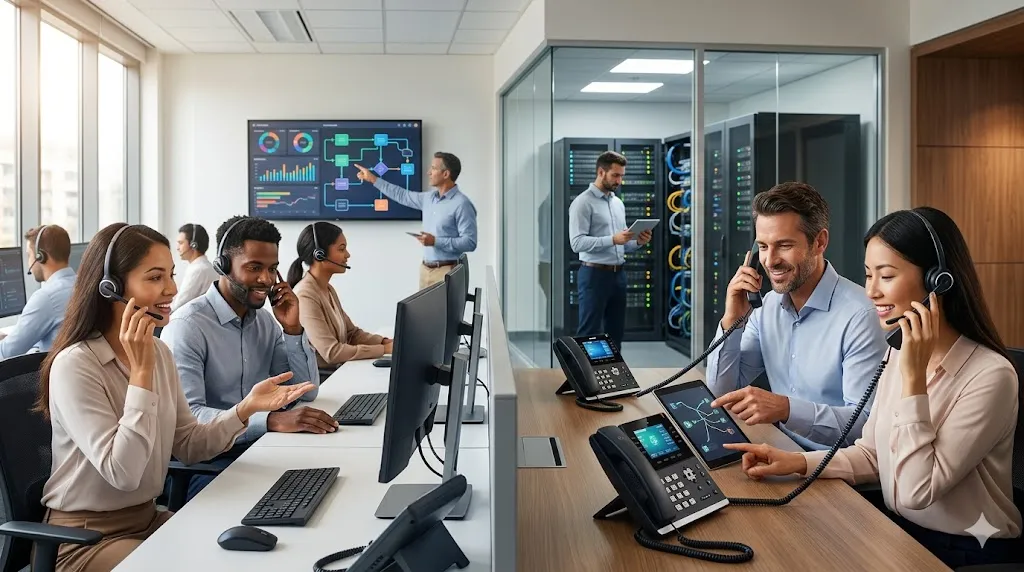
Reception and executive support often use directed or BLF-assisted pickup to cover specific extensions without interrupting in-person service. Branch counters and service desks may use group pickup when team members rotate between work areas but continue sharing responsibility for incoming inquiries. Healthcare administration and nursing stations may benefit from controlled coverage within an appropriate team, although sensitive or specially routed calls still require restricted access.
In warehouses, maintenance offices, and dispatch support rooms, colleagues may need to answer a supervisor's desk extension while that person is away from the phone. Pickup helps maintain coverage in such situations, but it should not be treated as an alternative to a dedicated emergency-call or alarm-handling workflow.
Common Faults and Checks
| Observed problem | What to check first |
|---|
| Pickup code produces an error or does nothing | Feature-code assignment, account permissions, dial plan, and whether the target is still ringing. |
| Group pickup takes the wrong ringing call | Group membership, eligibility rules, and the PBX's selection behavior when multiple calls are alerting. |
| BLF shows ringing but pressing the key cannot answer | Directed pickup rights, key action, subscribed account, and compatibility between the SIP phone and PBX. |
| Pickup works locally but not between sites | Cross-site pickup scope, line-status subscriptions, call routing, and media connectivity. |
| The original extension still appears to ring | Endpoint state updates, BLF notification timing, provisioning, and actual call-controller state. |
Where several products are involved, troubleshoot from the call controller outward. Confirm that a ringing call existed, that the pickup request reached the correct PBX service, and that the authorization check succeeded before investigating the audio path or BLF display. This separates permission and call-state problems from endpoint interface issues.
FAQ
Can call pickup answer a call that has already gone to voicemail?
Usually not. Standard pickup applies to a call that is still ringing and eligible for interception. Once the call has been answered by voicemail or forwarded beyond the supported pickup scope, a separate retrieval or handling function would be required.
What happens when two users try to pick up the same call?
The PBX normally allows one answering leg to win. The other attempt may fail or return a busy or unavailable indication. The exact result depends on the platform and the timing of the requests, so simultaneous pickup is a useful acceptance test.
Does a BLF key automatically grant permission to pick up calls?
No. BLF indicates monitored call state. Pickup requires a supported key action or feature code and appropriate server-side rights. A phone can show that an extension is ringing without being authorized to answer it.
Will call pickup change caller ID or call history?
The caller's identity may still be presented to the answering user, but call-log ownership and missed-call indicators vary. Some systems retain information about both the originally dialed extension and the user who answered. These details should be checked in the intended reporting workflow.
Can remote or cloud-connected SIP extensions use call pickup?
Yes, when the PBX or hosted service supports the required pickup scope and endpoint controls. Cross-site permissions, BLF notifications, and the resulting media path must be verified; ordinary SIP registration alone does not establish pickup compatibility.