Facilities teams often start the PoE conversation with a simple question: does this endpoint need PoE+ or is 802.3af enough? Even with higher-power standards now available, 802.3af still shows up in product data sheets, switch configurations, and field deployments for one reason—many network devices simply do not need more power. Understanding the original PoE standard remains essential for planning phones, cameras, access points, and access control systems without oversizing the network.
The Role of 802.3af in Modern Power over Ethernet
IEEE 802.3af is the first widely adopted Power over Ethernet standard. It defines how a switch or injector can deliver direct current alongside Ethernet data over standard copper cabling. In technical terms, it establishes the behavior of power sourcing equipment, usually called a PSE, and powered devices, or PDs, so that equipment from different vendors can work together without proprietary power schemes.
Before this standard, many network devices relied on vendor-specific power adapters or local AC outlets. An IP phone from one brand might need a different supply than a phone from another. 802.3af changed that by creating a common method for detection, classification, and delivery. That interoperability is one reason the standard remains embedded in enterprise networks, even when newer PoE versions are available.
The standard also solved a physical deployment problem. A ceiling-mounted access point, a lobby phone, or a corridor camera could be installed where network cabling already reached, without requiring an electrician to add an outlet nearby. That practical advantage still drives many retrofit and expansion projects, especially in buildings where running new AC power would be expensive or disruptive.
How Detection, Classification, and Power Delivery Work
PoE does not mean that power is always live on the cable. The PSE first checks whether a valid PD is connected. This detection step looks for a specific electrical signature. If the signature is absent, the port remains a normal data port, which prevents damage to non-PoE equipment and avoids unnecessary power output.
Once a PD is detected, the switch or injector may classify it to estimate how much power it will request. Classification is not a real-time measurement, but a way to reserve a power class before full operating voltage is applied. After classification, the port supplies power and continues to monitor the connection for faults, disconnection, or changes in power draw.
The most commonly quoted figure for 802.3af is 15.4 watts, but that refers to the maximum output at the PSE side. After voltage drop along the cable, the guaranteed amount available at the powered device is about 12.95 watts. That difference matters because an endpoint may work at short cable lengths but struggle on a long run if it is operating near the upper limit of the standard.
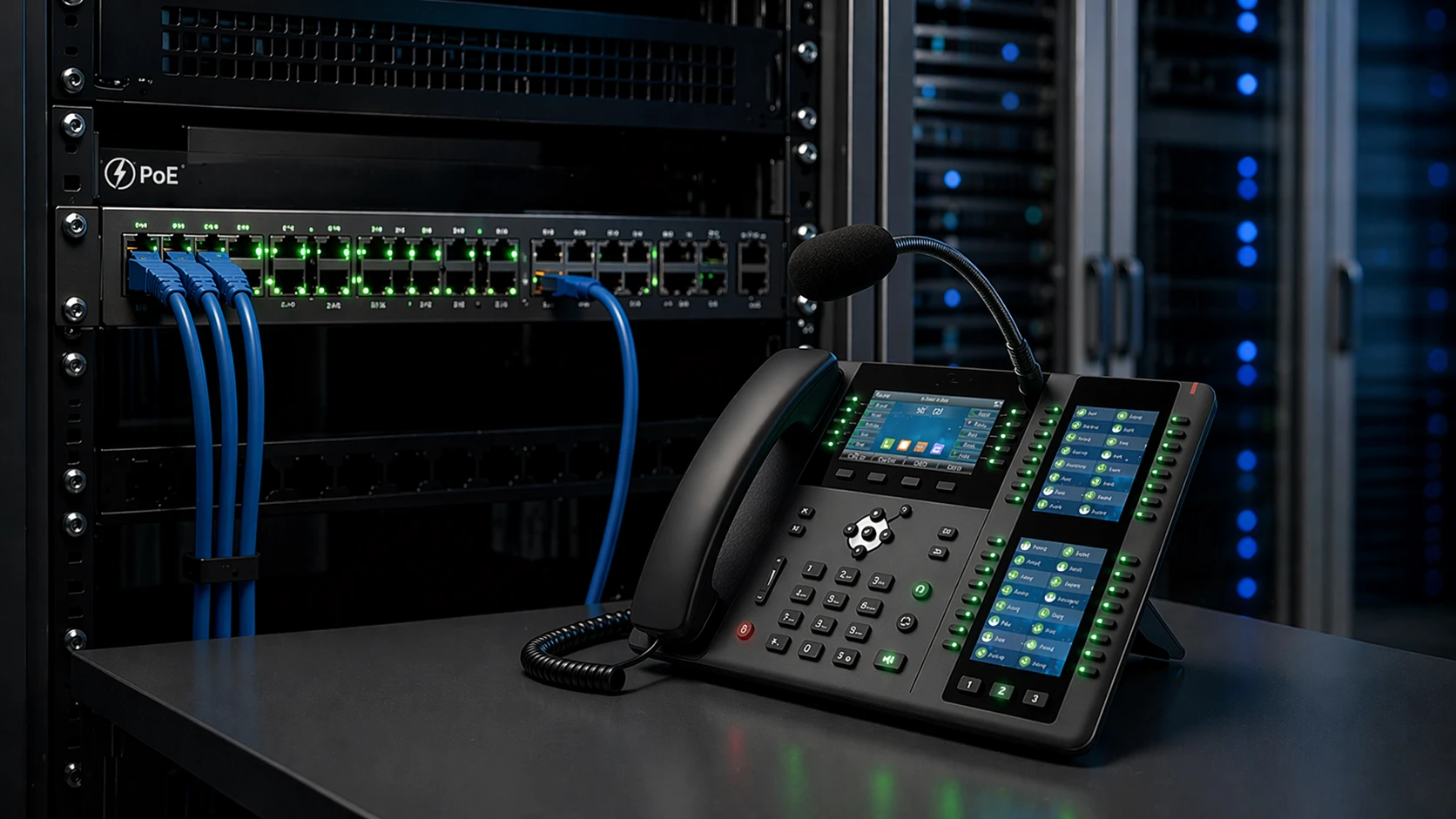
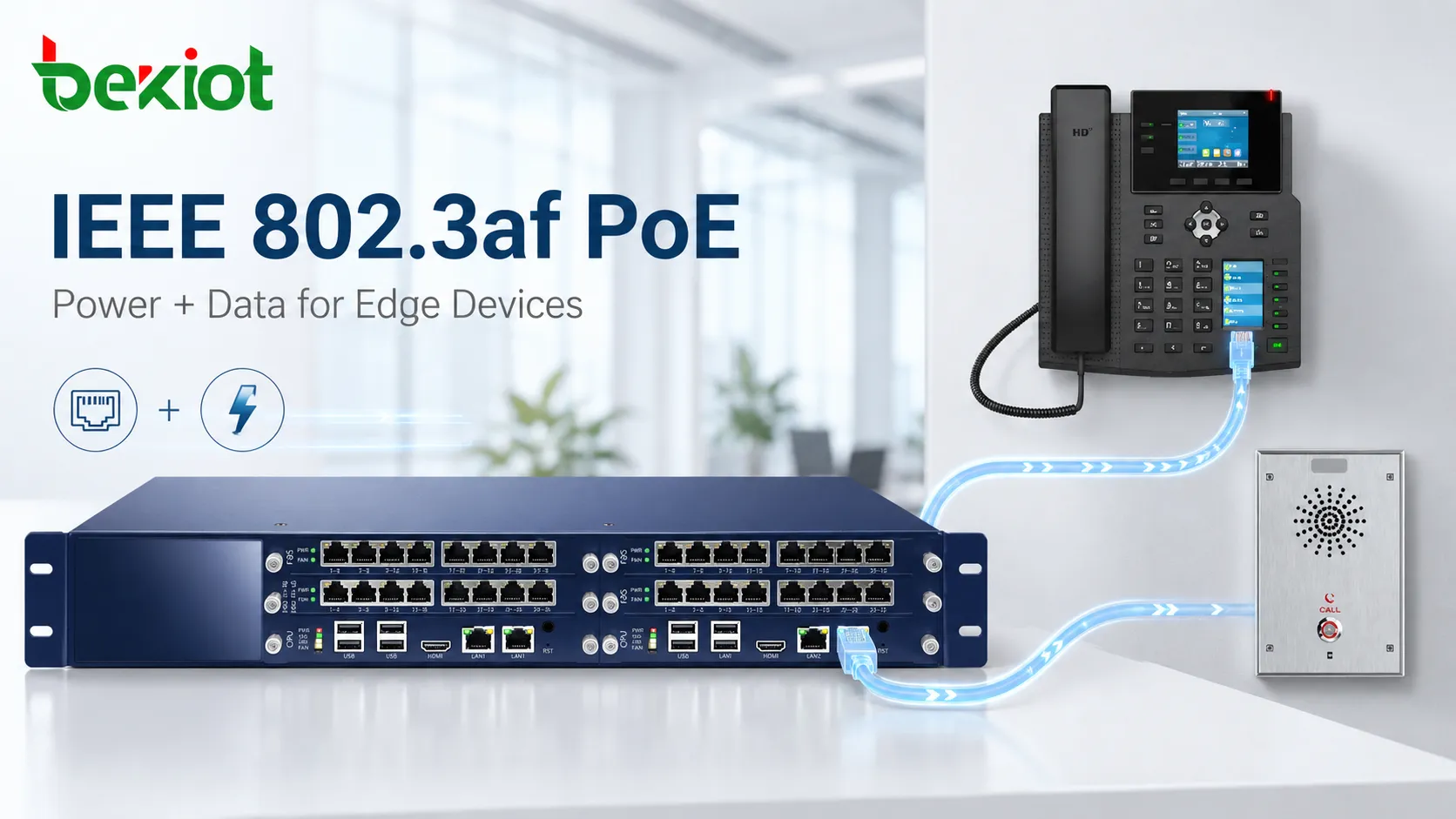
A typical 802.3af deployment uses one Ethernet cable to carry both network connectivity and power to a compatible endpoint such as an IP phone.
Common Edge Devices That Still Fit the 802.3af Power Envelope
IP phones are the classic example. Most desk phones, wall phones, and basic SIP intercoms are designed for this power range. They do not require PoE+, and giving them extra power provides no practical benefit. This makes 802.3af a stable default for voice deployments in offices, schools, branch sites, and public facilities.
Fixed IP cameras and access control components also fit naturally. A compact indoor or outdoor camera, a door station, or a badge reader often draws only a few watts. Since these devices are frequently installed in corridors, entrances, and other places where local power is inconvenient, one-cable PoE installation remains attractive. The same is true for many intercom terminals and paging stations used in commercial buildings.
Light-duty wireless access points are another common match. While high-performance Wi-Fi 6 or Wi-Fi 7 units often require 802.3at or higher, many smaller access points and older indoor models still operate within 802.3af limits. For low-density coverage areas, this can reduce the power load on the switching infrastructure without sacrificing user experience.
Industrial phones, simple operator panels, and compact monitoring gateways also fall into this group. The common characteristic is a steady, modest power draw rather than spikes from heaters, motors, or high-power radios. Across office campuses, retail chains, transport hubs, and semi-industrial sites, 802.3af remains a practical fit for distributed low-power endpoints.
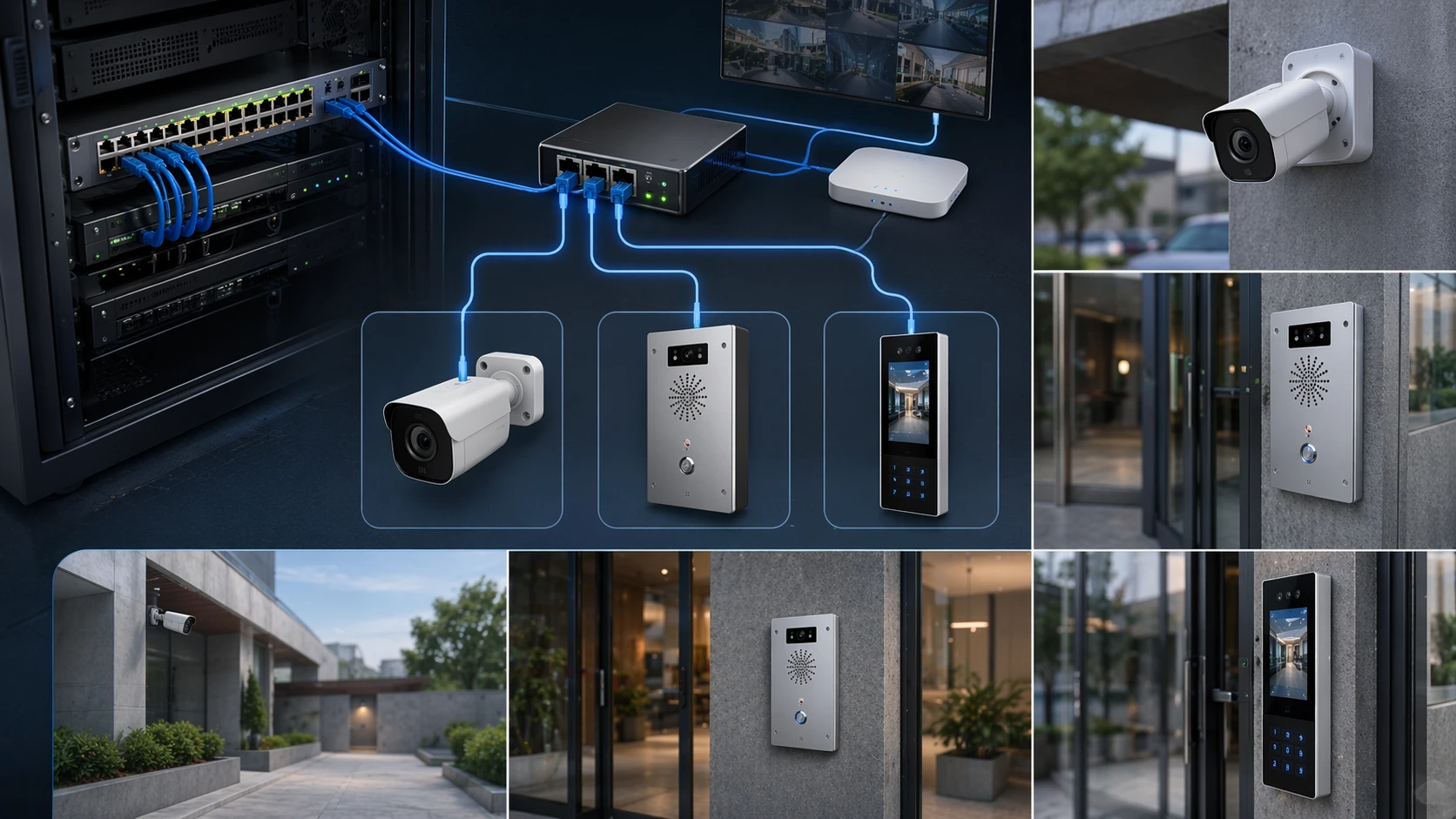
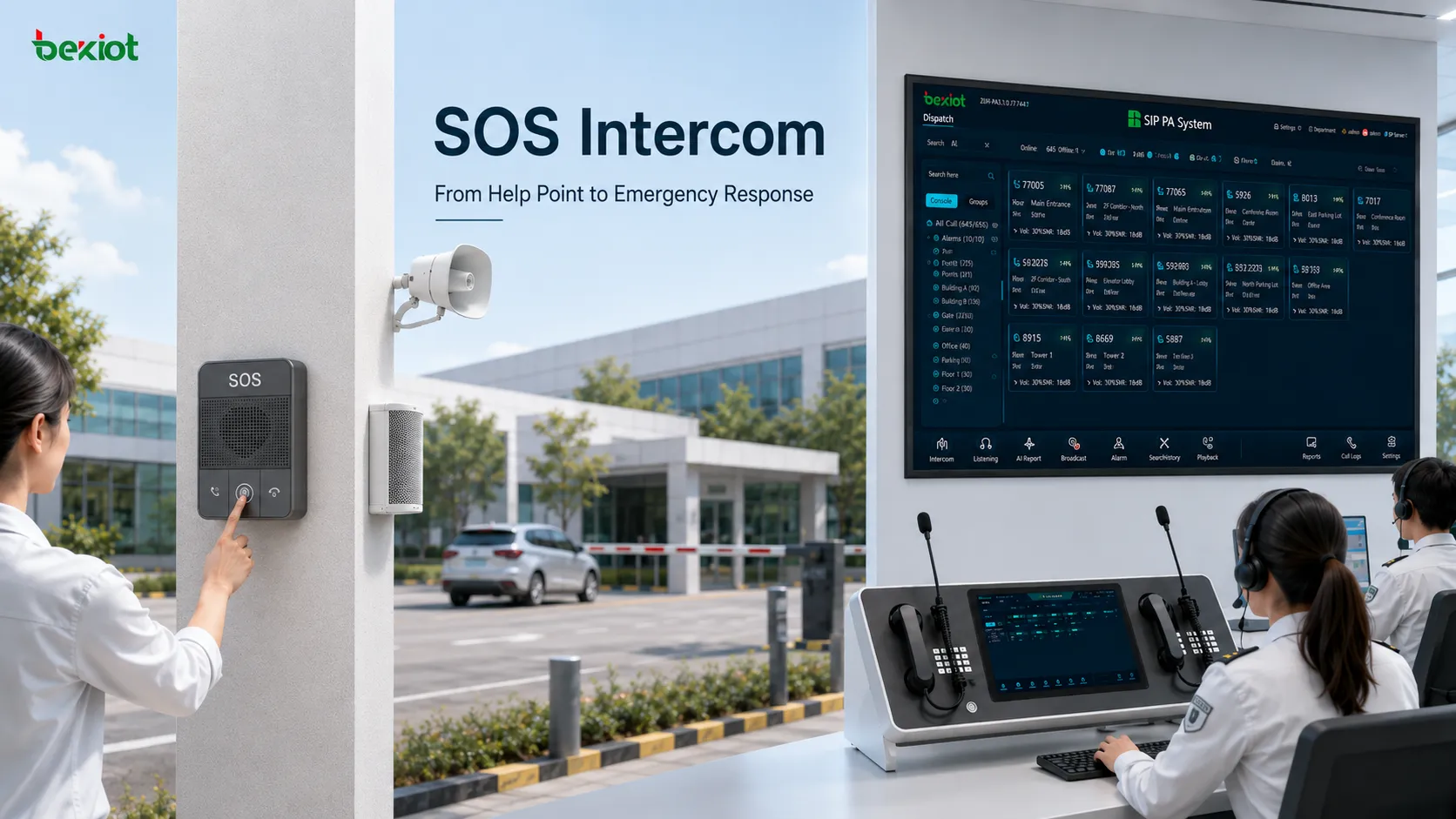
802.3af PoE is commonly used for edge devices such as fixed cameras, intercom terminals, and access control readers where one-cable installation reduces field complexity.
Comparing 802.3af with PoE+ and Higher-Power Standards
PoE+ under IEEE 802.3at offers roughly double the PSE output, with about 25.5 watts guaranteed at the device. That higher budget is appropriate for devices with multiple radios, pan-tilt-zoom mechanisms, larger touchscreens, or heating elements. If a manufacturer specifies PoE+ as a requirement, it is usually because the product cannot operate reliably on 802.3af.
802.3bt extends power even further, but it is mainly relevant to specialized equipment such as high-power access points, LED lighting, or certain industrial systems. For common communication and security endpoints, the extra capacity is often unnecessary, and matching a low-power device to a high-power switch may simply waste available budget.
One advantage of 802.3af is backward compatibility in mixed environments. A PoE+ or 802.3bt switch can typically power an 802.3af device without special configuration. This allows organizations to run older IP phones, cameras, and readers alongside newer high-power endpoints on the same switching platform, which supports gradual upgrades without replacing every edge device at once.
Practical Power Budgeting and Deployment Advice
The first rule is to check the device-side requirement, not just the label “PoE.” Some products may boot under 802.3af but disable certain functions or become unstable when all features are active. The data sheet should state the maximum power draw and the required PoE class. That information is more useful than a general compatibility claim.
Second, calculate the switch power budget at the same time as the port count. A switch may have 24 PoE-capable ports but a total power supply that cannot support all ports at full load. For large phone or camera deployments, add up the worst-case draw per port and leave headroom for startup surges and future expansion. Cable length also matters, because longer runs increase voltage drop and reduce the usable power at the endpoint.
Third, think about power resilience. When PoE switches are connected to central UPS systems, connected endpoints can continue operating during local power loss. That is particularly useful for voice, intercom, and access control systems. In retrofit projects, midspan injectors can add 802.3af power without replacing the existing data switch, making it easier to phase in PoE capabilities over time.
Finally, document each endpoint's power class and actual draw. This makes troubleshooting easier. If a device resets or fails to initialize, the first check is often whether the port or switch budget was exceeded, not whether the cable is faulty. Clear records also help network teams plan capacity more accurately as the number of powered devices grows.
Frequently Asked Questions
What happens if an 802.3af PD is connected to a PoE+ switch?
The switch negotiates the lower power level and supplies only what the powered device requests. In most cases, no manual setting is required, although some managed switches allow administrators to apply a stricter port power limit for budgeting purposes.
Does 802.3af work with Gigabit Ethernet on the same cable?
Yes. The standard supports data and power sharing over the same copper cabling in Gigabit Ethernet environments. Cat5e or better is commonly used in modern installations, with power and data running together without requiring a separate power pair.
How can I verify that an endpoint is truly 802.3af compliant?
Check the product data sheet for the IEEE 802.3af designation and the stated maximum power draw. The word “PoE” alone is not enough, because some devices may require PoE+ or higher to operate correctly.
Why might an 802.3af device reboot or fail to start even when the switch supports PoE?
This usually points to an insufficient power budget at the port or switch level, excessive cable loss on a long run, or a device drawing more current than expected. Comparing the actual draw with the available power at the PD side helps identify the cause.
Can 802.3af be added to an existing non-PoE network without changing the switch?
Yes. A midspan injector can be installed between the existing switch and the endpoint. The injector adds power while preserving the data path, which is useful when only a small number of devices need PoE.