What Makes a Call Box Essential for Fixed-Point Communication?
A call box is a fixed communication device used for entry control, emergency help, and site coordination. This guide explains how call boxes work, the main types, common applications, and key factors for choosing the right model for your environment.
Becke Telcom
Facilities often need a reliable way for someone to reach a security desk, control room, or property manager without walking to a staffed location. That is the basic role of a call box. It provides a fixed point of contact at an entrance, parking area, roadside, corridor, or perimeter where a person can press a button or select a contact and immediately start a conversation. Over time, the technology has moved far beyond simple analog audio, but the core purpose remains unchanged: fast, known-location communication.
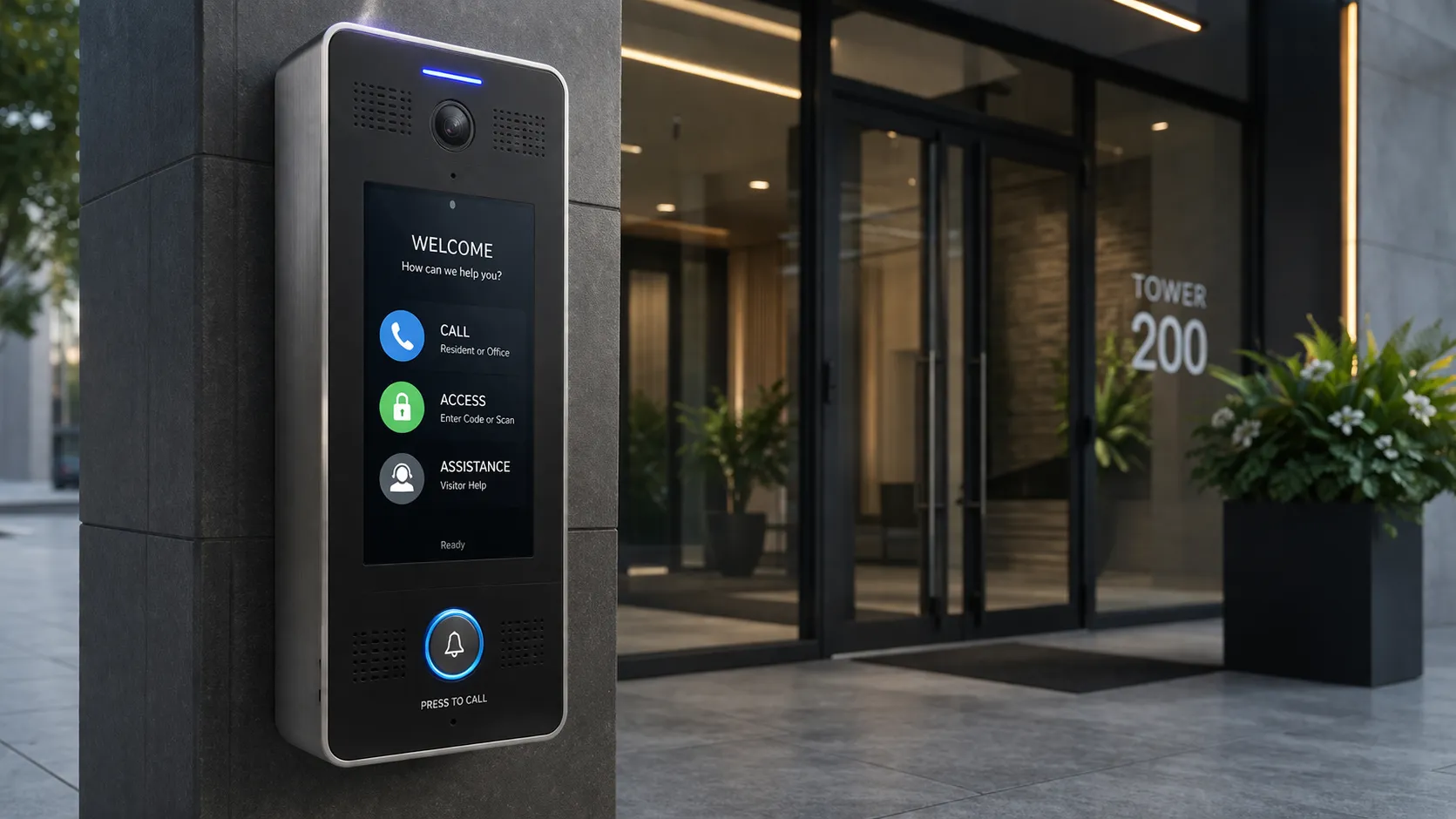
A modern call box can support visitor communication, access management, and emergency contact at the same fixed point.
What Is a Call Box and What Role Does It Serve?
A call box is essentially a communication endpoint mounted in a fixed position—on a wall, pole, pedestal, or embedded in a kiosk. It lets a person standing at that location initiate contact with someone who can respond. In a residential building, that may mean calling a tenant to ask for entry. In a parking garage, it may connect to a help desk for gate problems. On a campus, it may reach a security operator. In an industrial plant, it may put a worker in touch with a control room for an emergency.
Because the use case varies so widely, the term often overlaps with other labels such as intercom, entry phone, help point, or emergency station. The distinction is usually practical rather than technical. A call box is best understood by what it does: it anchors communication to a known place so responders or staff can immediately identify where help is needed.
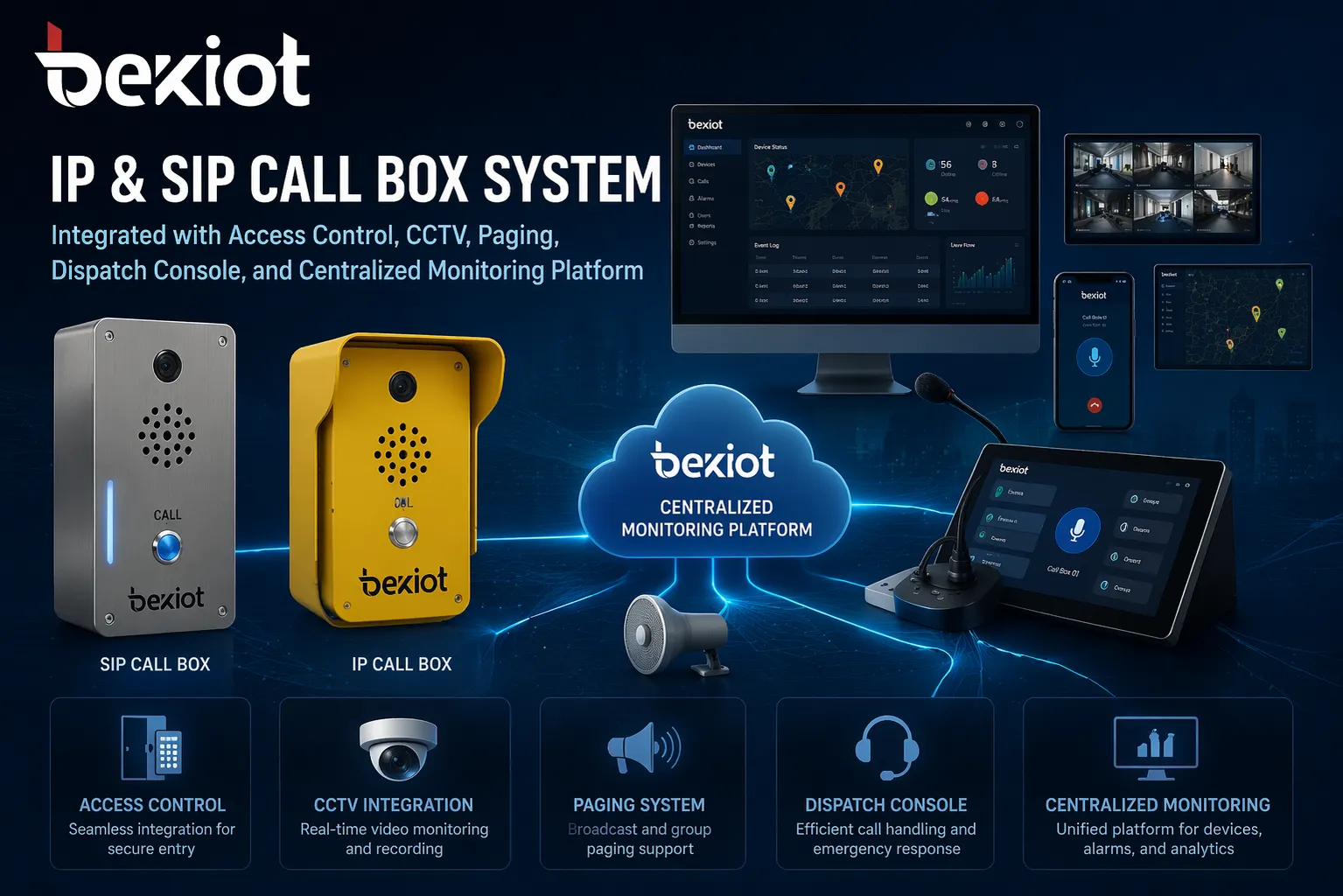
Modern devices now often include video, IP networking, remote door or gate release, event logging, and integration with CCTV, paging, dispatch, or access control platforms. That evolution has made the call box a more flexible component of site-wide communication infrastructure, not just a stand-alone speaker and button.
How Does a Call Box Work in Practice?
The process begins when a user activates the device—by pressing a dedicated emergency button, selecting a contact from a directory, entering a number on a keypad, or triggering a help function on a touchscreen. Many systems immediately provide feedback, such as a status light, a camera that starts streaming, or a voice prompt indicating that the call is being routed.
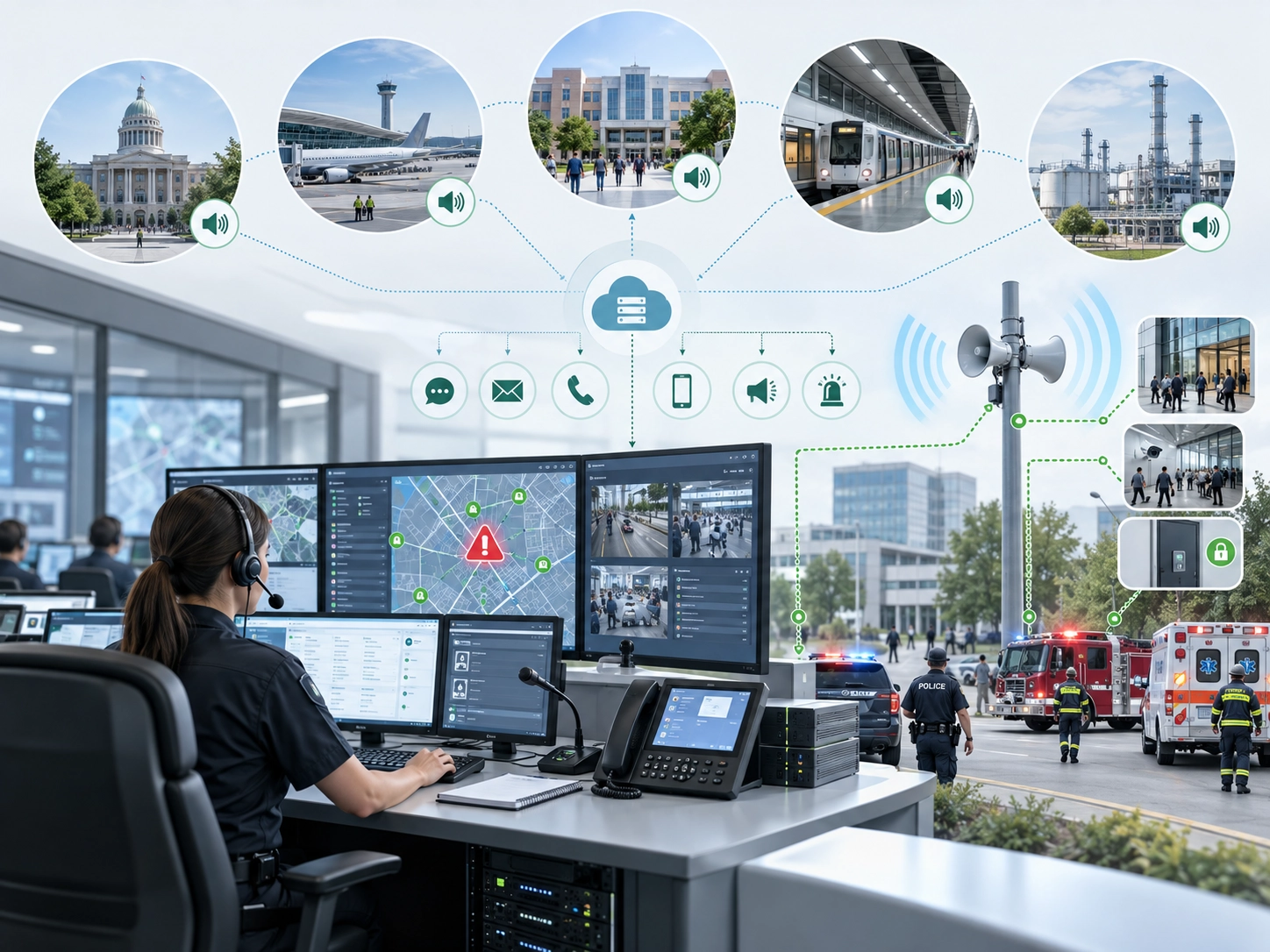
From there, the signal travels over the underlying communication path. Older installations may still rely on analog lines or dedicated local wiring. Newer designs commonly use IP networks, SIP servers, cellular connections, or cloud-based platforms. The destination can be a tenant's phone, a receptionist console, a security desk, an operator center, or a dispatch application. Once answered, the receiving party can talk with the caller, view live video if available, and take action such as unlocking a gate or triggering an alarm workflow.
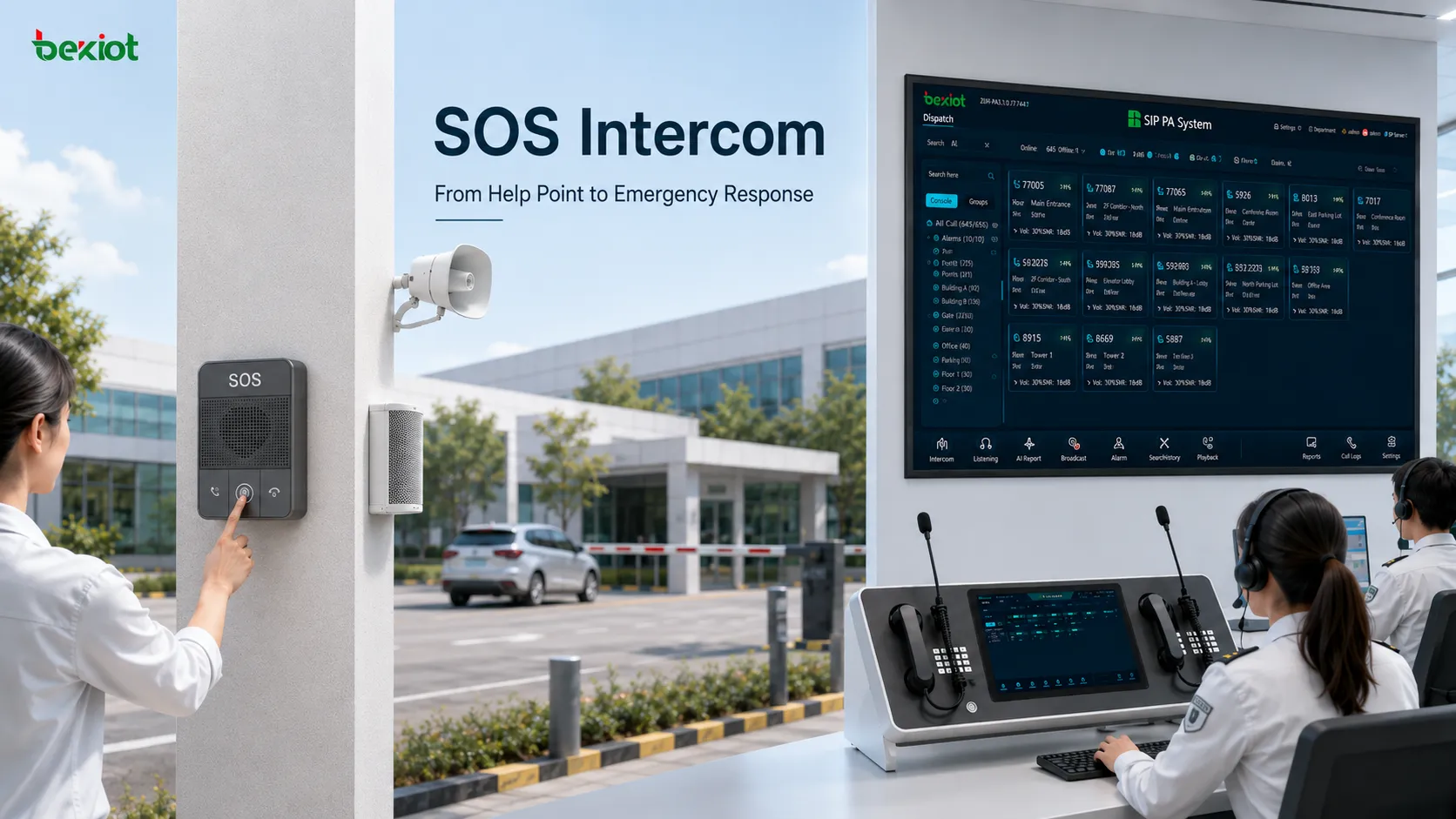
The routing and response logic is what distinguishes different deployments. A visitor entry box at an apartment building may simply ring a mobile app. An emergency help point in a parking structure may automatically pull up a camera feed and log the event for security review. In every case, the goal is the same: reduce the time between the moment someone needs help and the moment the right person can respond.
What Are the Main Types of Call Boxes?
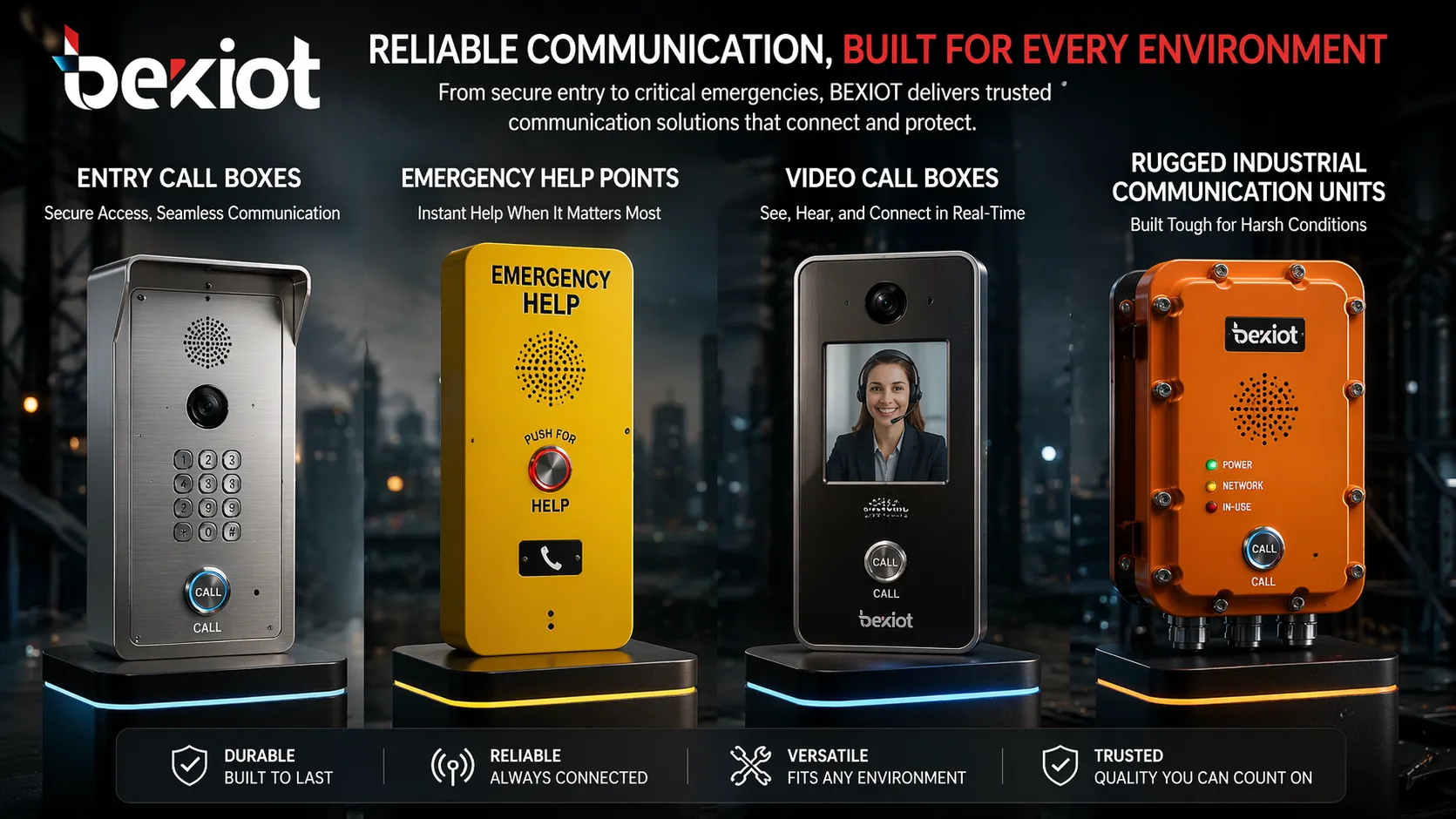
Entry call boxes are common at apartment buildings, gated communities, and offices. They let visitors or delivery personnel contact a resident or receptionist before access is granted. These units often include a directory, keypad, card reader, or mobile answering capability.
Emergency call boxes prioritize visibility and speed. They are designed for rapid assistance in areas where staff may not be immediately present, such as highways, parking lots, campuses, transport platforms, and remote outdoor spaces. The interface is usually simple—one button, hands-free audio, and a high-visibility enclosure.
Video call boxes add a camera to the voice path so the answering party can visually verify the person and location. This is particularly useful at entrances, loading zones, and perimeter gates where identity confirmation matters for security or service decisions.
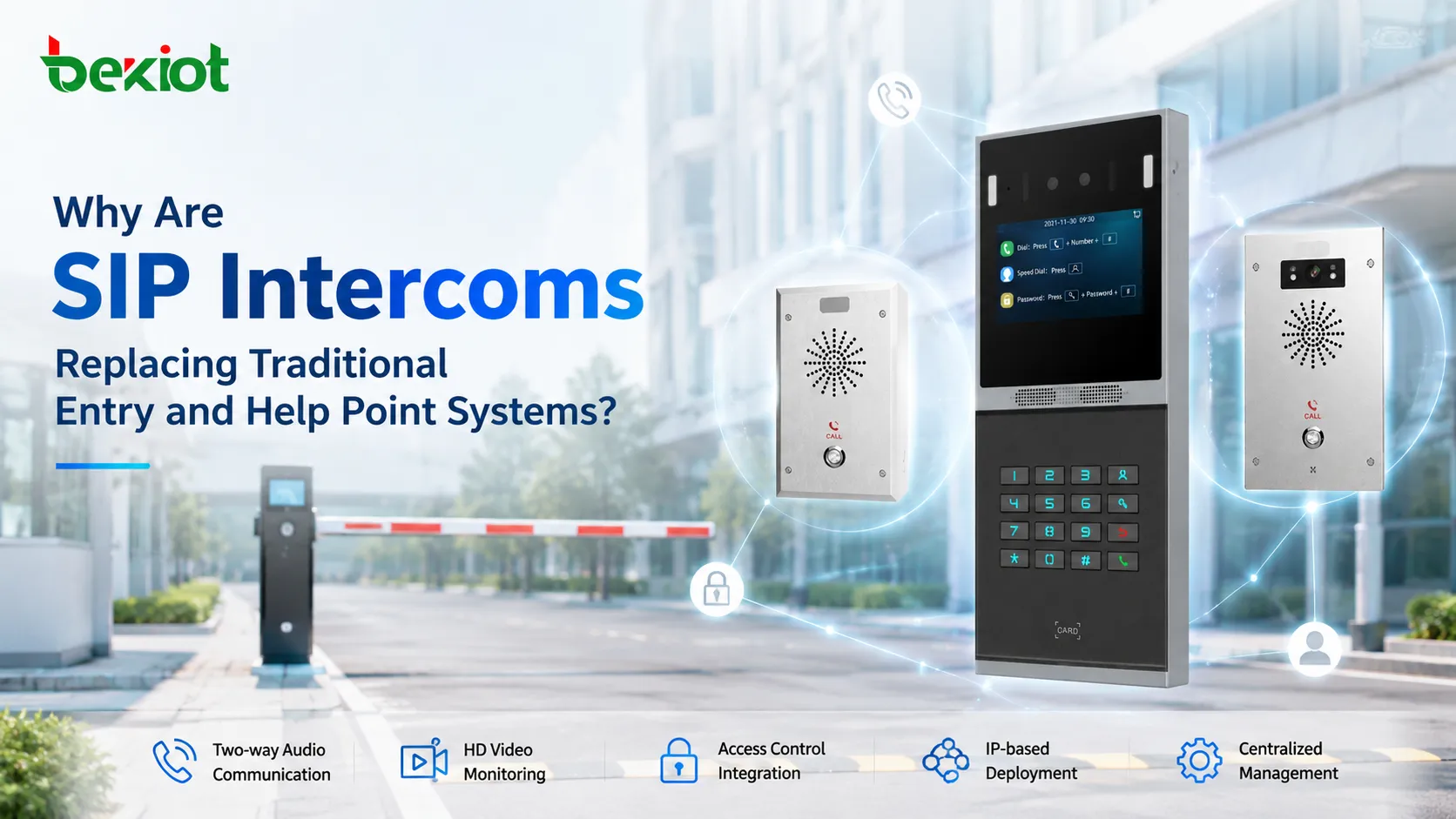
IP and SIP call boxes connect over Ethernet or managed IP networks and register to SIP platforms or IP PBX systems. This approach is easier to scale across multiple sites and integrate with existing telephony and unified communication environments. For organizations that already run IP voice, it allows the call box to become another endpoint in the same architecture.
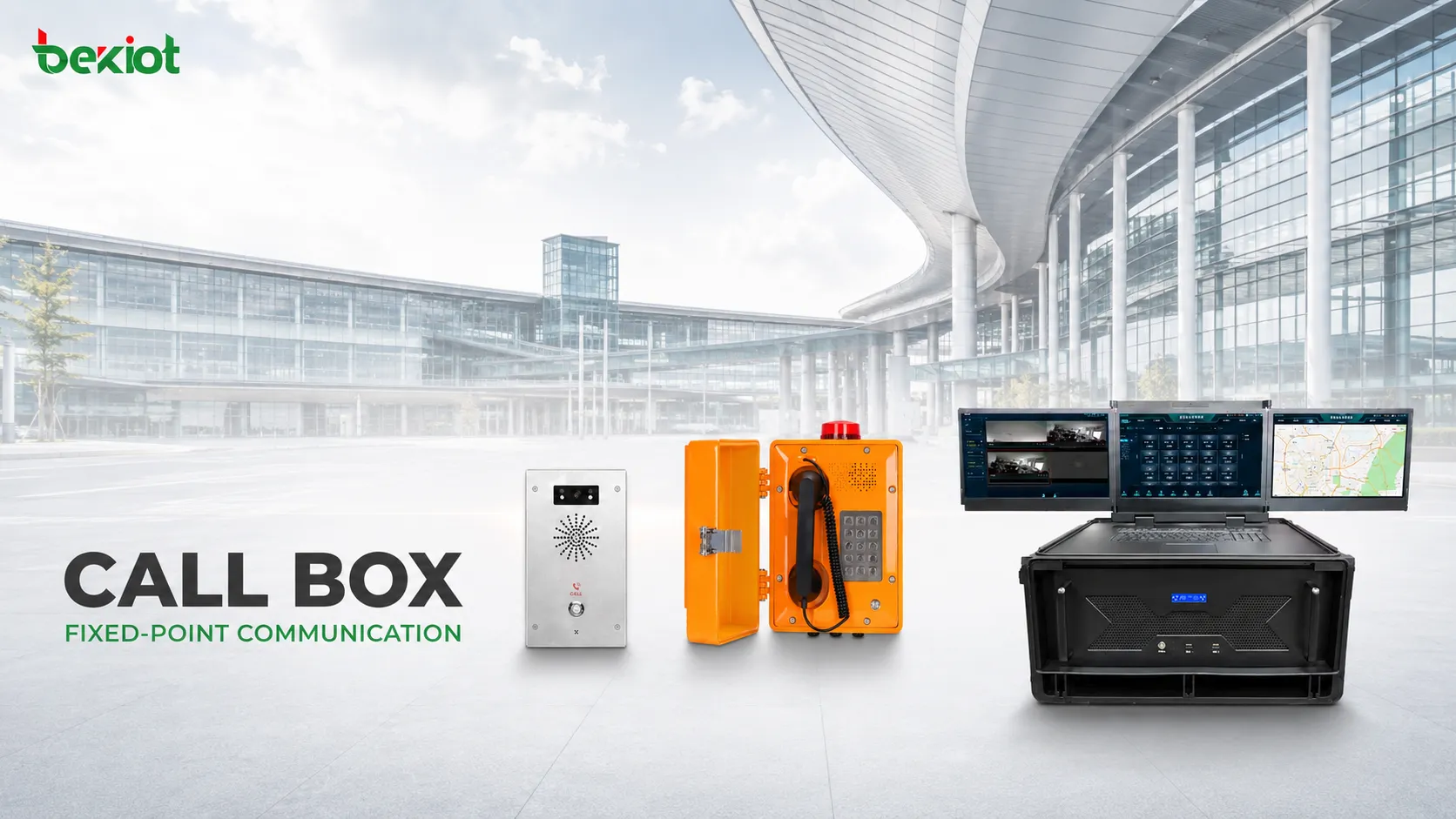
Industrial and rugged call boxes are built for harsh conditions—outdoor exposure, dust, humidity, vibration, high noise, tunnels, terminals, or process sites. They typically include weather-resistant enclosures, amplified audio, and glove-friendly controls. In these environments, the unit often works as part of a wider operational safety system, connected to paging, alarm, or dispatch infrastructure.
Call boxes vary by purpose, from visitor entry and security screening to emergency help and industrial communications.
Where Are Call Boxes Commonly Used?
Residential buildings and gated communities use call boxes at main entrances and pedestrian gates to manage visitor access without leaving doors unmonitored. Combined with remote answering or video, they give property managers better control while keeping the process convenient for residents and guests.
Office buildings and commercial sites often place call boxes at service entrances, parking barriers, and after-hours access points. The device may ring a receptionist during business hours and a security desk at night, ensuring consistent communication even when staffing changes.
Parking facilities rely on call boxes at entry and exit lanes, stairwells, payment stations, and remote corners. Users may need help with a gate malfunction, payment issue, or safety concern. When linked to CCTV and centralized monitoring, operators can see the location and coordinate a response quickly.
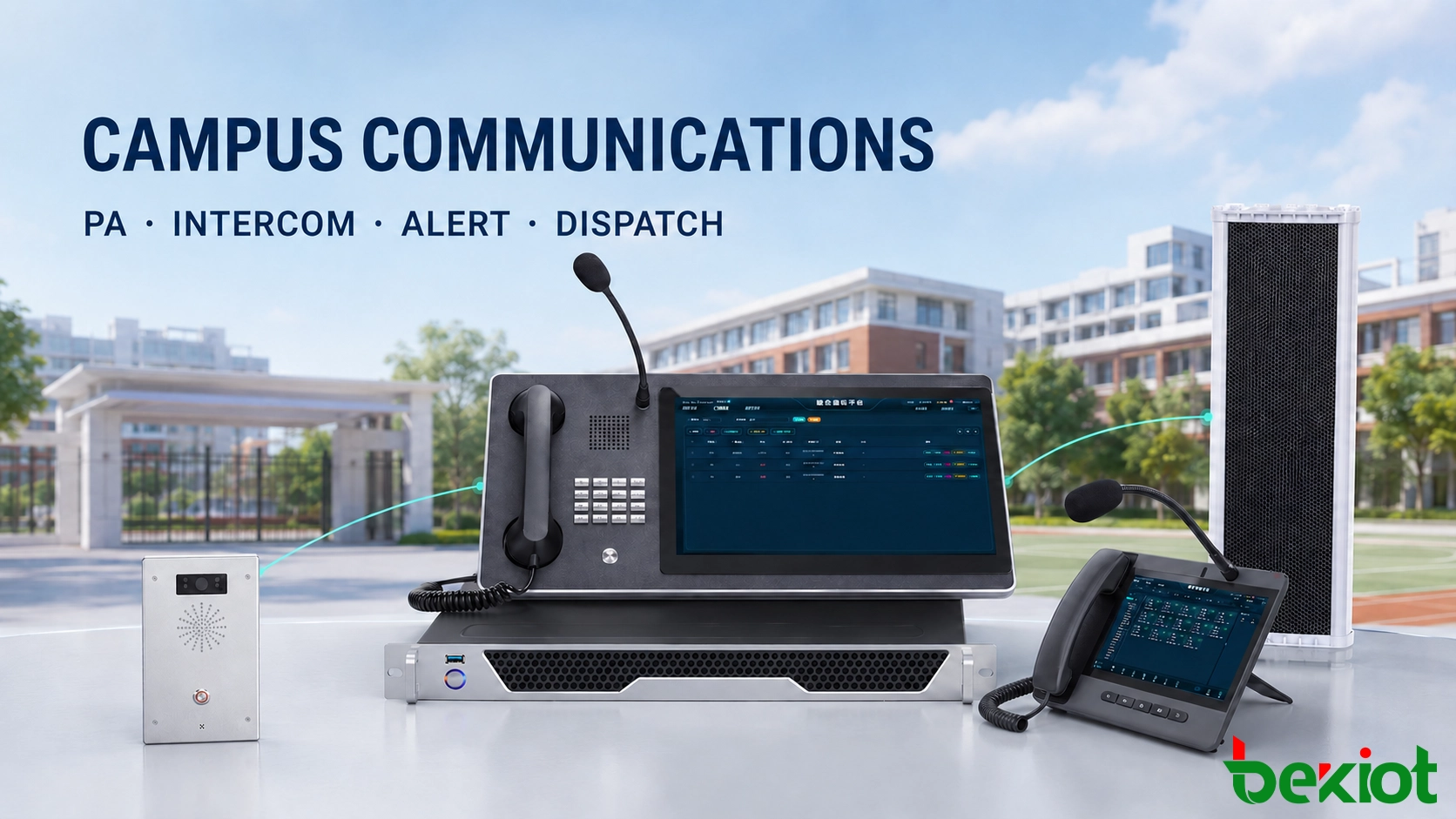
Campuses, hospitals, and public facilities use call boxes for visitor assistance and emergency reporting. Because the location is fixed, responders can identify exactly where help is needed—a critical advantage across large multi-building sites with open outdoor areas.
Highways, transport infrastructure, and industrial sites also benefit from fixed call boxes. Roadside emergency phones provide a reliable contact point where mobile coverage may be inconsistent. Factories, ports, utilities, and process plants install rugged units at gates, control points, and remote zones so workers can reach a control room immediately during an incident.
What Should You Consider When Selecting a Call Box?
The first step is to define the primary workflow. Is the goal visitor entry, emergency assistance, general communication, or a combination of all three? That decision shapes the interface, audio requirements, and integration needs. A residential front entrance has very different needs from a highway emergency station.
Environment is equally important. Indoor and controlled spaces may accept standard enclosures, while outdoor installations require weather resistance, vandal protection, and possibly amplified audio for high-noise areas. If the device is far from power or network connections, a cellular or wireless option may reduce installation cost, though it introduces coverage and power planning considerations.
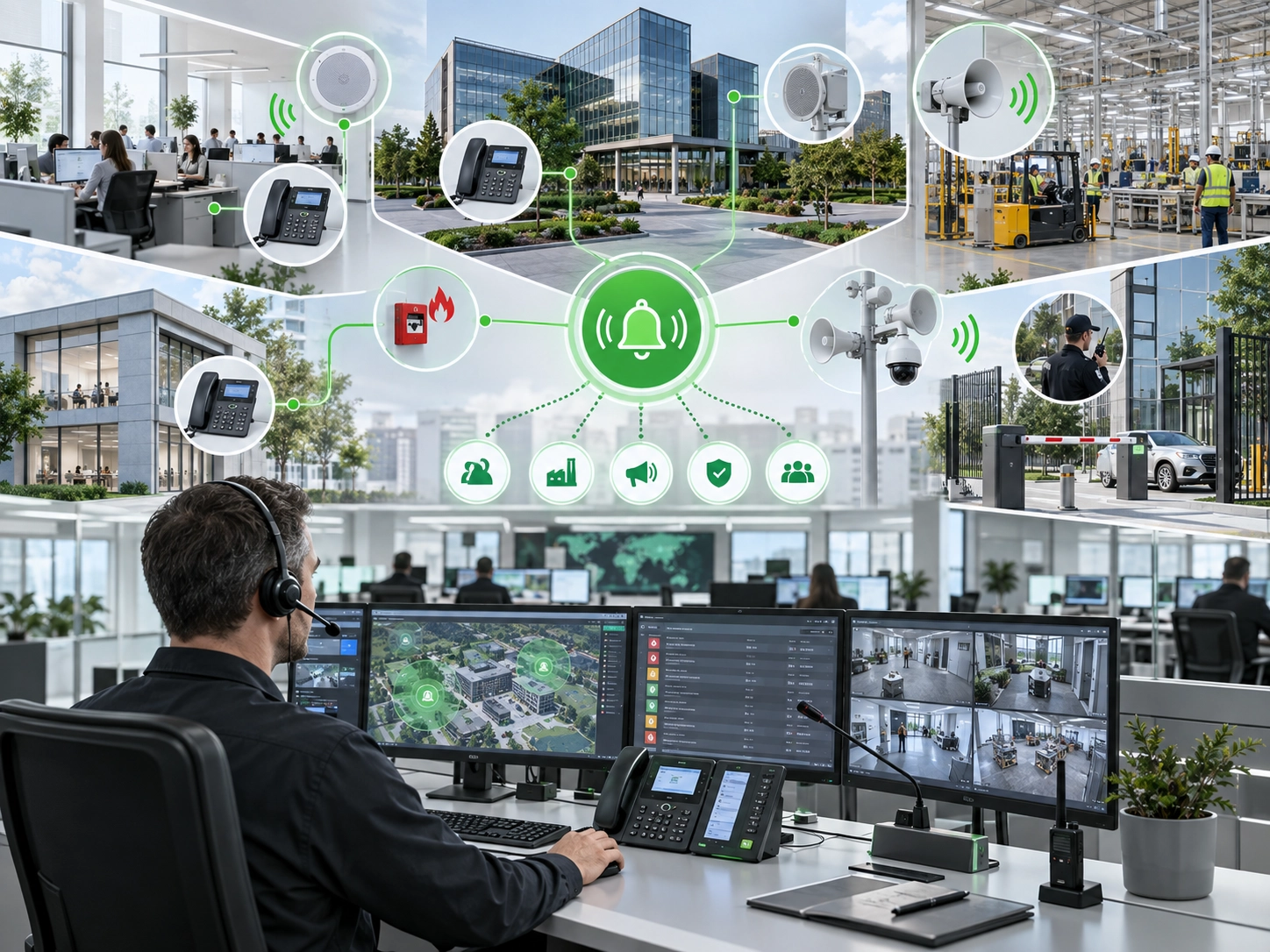
Integration also matters. Many organizations now expect the call box to work with access control, CCTV, paging, or dispatch software. IP and SIP devices are often the most flexible in this regard because they can register to an existing PBX or unified communications platform. For multi-site deployments, centralized management and status monitoring can reduce long-term maintenance effort.
Modern call boxes increasingly operate as part of a larger communication and security ecosystem.
Finally, consider how the call box will be used during an emergency. Single-path systems are easier to lose, so redundancy—multiple reporting points, backup power, and alternative routing—may be necessary in high-risk or mission-critical environments. The best choice is not always the most feature-rich device, but the one that fits the site's operational reality and can be maintained reliably over time.
Frequently Asked Questions
How often should call boxes be tested or maintained?
Testing frequency depends on the environment and risk level, but a monthly functional check is common for emergency units. High-traffic or harsh environments may require weekly inspections of audio quality, power status, and network connectivity to ensure the device remains usable when needed.
Can call boxes operate during a power outage?
Many emergency call boxes include battery backup or can be connected to a central UPS. However, not all entry or video models have this feature by default. If continuous operation is required, confirm the power redundancy options before installation.
Are call boxes required by code in certain facilities?
Some local regulations or safety standards require emergency communication in parking garages, elevators, or isolated public areas. Requirements vary by jurisdiction, so it is important to check applicable building codes or accessibility guidelines for the specific site.
Can a call box be integrated with a mobile app for remote answering?
Yes. Many IP and SIP call boxes can route calls to a mobile application, allowing residents, guards, or managers to answer from a smartphone. This is common in residential and small commercial deployments where a dedicated desk phone is not always staffed.
What network security measures apply to IP call boxes?
IP call boxes should be placed on a separate VLAN, use strong authentication, and receive regular firmware updates. Disable unused services and monitor for unusual traffic patterns, especially if the device is connected to a larger security or access control network.