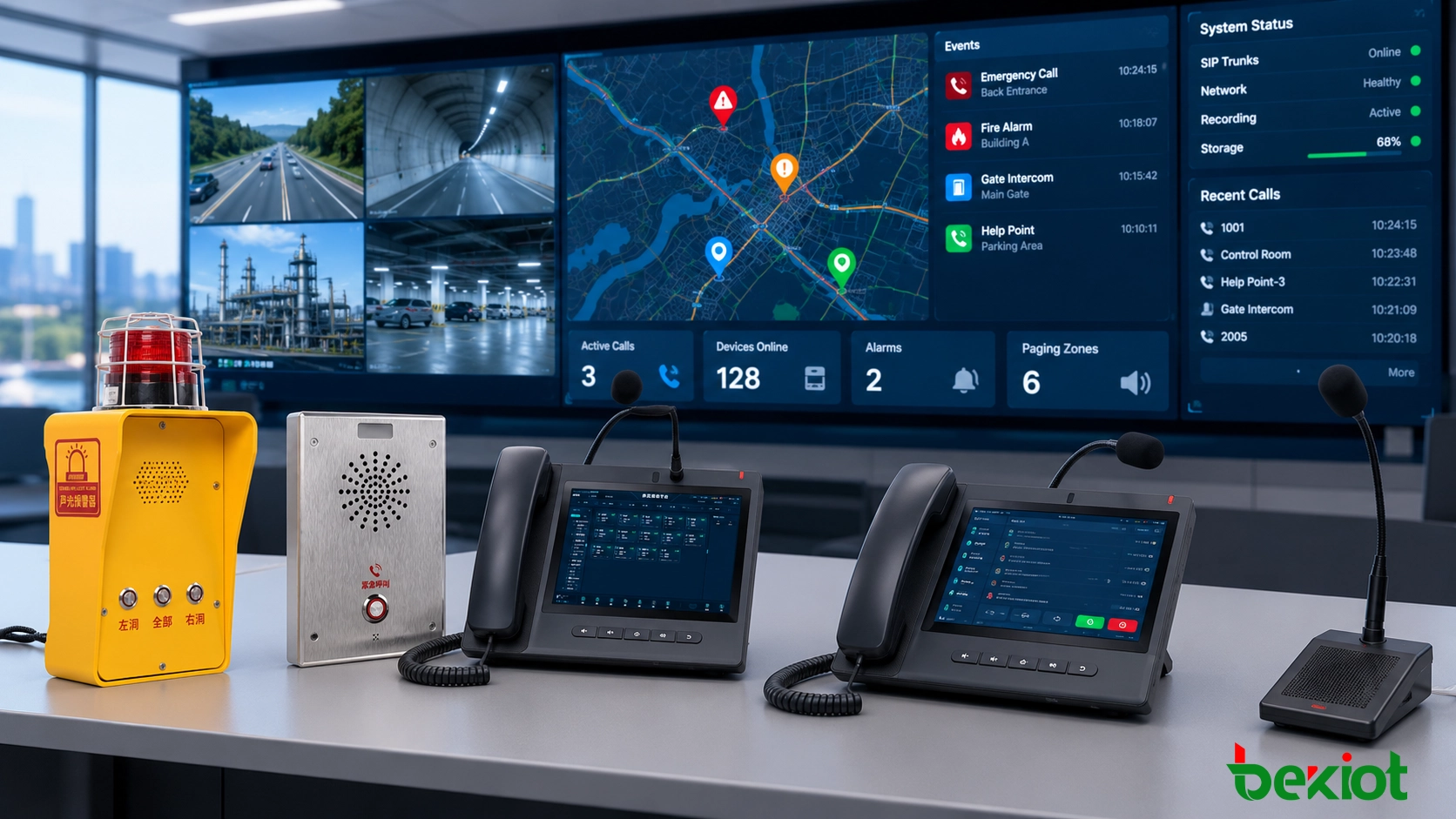
A DSS key is a programmable phone key used for direct extension access, BLF monitoring, speed dial, and call handling. Learn what DSS keys do, how they work, and how to configure them in business VoIP systems.
Becke Telcom
A DSS key is a programmable key on a business IP phone, attendant console, or expansion module. In most telephony contexts, DSS stands for Direct Station Selection. It lets a user press one key to call an extension, check line status, transfer a call, pick up a ringing extension, or run another predefined phone function.
The value of a DSS key is simple: it removes unnecessary steps from daily call handling. A receptionist does not need to remember every extension number. A dispatcher does not need to search through menus during a live incident. A front-desk user can see who is available and send the caller to the right person faster.
DSS keys give business phone users one-touch access to extensions, monitored lines, and common call-control actions.
Quick Answer
A DSS key is a configurable phone key used for fast access to an extension or phone feature. On VoIP phones, the same key area may support direct station selection, BLF monitoring, speed dial, intercom, call park, call pickup, transfer, paging, voicemail, DND, or custom PBX feature codes.
Main purpose: reduce manual dialing and speed up call handling.
Common location: desk phones, operator phones, sidecar modules, and softphone panels.
Most common use: extension calling, BLF status monitoring, transfer, and pickup.
Key dependency: the phone, PBX, SIP server, and administrator settings must support the selected function.
What Is a DSS Key?
In its classic meaning, a DSS key is assigned to a specific extension so the user can reach that extension with one press. In modern IP phone systems, the term is often used more broadly. Many vendors use “DSS key,” “programmable key,” “line key,” or “function key” to describe the same configurable key area.
This difference in wording matters during product selection. One phone may advertise DSS keys. Another may describe BLF keys or programmable keys. In many cases, the user experience is similar: the key can be assigned to a person, department, phone number, feature code, parking slot, or call-control action.
Why DSS keys matter in business telephony
DSS keys combine action and visibility. When configured with BLF, a key can show whether another extension is idle, ringing, or busy. When configured as speed dial, it gives instant access to a number. When used during an active call, it can support transfer or pickup workflows. That combination makes DSS keys especially useful in call-heavy roles.
How a DSS Key Works
A DSS key works by linking a physical or virtual phone key to a programmed target. The target may be an extension, SIP account, external number, feature code, parking orbit, paging group, or phone function. When the user presses the key, the phone sends the configured request to the PBX, SIP server, or call control platform.
The result depends on how the key is configured. It may place a call, start a transfer, pick up a ringing extension, park a call, open an intercom path, or activate a feature such as DND or voicemail. If BLF is enabled, the phone also subscribes to extension status and displays the result through an LED or screen label.
Typical DSS key behavior
Idle state: pressing the key calls the configured extension or number.
Ringing state: the key may support directed call pickup if the PBX allows it.
Busy state: the LED or screen status may show that the monitored user is already on a call.
During an active call: the key may help with blind transfer, attended transfer, conference, or call parking.
Feature mode: the key may trigger paging, voicemail, DND, call forward, or a custom service code.
A useful rule is this: the phone provides the button, but the PBX decides how much the button can actually do. Before deploying DSS keys across many phones, test the full workflow from the phone side and the server side.
DSS Key vs BLF vs Speed Dial
DSS, BLF, and speed dial are often used together, but they are not the same thing. Understanding the difference helps avoid configuration mistakes.
Term
Meaning
Main Use
DSS key
A programmable key used for direct access to an extension or phone function.
One-touch calling, transfer, pickup, intercom, call park, paging, and other call-control actions.
BLF key
A DSS key mode that monitors another extension’s line status.
Seeing whether a user is idle, ringing, busy, offline, or unavailable.
Speed dial key
A DSS key mode that stores a number for fast dialing.
Calling a saved internal or external number without entering digits manually.
The distinction is important. If a key is configured only as speed dial, it may place calls correctly but will not show busy status. If a key is configured as BLF but the SIP server does not support subscriptions, the LED may not update. If the PBX does not allow directed pickup, the key may show a ringing extension but still fail to answer it.
Common DSS Key Functions and Use Cases
A DSS key can support many functions, but most business deployments use a smaller group of practical actions. The best layout depends on the user’s role.
Direct station selection
This is the original DSS function. The key is assigned to a specific extension, person, or department. One press calls the target directly. It is useful for reception desks, assistants, supervisors, and teams that contact the same internal users every day.
BLF monitoring
BLF, or Busy Lamp Field, allows a DSS key to show the status of another extension. A receptionist can check whether a manager is available before transferring a caller. A support desk can see which team member is already on a call. In many systems, the same BLF key can also be pressed to call, transfer, or pick up.
Speed dial
Speed dial is useful when line status is not needed. The key can store an internal extension, mobile number, emergency contact, supplier number, or service desk number. For users who make repeat calls, it reduces dialing errors and saves time.
One DSS key area can support different functions depending on the phone model, PBX platform, and administrator configuration.
Transfer and pickup
DSS keys are often used to simplify call transfer. Instead of pressing transfer and manually entering an extension, the user can press a labeled key for the destination person or department. If pickup is enabled, a ringing monitored extension can often be answered from another phone.
Intercom and paging
Some phone systems allow DSS keys to start an intercom or paging action. This is common in service counters, nurse stations, warehouse offices, small control rooms, and operational teams that need quick internal voice coordination.
Call park and retrieval
In offices where calls move between desks or departments, DSS keys may be assigned to parking slots. A user can park a call, announce the parking location, and let another team member retrieve it from a different phone.
Typical users
Reception desks: direct access to departments, managers, assistants, and parking slots.
Executive assistants: monitored access to leadership and support staff.
Customer service counters: quick transfer to billing, logistics, technical support, and supervisors.
Hotels: room service, housekeeping, front desk transfer, and internal coordination.
Healthcare desks: nurse stations, intercom, paging, and priority contacts.
Warehouses and industrial offices: dispatch, maintenance, gate security, and service teams.
Dispatch rooms: one-touch station access, group handling, and fast operator response.
How to Configure and Deploy DSS Keys
Most IP phones allow DSS key configuration through the phone screen, a web administration page, or a centralized provisioning system. In larger deployments, centralized templates are usually better because every user receives a consistent key layout.
Basic configuration steps
Select the key position. Choose the physical or virtual programmable key you want to assign.
Choose the key type. Select DSS, BLF, speed dial, intercom, call park, line, paging, or another supported function.
Enter the target. Add the extension number, external number, feature code, monitored identity, or parking slot.
Select the SIP account. If the phone has multiple registered accounts, bind the key to the correct line.
Add a clear label. Use names such as Reception, Sales, Warehouse, Security, or Manager Office.
Save and apply. Reboot, resync, or reprovision the phone if the device requires it.
Test the workflow. Confirm calling, LED status, pickup, transfer, and intercom behavior before daily use.
DSS keys should be configured and tested end to end, because phone-side settings and PBX-side permissions must match.
Deployment best practices
Design by role. A receptionist, dispatcher, warehouse clerk, and executive assistant should not all receive the same layout.
Keep labels readable. Use real names, departments, or work zones instead of unclear abbreviations.
Group similar keys. Put BLF-monitored extensions together and separate them from utility keys such as voicemail, DND, paging, or call park.
Do not overload the screen. Too many small labels can slow users down. Use expansion modules when many monitored lines are required.
Validate PBX support. Confirm BLF subscription, pickup permissions, transfer behavior, feature codes, and firmware compatibility before a large rollout.
Common problems to check
No busy status: the key may be configured as speed dial instead of BLF, or SIP subscription may be disabled.
Pickup does not work: the PBX may not allow directed pickup for that extension or group.
LED colors are confusing: indicator behavior varies by phone model and firmware.
Transfer behavior is inconsistent: the system may require a different setting for blind transfer, attended transfer, or transfer-on-DSS.
Users ignore the keys: the layout may not match the user’s real call workflow.
DSS Key FAQ
What does DSS stand for on a phone?
DSS usually stands for Direct Station Selection. It refers to a programmable phone key that gives users one-touch access to an extension or related call-control function.
Is a DSS key the same as a BLF key?
Not exactly. A DSS key is the programmable key area. BLF is one function that can be assigned to that key. BLF adds line-status monitoring, while a basic DSS or speed-dial key may only place a call.
Can a DSS key be used for speed dial?
Yes. Many IP phones allow DSS keys to be configured as speed-dial keys for internal extensions, external numbers, emergency contacts, or service numbers.
Do DSS keys work on all VoIP phones?
No. Support depends on the phone model, firmware, SIP account settings, and PBX platform. Entry-level phones may support only a few programmable keys, while operator phones and expansion modules may support many more.
Why is my DSS key not showing busy status?
The key may be set as speed dial instead of BLF, or the PBX may not have the required BLF subscription and presence settings enabled. The phone can still dial the extension, but it cannot show reliable status without server support.
Who benefits most from DSS keys?
Receptionists, executive assistants, dispatch operators, front-desk staff, customer service teams, and users who frequently transfer or monitor calls benefit the most. DSS keys make routine call handling faster, clearer, and less dependent on memory.
A DSS key is not just an extra button on a phone. It is a shortcut between the user’s daily workflow and the PBX features behind it. When the key layout is planned around real roles, DSS keys can make call handling faster, reduce transfer mistakes, improve extension visibility, and make business VoIP phones easier to use in daily operations.